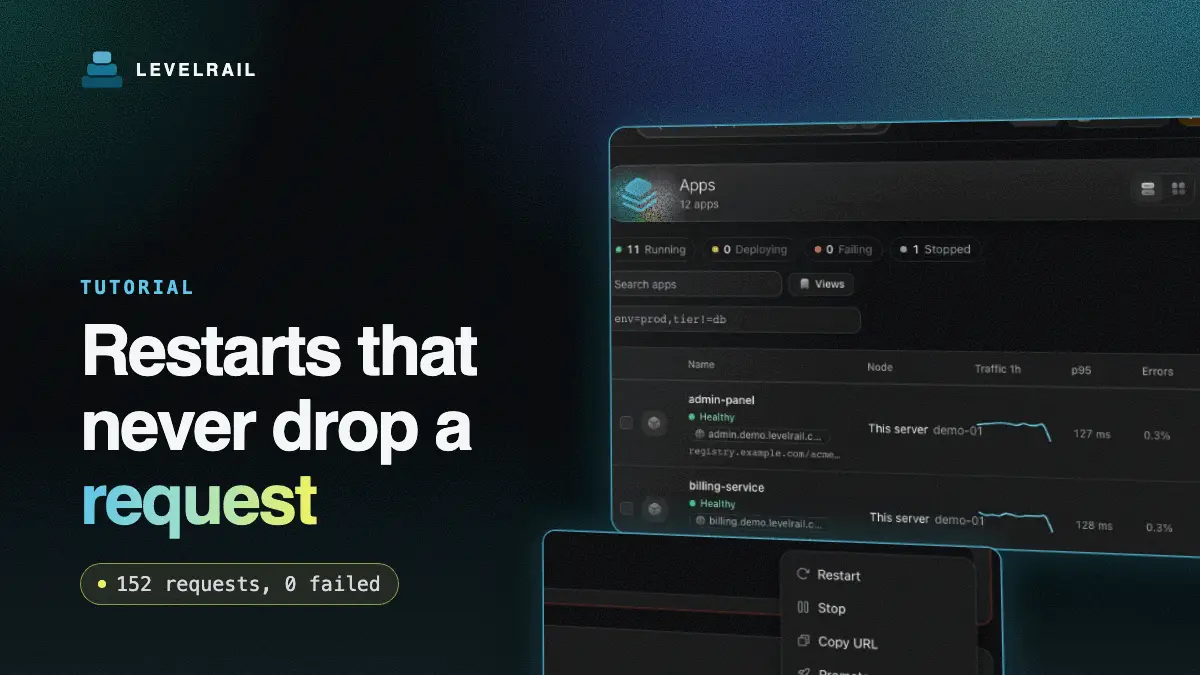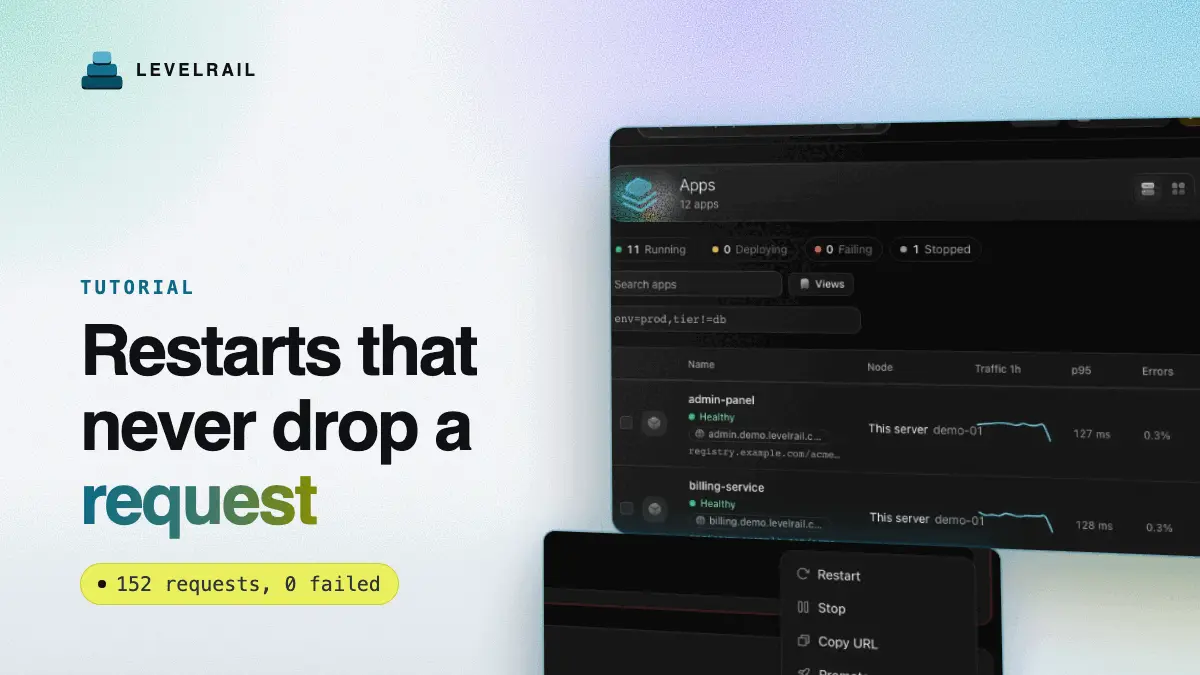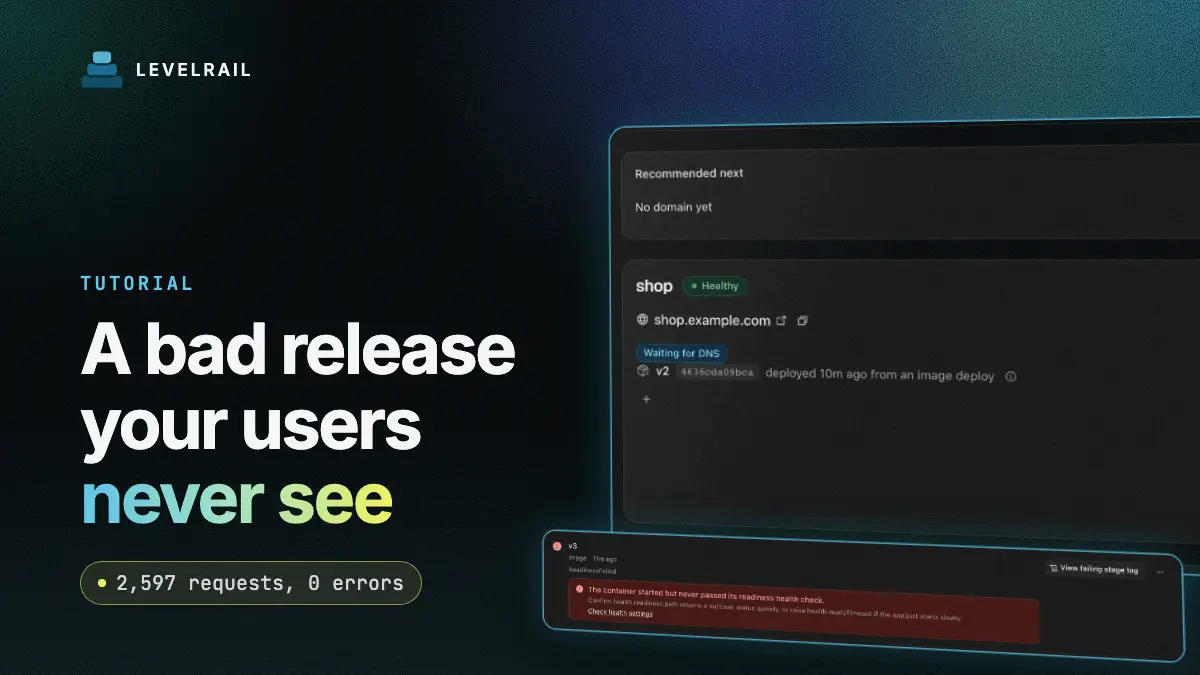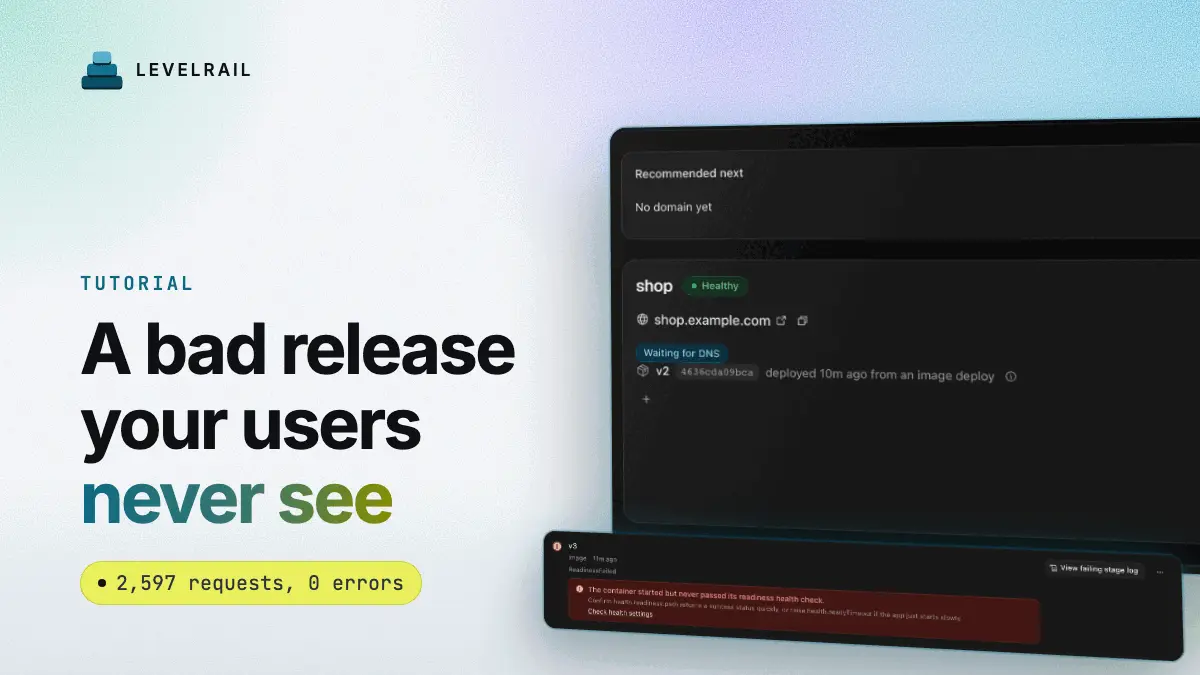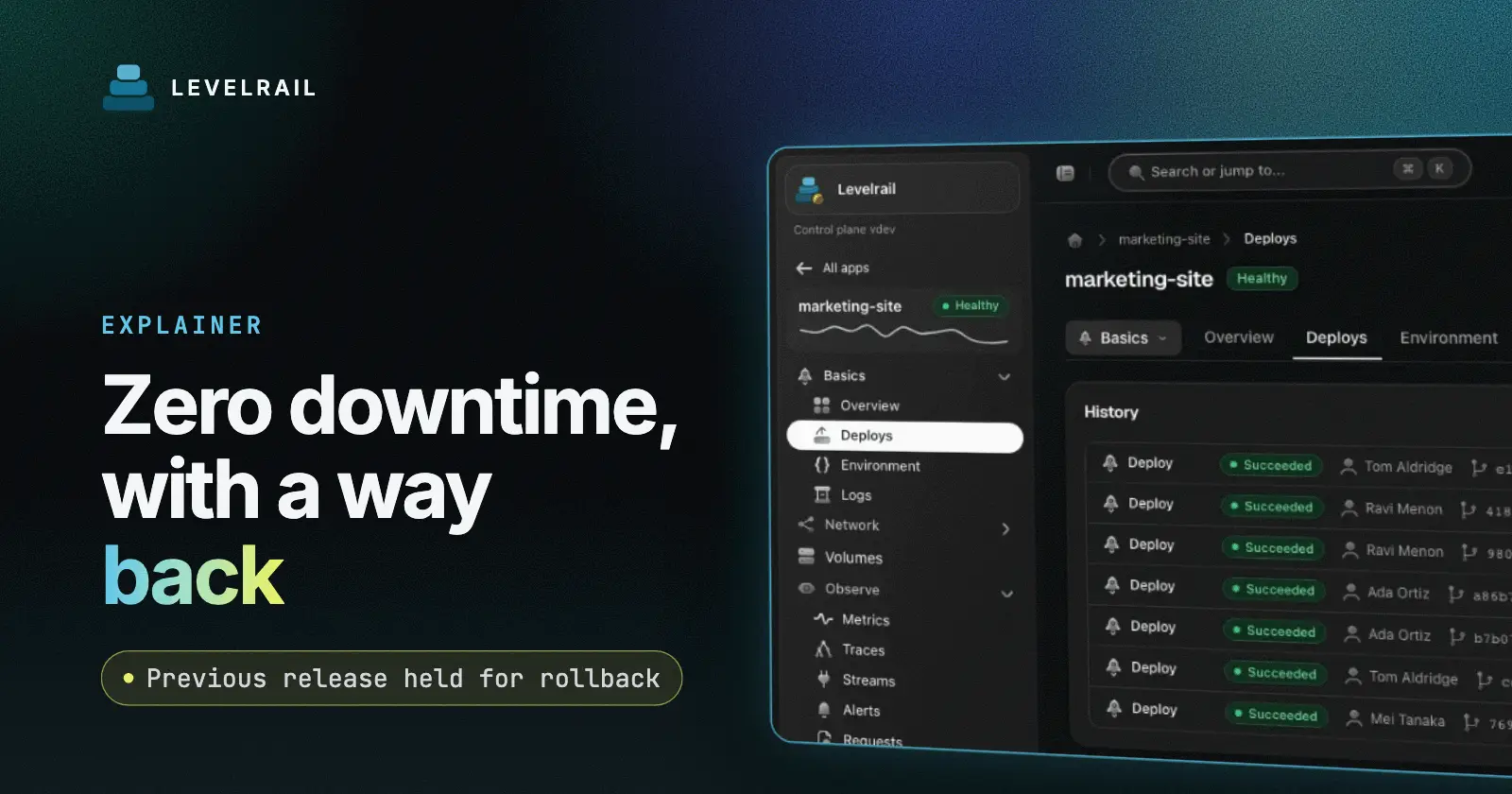
After this guide you know exactly what stands between a deploy trigger and live traffic on Levelrail, a self-hosted deploy platform, and you can roll back a bad release in one command. “Zero downtime” holds only if three smaller things hold. Something checks the new version before it gets traffic. The old version is still around if you change your mind. And the platform can tell whether the thing running is the thing you shipped.
For a hands-on run with measured request counts, see restart a Docker container without downtime and roll back a failed Docker deploy.
Checked on 2026-11-01 against the current Levelrail release.
Zero downtime deploy guarantees at a glance#
| Guarantee | What it prevents |
|---|---|
| Readiness gate before cutover | Traffic hitting a container that is not ready |
| Stable window | A container that starts, then crashes |
| Digest-truthful deploys | A redeploy of the same tag silently keeping old content |
| Stale-deploy guard | An older build overwriting a newer one |
| Previous release held after cutover | A slow, cold-start rollback |
| Post-deploy watch | A bad release that passes readiness, then fails under load |
| Freeze windows | Friday-afternoon deploys |
The deploy sequence for a Docker app#
start new container
      |
readiness probe passes N times in a row, container stays up for the stable window
      |  fail: old container keeps serving, deploy fails with a reason
      |
cut traffic to the new release
      |
drain the old release (at least 15s by default)
      |
hold the previous release for instant rollback
      |
watch the new release for 5 minutes
A new container takes traffic only when its readiness probe passed twice in a row (APP_DEPLOY_SUCCESS_THRESHOLD) and it ran for 10 seconds (APP_DEPLOY_STABLE_WINDOW) without exiting, restarting or being OOM-killed. If the gate fails, the old release keeps serving and the deploy records a reason such as ReadinessFailed, ExitedDuringReadiness or OOMKilledDuringStableWindow. The recreate strategy is the exception, since it stops the old release first.
Set the probe in your app spec and keep the route cheap:
health:
  readiness: { path: /healthz, interval: 5s, timeout: 2s }
A readiness check that calls three outside services fails for reasons your release did not cause. For why a passing check can still hide a dead app, read health checks that pass on a dead container.
To watch a deploy go through its gate:
levelrail-cli deploy status web --watch
levelrail-cli apps deploys gate web dep_abc123
Why a floating tag can lie#
Deploy nginx:latest twice and the tag points at different content over time. A platform that compares tags can report success while the old image keeps running. Levelrail resolves the tag to its content digest at deploy time and pins the desired image, like nginx:latest@sha256:3f1c.... New content gets a new container and goes through the normal cutover. Levelrail tracks builds by the local image ID, so rebuilding the same commit on a newer base image replaces the container.
The controller then checks that the running image ID matches the pinned reference. On a mismatch the app reports Ready: False with ImageDigestMismatch, and the previous release keeps serving.
To refuse a cached fallback when the registry is down, deploy with --pull:
levelrail-cli apps deploy web --pullOld builds should not win#
Webhooks arrive out of order. Every automatic deploy gets a per-app sequence number and the commit ordering from your git provider. A deploy triggered earlier than one already applied becomes superseded, and so does a push whose commit predates the deployed one. Manual deploys and explicit rollbacks are never rejected, and they advance the sequence, so an older build in flight cannot undo your rollback. Deploys of one app run one at a time, and queued deploys survive a control plane restart.
Roll back a Docker deploy#
levelrail-cli apps deploys list web
levelrail-cli apps deploys rollback-to web dep_abc123
History rows store the pinned reference, so a rollback deploys exactly the content that row ran, even if the tag moved. It also restores that deploy’s literal env values, port, health checks, replicas and resources. Secret and database references keep their current values. The rollback is an ordinary deploy and passes the same readiness gate. The dashboard has a Roll back to this action on each history row.
After a successful cutover, the previous release stays running. The hold is the longest of APP_DEPLOY_PREVIOUS_RELEASE_HOLD (3 minutes), the drain timeout and the post-deploy watch window (5 minutes), so with defaults it lasts about 5 minutes. Rolling back inside that window needs no pull and no cold start. Levelrail keeps one previous release, so five deploys in a minute leave the current release plus one.
The API answers 410 when the old local image no longer exists, and 409 when its tag now points at other content. Levelrail keeps the newest three rollback pins per app (APP_DEPLOY_ROLLBACK_PINS), and image cleanup never removes a pinned image. Raise the value for a longer safety net.
Automatic rollback after cutover#
For five minutes after cutover (APP_DEPLOY_WATCH_WINDOW), Levelrail watches the release. It trips on an OOM kill, on restarts reaching the limit (default 2), or on a 5xx share of 20% after 20 requests. The mode is notify by default, which alerts. Set auto to roll back to the last good release:
levelrail-cli apps watch set web --mode auto --watch-window 10m
levelrail-cli apps watch get web
A latency regression is a soft signal that only alerts unless you opt in. A release that is itself an automatic rollback is never rolled back again.
Freeze windows#
A freeze window starts at every match of a cron expression in a timezone and lasts a set duration:
levelrail-cli apps freeze set web --cron "0 17 * * 5" --duration 64h \
  --timezone Europe/Berlin --reason "weekend freeze"
levelrail-cli apps deploy web --image app:hotfix --override-freeze --override-reason "CVE fix"
Levelrail holds push webhooks and replays them when the window ends, and only the newest replays. Manual deploys get a 423 unless they carry an override and a reason.
What can go wrong#
| Symptom | Cause and fix |
|---|---|
| Deploy fails, old release still serves | The readiness gate failed. Read apps deploys show web for the reason and the last 200 log lines. |
| Rollback returns 410 | Image cleanup removed the old image. Redeploy from source and raise APP_DEPLOY_ROLLBACK_PINS. |
| Rollback returns 409 | The tag moved or the row has no digest. Redeploy a known image. |
| Short outage on a deploy | A pinned host port or a single replica with a writable volume cannot run two releases. Levelrail stops the old one first. |
| Deploy shows Held (frozen) | A freeze window is active. Wait, or override with a reason. |
What I have not verified yet#
The project’s live test ran a good release, a crashing release and a 5xx release against a real ingress on Docker Desktop: 2,617 requests, none failed outside the bad release’s own 500s. I have not repeated that on a production VPS. On remote nodes, the running image ID, rollback pins and restart counts do not yet travel over the agent transport, so mismatch detection and some gate checks apply to the control plane’s own node.
FAQ#
How long is the previous release kept?#
About 5 minutes with defaults. The longest of the hold, the drain timeout and the watch window wins.
Does a rollback pull the image again?#
Not inside the hold window, and not when the pinned image is still local.
What if my app drops requests on shutdown?#
The old release drains, but it must handle SIGTERM. See graceful shutdown for Node apps in Docker.
Where next?#
Read the design behind this in Docker orchestration without Kubernetes. Reference: Deploy safety, Deploy failures and Deploying and managing apps.
Levelrail is open source under Apache 2.0. If this saved you time, a star on the repo helps other self-hosters find it.