Scoped IAM policies
Write IAM policies scoped to app:name or database:name. An explicit Deny always wins, even over root.
Use case: Agencies
With Levelrail an agency can keep client apps on its own infrastructure, hand a contractor a token that reaches exactly one app, and keep a record of who deployed what. Start with the IAM policy guide to see how scoping works.
curl -fsSL https://levelrail.com/install.sh | sudo sh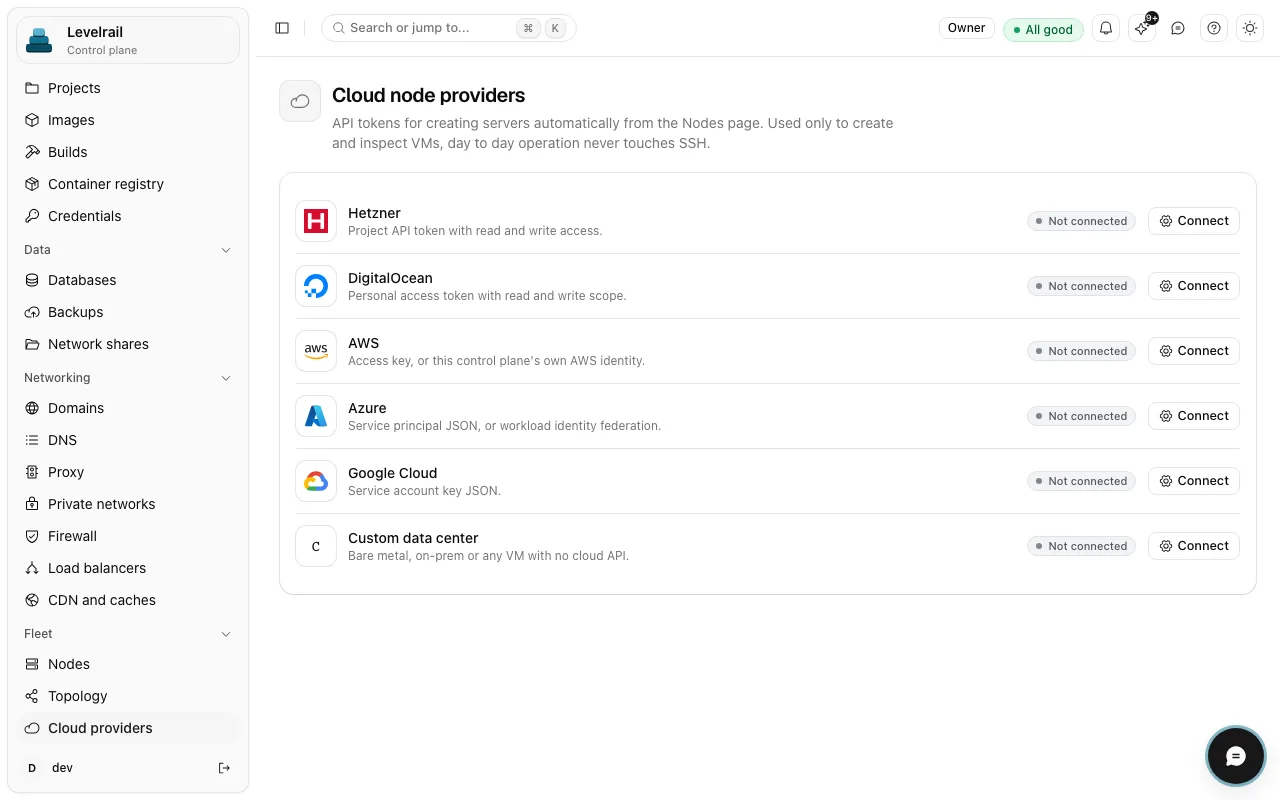
How it works
What you get
Write IAM policies scoped to app:name or database:name. An explicit Deny always wins, even over root.
Every sensitive request is logged with actor, ability, method, path and caller surface, and you can filter the log by any of them.
Projects, organizations and environments group each client's work and share environment variables. See managing apps at scale.
A read-only importer with a dry run brings a client over from Coolify, Dokploy or CapRover without touching the old server. The Coolify migration guide walks through it.
When a client needs its own server, provision one on Hetzner, DigitalOcean, AWS, Azure or GCP from the same control plane.
In the product
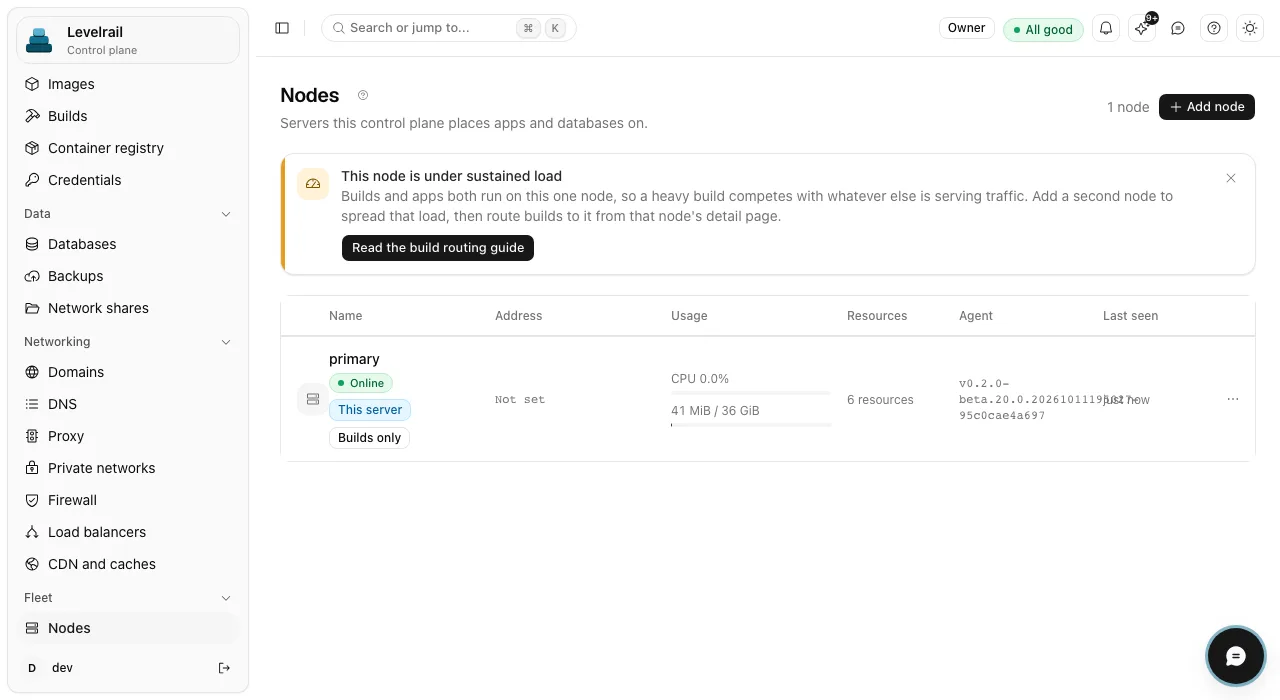
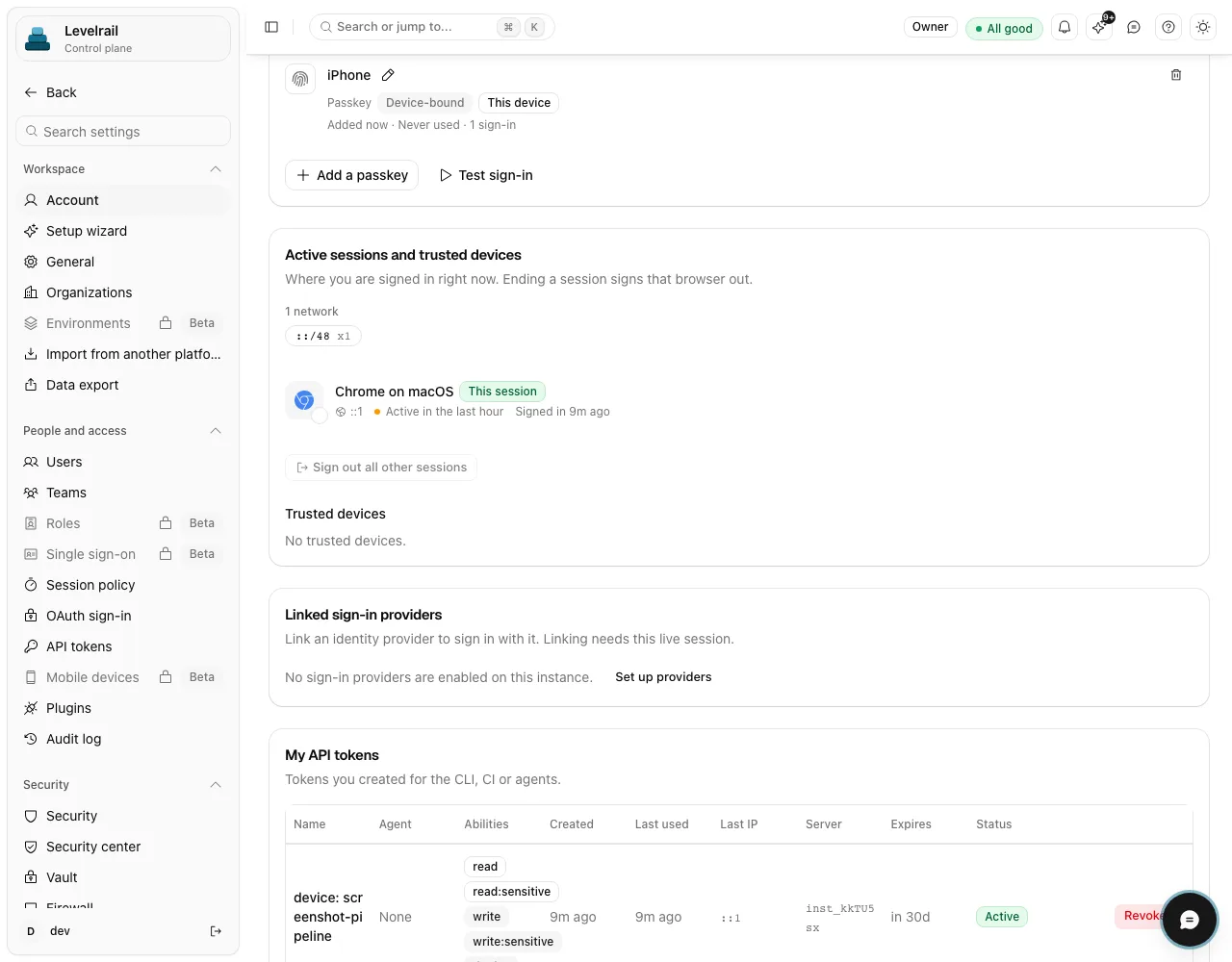
Get started
Put each client under a project and tag its apps with an environment.
Create one token per contractor with a single ability, then add an Allow policy for that client's app only.
Try the token against another client's app and confirm it is refused. Do this before you hand it over.
Go deeper
Scope and maturity, stated plainly so you can plan around them.
Maturity differs by feature. Feature status lists what is stable, beta or behind a flag, with the evidence for each.
FAQ
Yes, give their user or token an IAM policy that allows only that app. Test it with a real token before you hand it over, and see internal tools for how roles and two-factor fit in.
No, there is no billing or metering layer. You can scope what each client reaches, but invoicing happens outside the project. Compare it with other tools on the alternatives page.
One command installs the control plane. Apache 2.0, no license key and no paid tier.
curl -fsSL https://levelrail.com/install.sh | sudo sh