Beta
Read tools
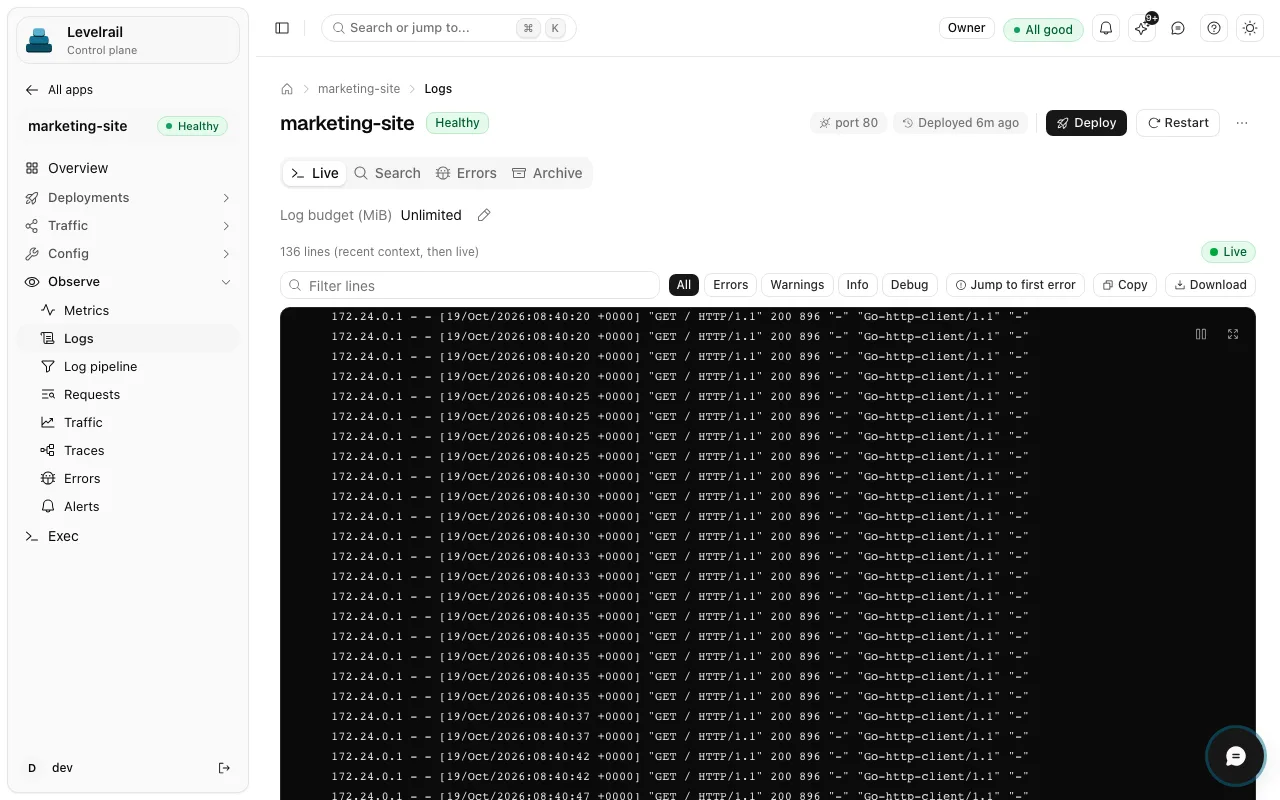
Tools for apps, logs, metrics and status, plus read-only diagnostics such as crashloop analysis.
Use case: AI agents
The Levelrail MCP server lets an AI assistant list apps, read logs and diagnose a crashloop through the same API and permissions as the dashboard and CLI. The assistant sits beside the deterministic reconciler, never inside it: it reads and suggests, and any write is explicit and confirmed.
curl -fsSL https://levelrail.com/install.sh | sudo sh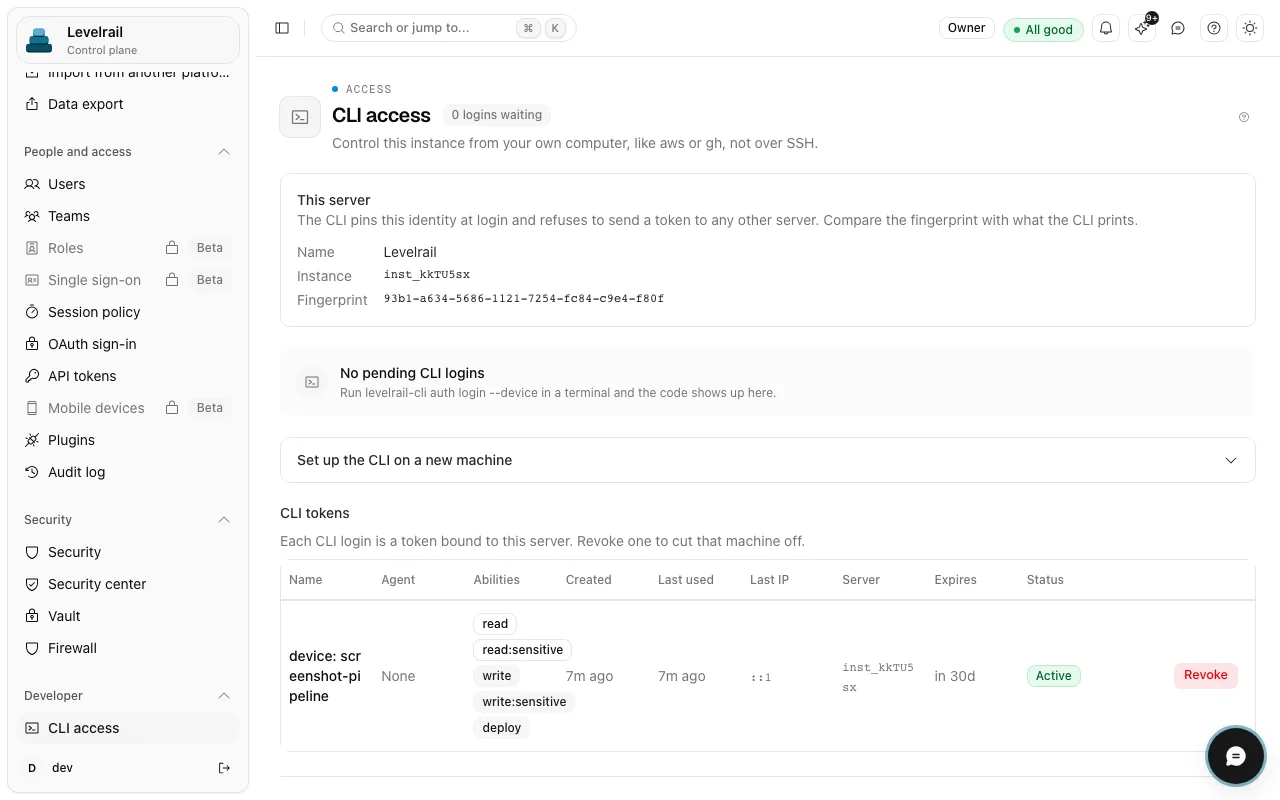
How it works
What you get
Tools for apps, logs, metrics and status, plus read-only diagnostics such as crashloop analysis.
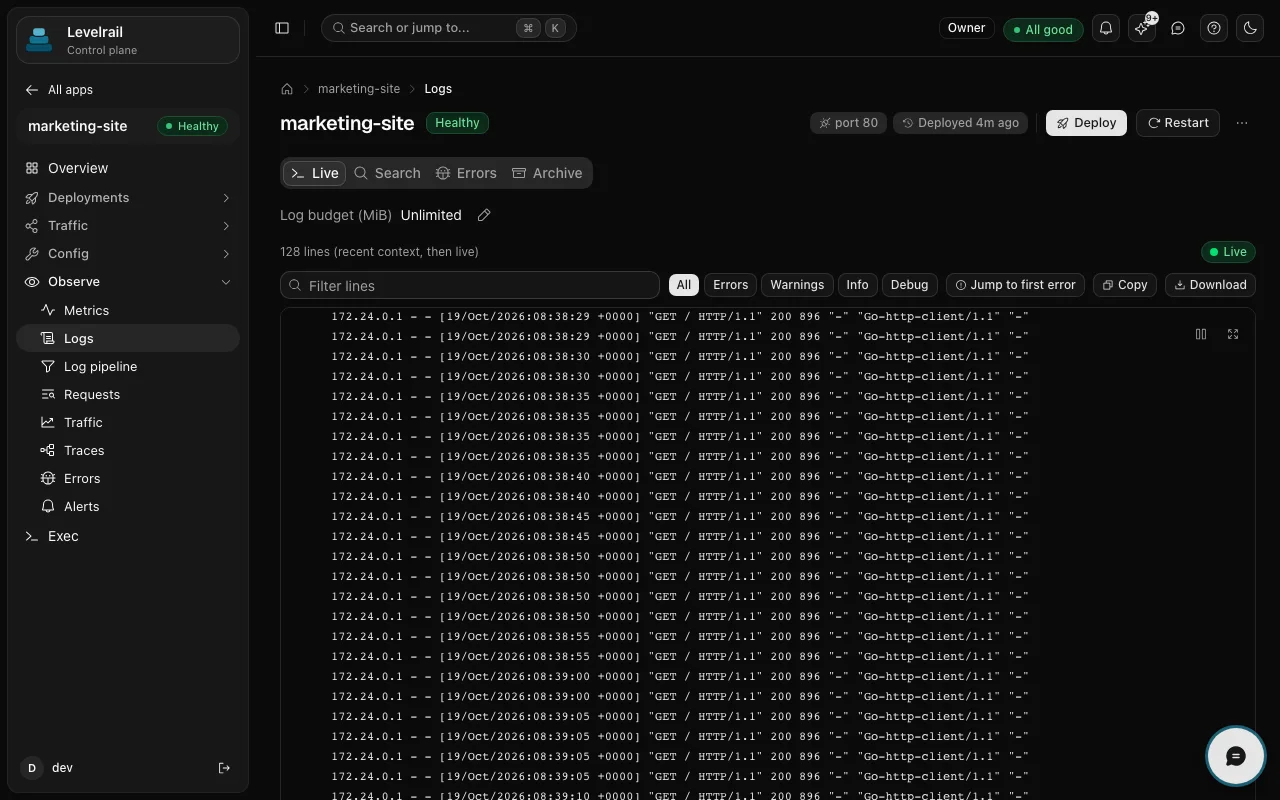
The tool list follows the token. A read-only token never sees a write tool.
The --readonly flag checks the token's abilities with the API and refuses to start if it holds write, deploy or root.
Write tools stay hidden until you pass --allow-write, and each call must repeat the resource name to confirm it. Calls are audited and bound by the token's abilities.
A small core loads first. Enable a toolset (databases, backups and so on) only when the conversation needs it, which keeps the tool list short.
The chat inside the dashboard is behind a feature flag and off by default.
In the product
Get started
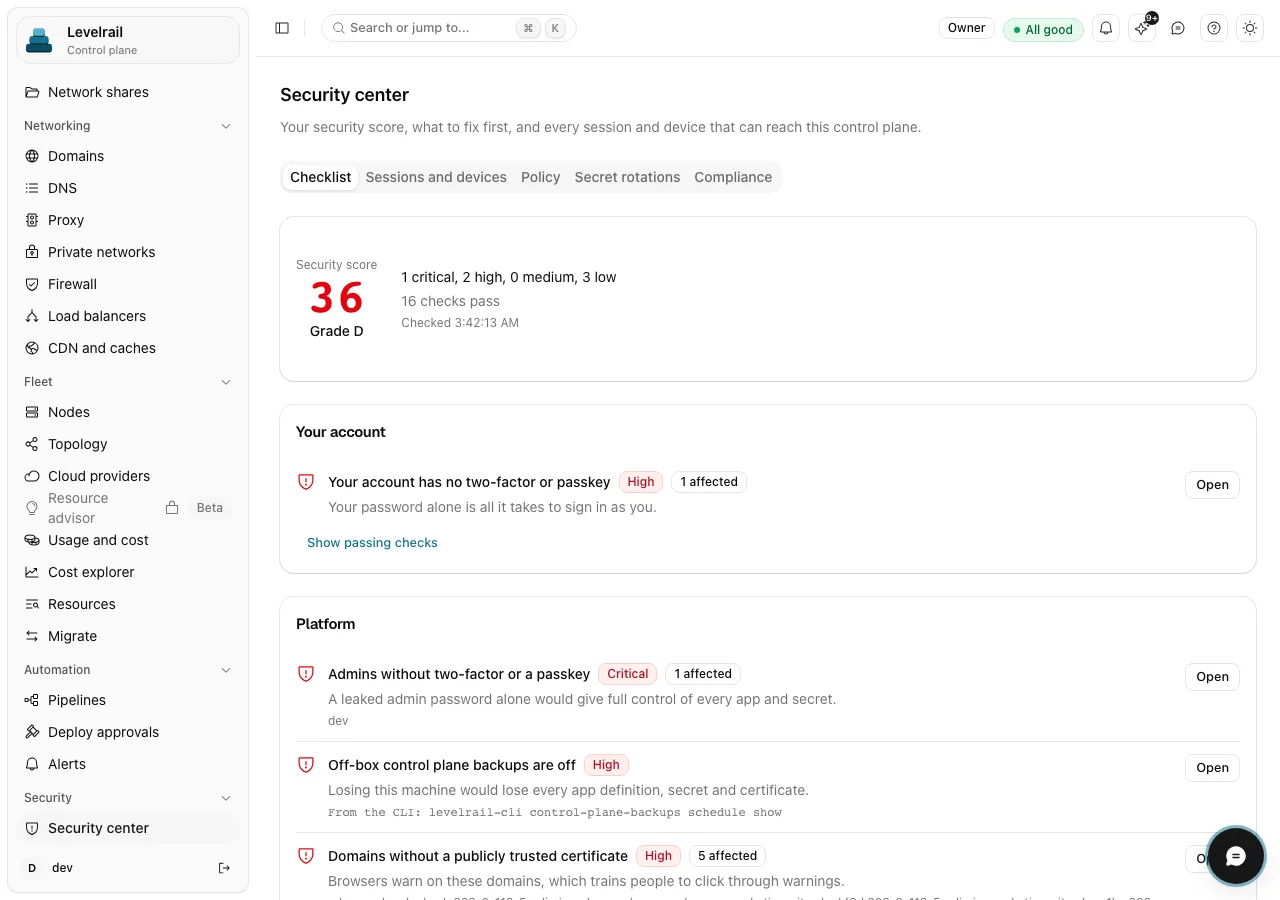
Create a token with the narrowest ability that works, for example read only. Scoping and transports are covered in the integration guide.
Print a config block for your assistant, paste it into the client, add your token, and start the server in read-only mode.
If a token needs to act, enable write mode for that token only and add an explicit IAM Deny on production.
levelrail-mcp --print-config claude    # also cursor, vscode, zed
levelrail-mcp --print-config vscode --allow-write --team platform
The block holds a token placeholder and --mode read-only. It never prints your real token, so you add that yourself.
Go deeper
Scope and maturity, stated plainly so you can plan around them.
Maturity differs by feature. Feature status lists what is stable, beta or behind a flag, with the evidence for each.
FAQ
No. The reconciler is deterministic and level-triggered, with no AI inside it. The MCP server is a read and suggest layer over the API, and writes need an explicit flag and a confirmation.
Any MCP client. The server prints a ready config block for Claude, Cursor, VS Code and Zed with `levelrail-mcp --print-config <client>`. Tool counts per toolset show what each one costs in context.
Only if you allow it. A read-only token cannot, and write tools stay off until you pass --allow-write. Even then each call needs a matching confirm value and respects the token's abilities.
Install the control plane on one server, create a read-only token, then run `levelrail-mcp --print-config claude` and paste the block into your client.
One command installs the control plane. Apache 2.0, no license key and no paid tier.
curl -fsSL https://levelrail.com/install.sh | sudo sh