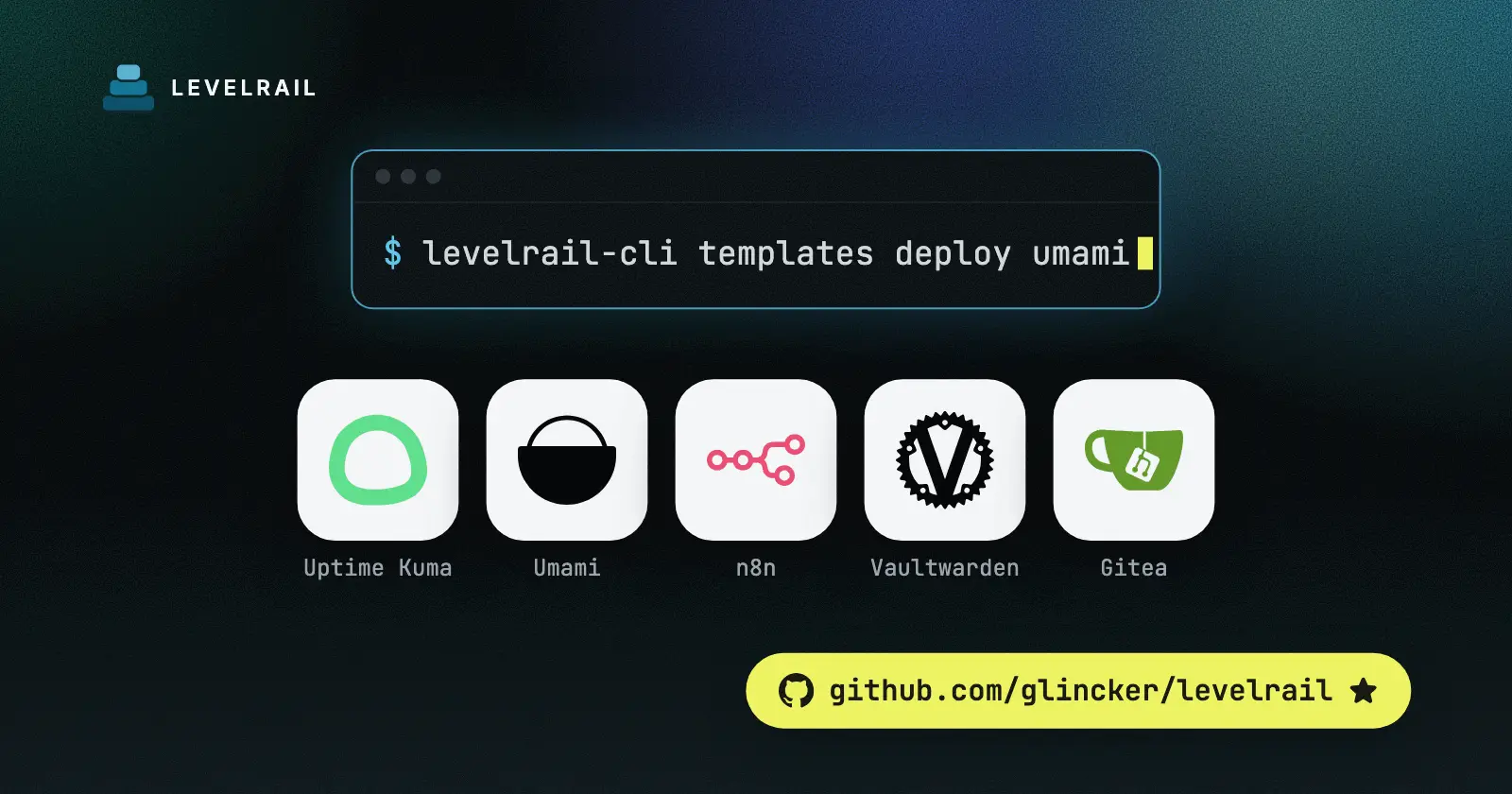
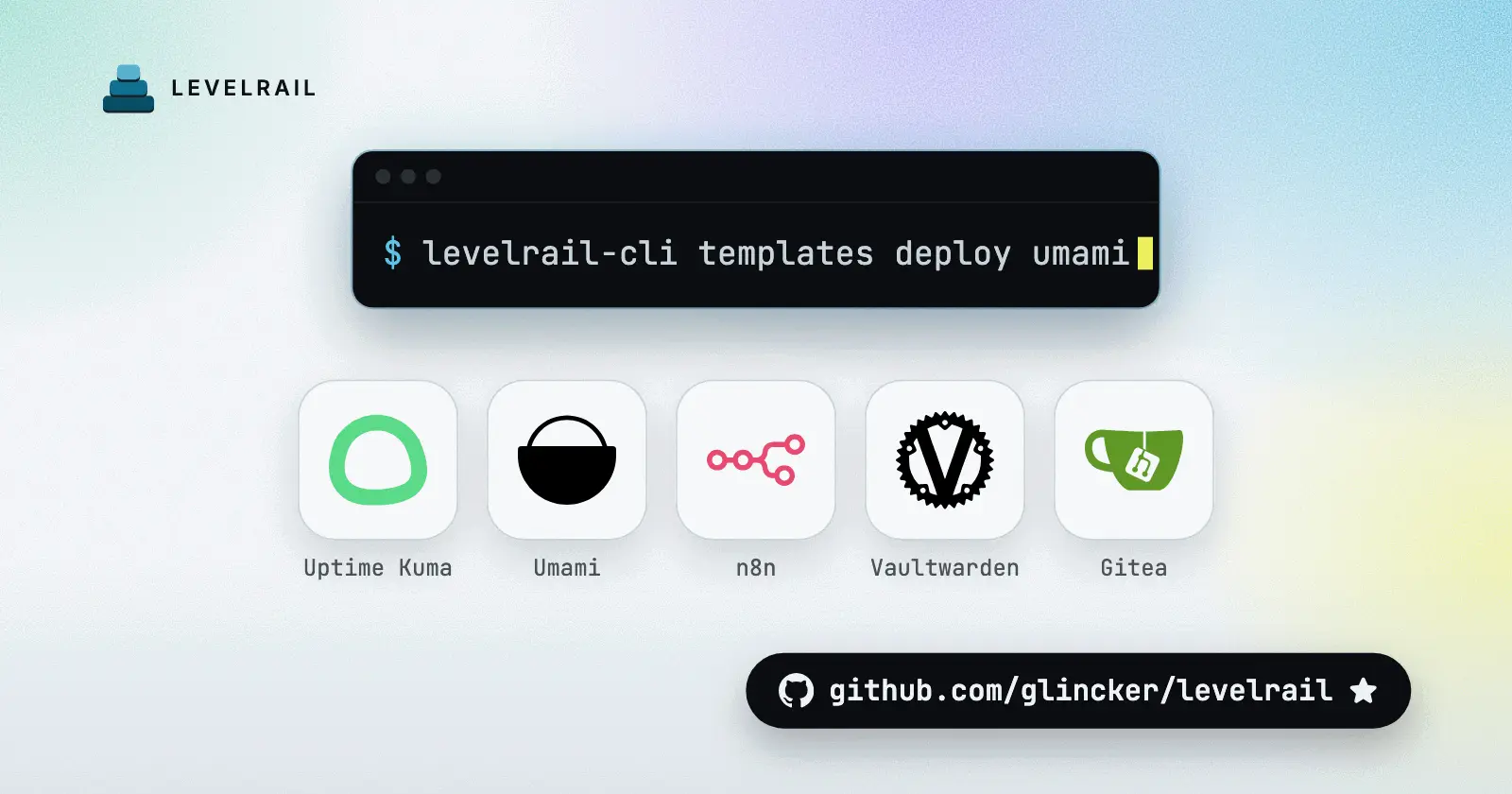
Most “best self hosted apps” lists are a wall of 80 logos. This one has five, picked because each replaces a hosted tool people pay for every month, and each one is small enough to run on a single cheap server.
Every app below is a one-click template in Levelrail, a self-hosted platform that deploys apps to your own Linux server from a git push or a template. Each section ends with the install command.
Run them on one server, not five#
The hard part of self-hosting is not the first install. It is the fifth, when you have five apps, five upgrade schedules and no idea which volume holds what.
Levelrail gives you one place for that: HTTPS on your own domains, logs per app, deploy history with rollback, and backups of app volumes to an S3-compatible bucket. If you have not installed it yet, the install guide takes a few minutes, and the five-minute walkthrough shows the real output.
The templates are listed in the template catalog. A smoke run on 2026-10-25 brought up the five below, and all of them passed. If you already run another platform, the comparison with Coolify lists the differences with sources.
1. Uptime Kuma: know before your users do#

Replaces: hosted uptime monitoring subscriptions.
Uptime Kuma checks HTTP, TCP, DNS and ping targets on a schedule and shows a dashboard. It is for anyone with more than one site or service who currently finds out about outages from a customer.
A concrete use: add every app you host here, plus the ones you do not. Put the monitor on the same server as the apps, and you will learn the one thing that breaks the setup: if the server dies, the monitor dies with it. Point a second check at it from somewhere else.
Watch out for:
- Memory is small. The template recommends 256 MB.
- Back up the
datavolume, which holds the SQLite database and uploads. - Upgrades matter. The template pins the 1.23 line. Version 2 migrates the database to a layout that cannot be reversed, so back up first and upgrade on purpose.
Install it. This template ships with an install form, so you can set a domain in the same command:
levelrail-cli templates install uptime-kuma --domain kuma=status.example.com2. Umami: analytics without a cookie banner#
Replaces: a paid analytics subscription for small sites.
Umami counts visits, pages and referrers without tracking cookies. It is for people who want to know which post got read, not to profile anyone.
A concrete use: one Umami instance can hold every site you run. Paste one script tag per site and you have a single dashboard instead of one login per project.
Watch out for:
- It runs with a Postgres container next to it. The template recommends 512 MB for the app.
- Back up
umami_db_data. That volume is your whole history. - Migrations run on boot and only go forward. Keep the
postgresql-variant of the image tag and upgrade one release at a time.
Install it:
levelrail-cli templates deploy umami3. n8n: automation you can see#
Replaces: hosted workflow automation with per-task pricing.
n8n is a visual editor where you connect services with nodes. It suits people who keep writing small scripts to move data between tools and would rather draw it.
A concrete use: a workflow that watches a form, writes the row to a sheet and posts to chat. You can run the same flow a thousand times without watching a task counter.
Watch out for:
- The template recommends 512 MB.
- Back up
n8n_data. It holds the database and the encryption key. If you lose the key, every saved credential becomes unreadable. - Read the release notes before changing the image tag, because nodes get removed between versions.
- The default template stores data in a SQLite file. For heavier workflow volumes there is an
n8n-postgrestemplate.
Install it:
levelrail-cli templates deploy n8n4. Vaultwarden: a password manager you host#
Replaces: a hosted password manager subscription.
Vaultwarden is a small server that works with the Bitwarden clients, so you keep the browser extension and phone apps and move only the server. It is for individuals and families who want the vault on hardware they control.
A concrete use: a shared family vault for the streaming logins and the router password, behind your own domain.
This is the one app on the list where a mistake costs the most, so be strict:
- Serve it over HTTPS only. The clients expect it.
- Back up
vaultwarden_data, which holds the database, attachments and keys, and keep a copy offline. - Tag bumps are safe and frequent, since the web vault has to match the server. Do not let it fall far behind.
- Memory is the lowest of the five. The template recommends 256 MB.
Install it:
levelrail-cli templates deploy vaultwarden5. Gitea: your own git server#

Replaces: a hosted git service for private repositories.
Gitea is a light git host with issues, pull requests and a package registry. It is for solo developers and small teams who want private code on their own disk, or a place to mirror what lives elsewhere.
A concrete use: keep client work or infrastructure repos here, and connect it to Levelrail as a git provider so a push deploys the app. Levelrail lists Gitea next to GitHub, GitLab and Bitbucket in its git integrations.
Watch out for:
- The default template runs Gitea with a MariaDB container and recommends 512 MB. If you prefer one database engine everywhere, use
gitea-postgres. - Back up both
gitea_db_dataandgitea_data. The repositories live in the second one. - Gitea migrates its database on boot and does not support downgrades. Move one minor version at a time and read the breaking changes first.
Install it:
levelrail-cli templates deploy giteaThe git port is published as 2222 by default, so open it in your firewall only if you want SSH clones.
What all five need from you#
The apps differ, but the chores are the same. Pick a backup target before you store anything you care about, and test a restore once. The docs on backups and storage cover app volume backups, and every section above names the volume to protect.
Upgrade on purpose, one version at a time, with a backup taken first. And keep a rollback in mind: this walkthrough shows how a bad release gets undone.
On sizing, the five templates recommend 2 GB of memory in total. A 4 GB server runs them with room left for the platform. Browse the templates page if you want more than five.
Frequently asked questions#
What should I self-host first?
Start with something small that you will notice if it breaks, like an uptime monitor. Uptime Kuma is a good first pick: its template recommends 256 MB of memory and it keeps everything in one data volume. Move on to a password manager or analytics once you trust your backups.
How much server do I need to self-host these apps?
The memory recommended by the five templates adds up to 2 GB: 256 MB each for Uptime Kuma and Vaultwarden, 512 MB each for Umami, n8n and Gitea. Add room for the platform itself, which boots on 1 GB of RAM, so a 4 GB server is a comfortable size for all five.
Is self-hosting a password manager safe?
It is safe only if you keep it patched, serve it over HTTPS and back up its data volume somewhere other than the same server. Vaultwarden stores its database, attachments and keys in one volume. Keep an offline copy of that backup.
Do I need Docker knowledge to self-host these?
Not to get them running. Each app is a ready-made template with its image, database and volumes defined, so you install it from the dashboard or one CLI command. You will want to understand volumes and backups before you trust it with real data.