Shipping a bad release is not the problem. Everyone does it. The problem is what your users see while you notice, and how long the way back takes.
In this guide we ship a broken release on purpose to a tiny demo app, watch the old version keep serving, then roll back with one command. Every command and output below comes from a real run, not a mock-up.
What you need#
- A running Levelrail instance. If you do not have one yet, follow the five minute install.
- Docker, and
levelrail-clilogged in to your instance. - A web app image with a health route. We use a 10 line Node server with tags
v1,v2and a brokenv3.
Step 1: Describe the app with a health check#
The readiness check is what makes everything else work. Levelrail only sends traffic to a container after this route answers with a success status. Today you set it in the app manifest when you create the app, so put it in app.yaml:
version: 1
services:
  shop:
    build:
      type: image
      image: lrdemo4/shop:v1
    port: 3000
    health:
      readiness: { path: /healthz, interval: 2s, timeout: 2s }
      readyTimeout: 20s
Create it:
levelrail-cli apps create --file app.yamlFlags alone cannot set the health check at create time, so use the manifest.
Step 2: Ship a healthy v2#
levelrail-cli apps deploy shop --image lrdemo4/shop:v2
levelrail-cli apps deploys wait shopapp "shop" now targets image "lrdemo4/shop:v2@sha256:4636cda09bca..."; reconcile is asynchronous, check "levelrail-cli apps status shop"
name: shop
port: 3000
readiness: GET http://:port/healthz (expect 200-299) every 2s, timeout 2s
liveness: not configured
ready timeout: 20s
deploy dep_AvQuhqaXo6oX of "shop": healthydeploys wait printed healthy and returned exit code 0 after 12 seconds. In a second terminal we started a request loop against the app, one request every 200 ms, so we can see exactly what users would see for the rest of the guide:
while true; do curl -s -o /dev/null -w '%{http_code} ' http://shop.localhost:8081/; sleep 0.2; doneStep 3: Ship a broken v3#
The v3 image answers 500 on /healthz. This is the deploy you hope never happens:
levelrail-cli apps deploy shop --image lrdemo4/shop:v3
levelrail-cli apps deploys wait shopdeploy dep_xcvhi99vIzwO of "shop": failed
failure: health_check_failed (retryable: false)
cause: The container started but never passed its readiness health check.
fix: Confirm health.readiness.path returns a success status quickly, or raise health.readyTimeout if the app just starts slowly.
docs: /deploy-failures#health_check_failed
log excerpt:
readiness probe: never became ready (context deadline exceeded), last attempt: GET http://127.0.0.1:58420/healthz returned 500, expected 200-299
ReadinessFailedThe command exited with code 7 after 22 seconds. The error tells you the cause and the fix in plain words, and links the docs page for that failure.
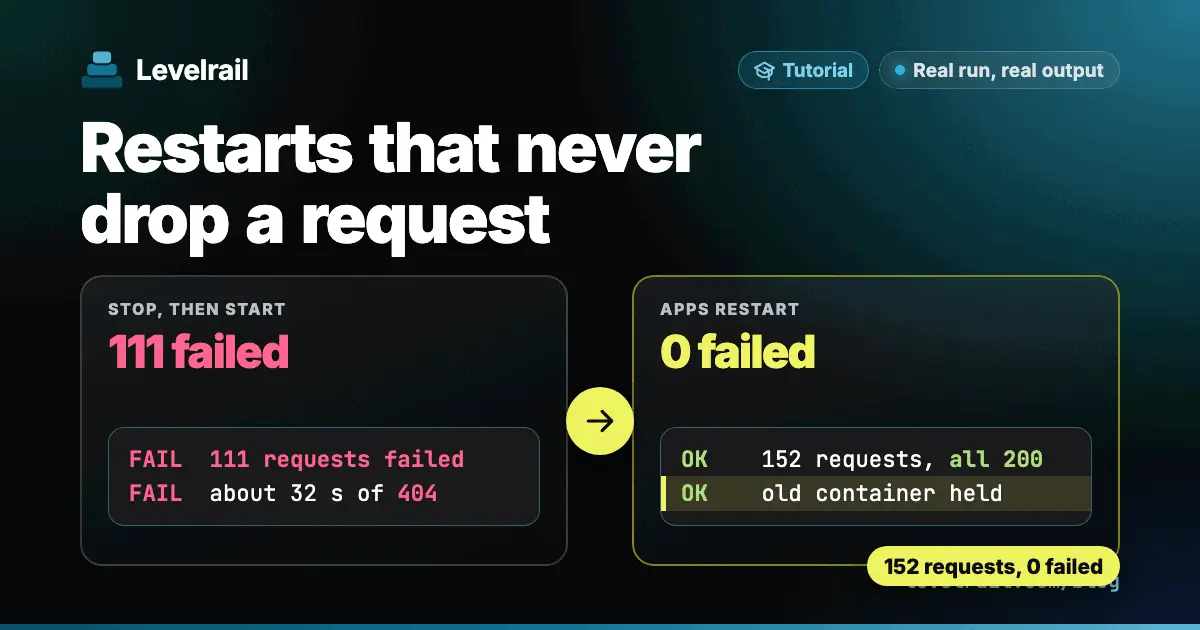
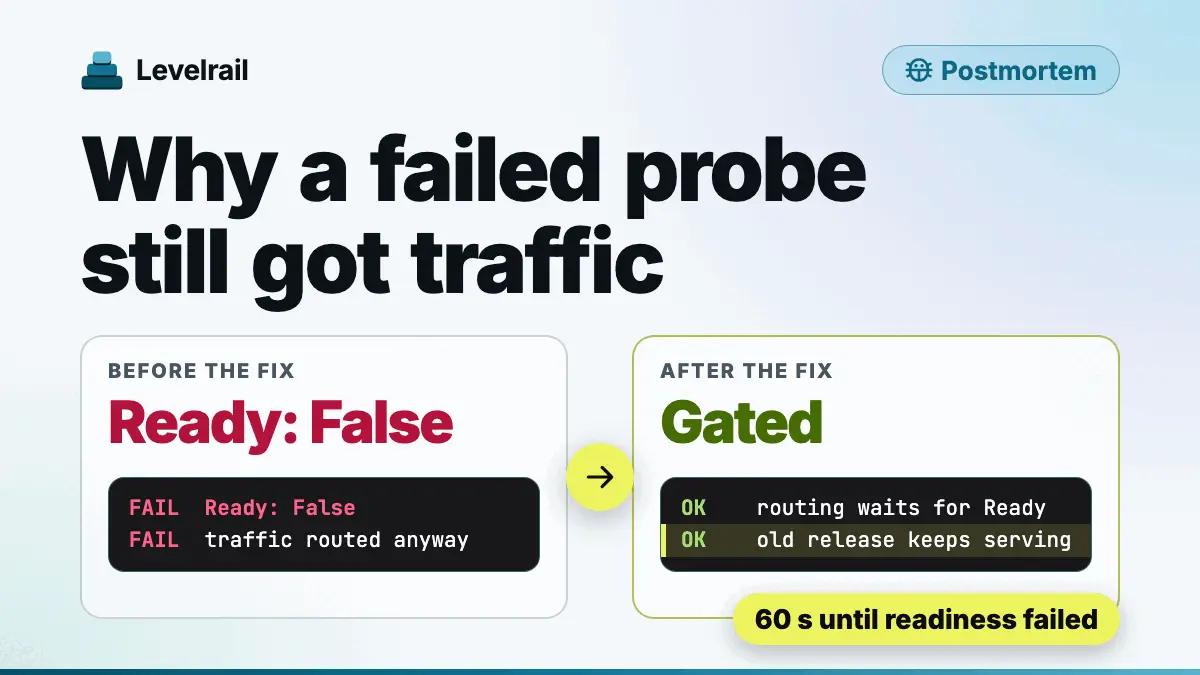
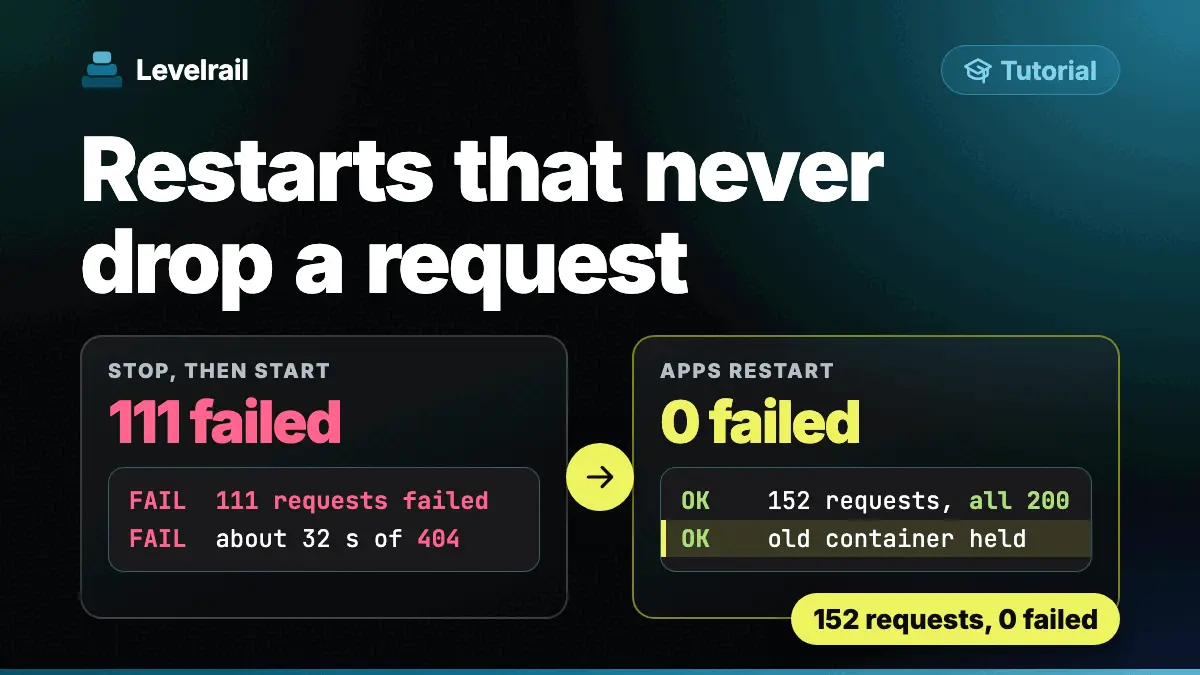
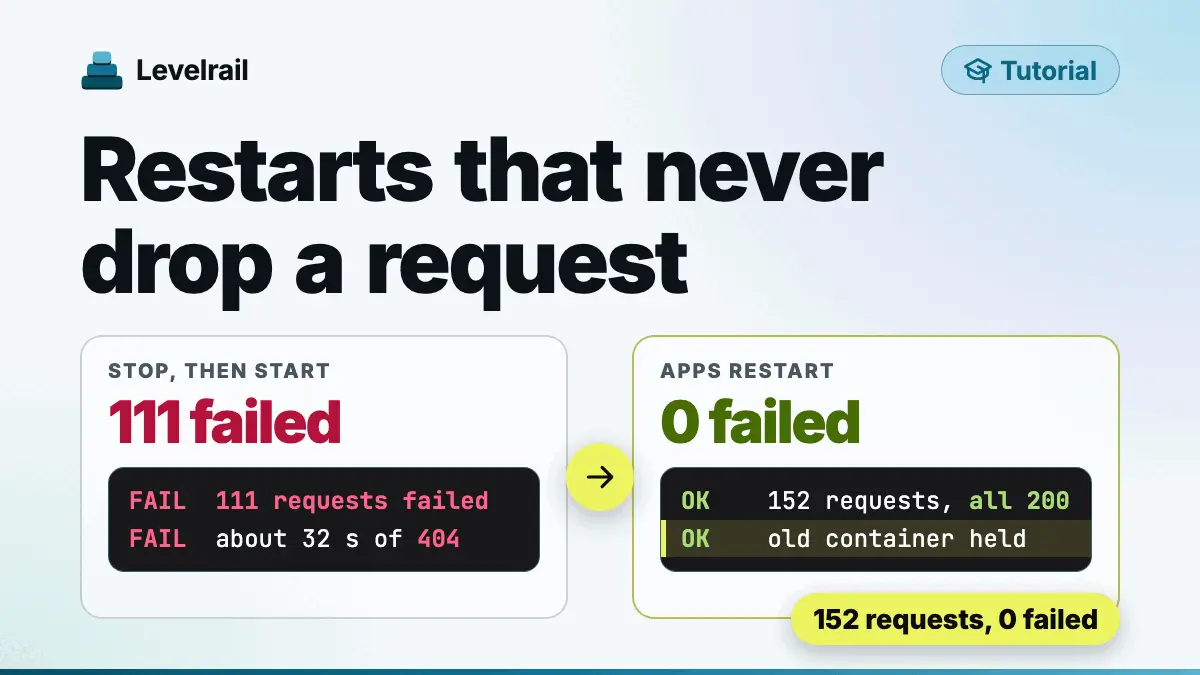
Here is the part that matters. Across the whole failed attempt, our loop sent 2597 requests with zero errors and zero responses from v3. Every user kept getting hello from v2.

Step 4: Roll back#
Rolling back is one command:
levelrail-cli apps rollback shop
levelrail-cli apps deploys wait shoprolling back to the previous successful deploy, image lrdemo4/shop:v2@sha256:4636cda09bca...
app "shop" rolling back to image "lrdemo4/shop:v2@sha256:4636cda09bca..."; reconcile is asynchronous, check "levelrail-cli apps status shop"
deploy dep_AKgDMUUOHY73 of "shop": healthyIt finished in 23 seconds. Check the status:
levelrail-cli apps status shopTYPE STATUS REASON MESSAGE LAST TRANSITION
EgressPolicyReady Unknown NotConfigured 2026-10-24T18:44:57Z
Ready True AlreadyRunning 2026-10-24T18:44:57Z
previous release held until 2026-10-24 13:48:25 (instant rollback target)The last line is the safety net. The release you rolled back from is kept for a few minutes, so a second change of mind is instant too.
Step 5: Check it stayed healthy#
A rollback that fails minutes later is worse than none, so we watched for 8 minutes, past the 5 minute post-deploy watch window. We sampled the served version every 30 seconds:
[13:45:28] served=hello from v2
[13:48:31] served=hello from v2
[13:52:03] served=hello from v2
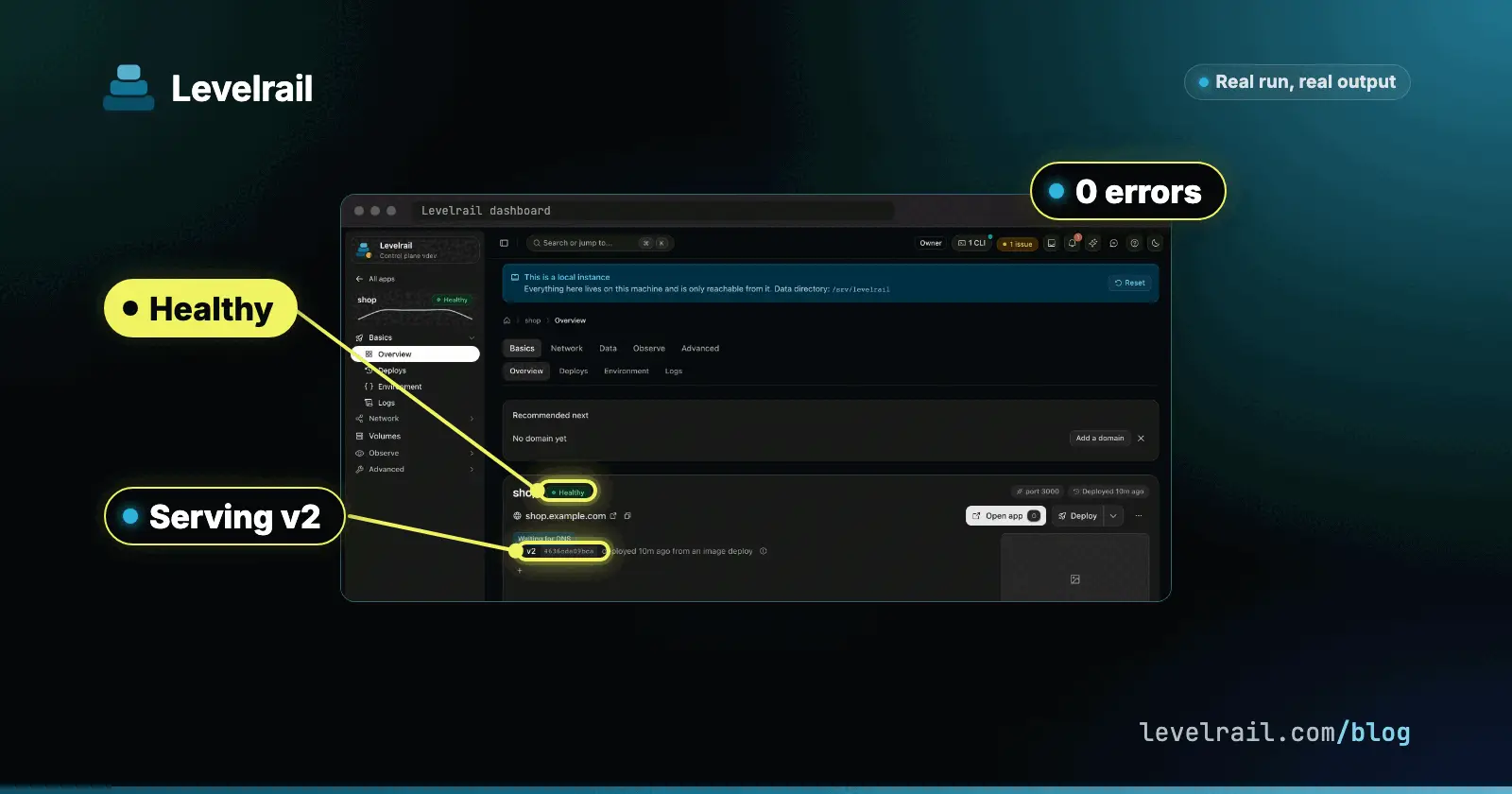
All 14 samples served v2, no container restarted, and the app stayed Healthy. The final deploy list:
ID                IMAGE            STATUS     ROLLOUT  REASON
dep_AKgDMUUOHY73  lrdemo4/shop:v2  succeeded  serving  -
dep_xcvhi99vIzwO  lrdemo4/shop:v3  failed     failed   ReadinessFailed
dep_AvQuhqaXo6oX  lrdemo4/shop:v2  succeeded  serving  -
dep_fIqxVZxrlCHT  lrdemo4/shop:v1  succeeded  serving  -
What to know before you rely on it#
We found a few rough edges while recording this guide, and we would rather tell you than have you discover them:
- About 21 seconds after the rollback command, 6 requests over 1.2 seconds were answered by v1 (all with status 200) while a retry of the failed v3 deploy finished. The next reconcile pointed traffic back at v2.
- The dashboard marks several deploy rows as
Current, and a rollback adds a new row for v2 instead of reusing the old one. The history is correct, the labels are not. - Set the health check before your first deploy. An app created without one is gated by nothing until you add it.
We track these as open issues and will update this guide as they are fixed.
Recap#
- Describe your health route in
app.yamland create the app. - Deploy with
apps deploy, and gate scripts onapps deploys waitexit codes. - A release that fails readiness never gets traffic, so users stay on the working version.
apps rollbackreturns to the last good release in about 20 seconds and keeps the other one on hold.
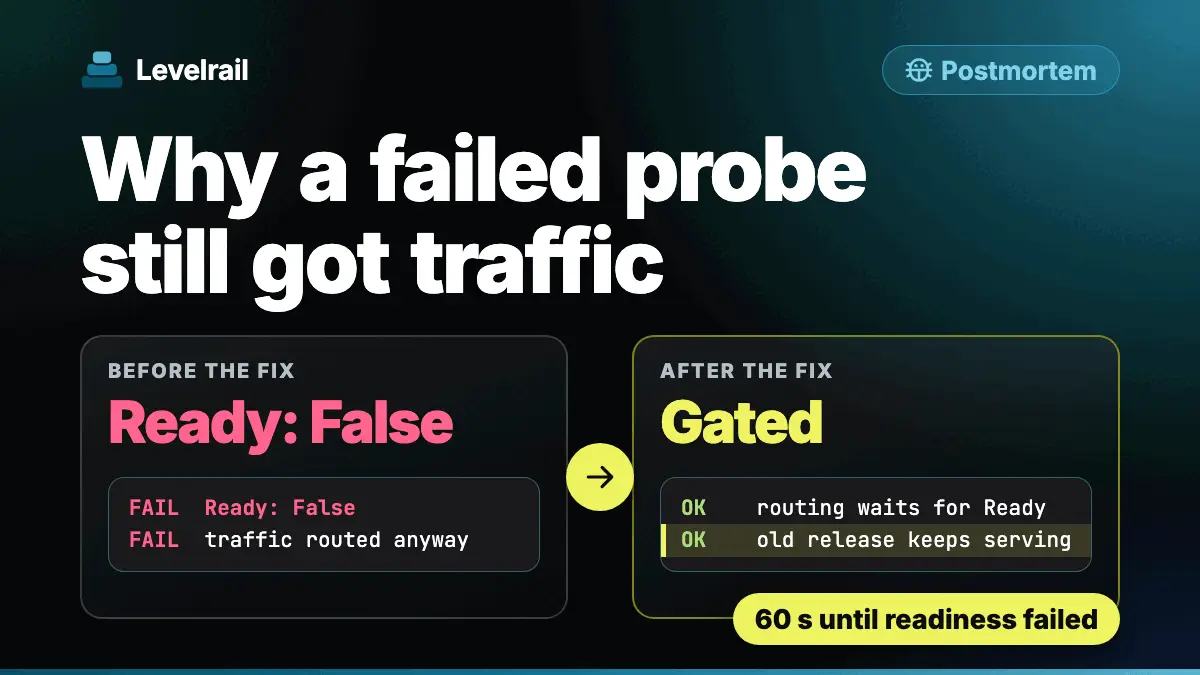
If you want to know why a passing health check once was not enough, read our postmortem.
Frequently asked questions#
What happens to users when a Docker deploy fails its health check?
With a readiness check configured, Levelrail never routes traffic to the new container. The release that was already serving keeps answering requests, and the failed deploy is recorded as failed with the reason ReadinessFailed.
How do I roll back a deploy with Levelrail?
Run levelrail-cli apps rollback <app>. It targets the previous successful deploy and the previous release is held for a few minutes as an instant rollback target.
How do I know in a script whether a deploy worked?
Run levelrail-cli apps deploys wait <app>. It exits 0 when the deploy is healthy, 7 when it failed, was canceled, superseded or blocked, and 6 when the wait timed out.