Sometimes an app just needs a fresh process: a leaked connection, a stuck worker, a changed environment variable. The usual docker restart kills the container first and starts it second, so every request in between fails.
In this guide we restart a demo app with levelrail-cli apps restart while a request loop hammers it, and we count what users would have seen. Every command and output below comes from a real run. We also found rough edges, and they get their own section near the end.
What you need#
- A running Levelrail instance. If you do not have one yet, follow the five minute install.
- Docker, and
levelrail-clilogged in to your instance. - An app with a readiness check. We reuse the demo app from the rollback guide, with tags
v1andv2.
The readiness check matters. The gate that makes a restart safe is that traffic only moves to the new container once this route answers with a success status:
version: 1
services:
  shop:
    build:
      type: image
      image: lrdemo5/shop:v1
    port: 3000
    health:
      readiness: { path: /healthz, interval: 2s, timeout: 2s }
      readyTimeout: 20s
We created the app from that file with levelrail-cli apps create --file app.yaml. We only measured restarts on an app that has a readiness check, so we do not claim the same for an app without one.
Step 1: Start a request loop#
In a second terminal, send one request every 200 ms and print the status code. This is what your users would see:
while true; do curl -s -o /dev/null -w '%{http_code} ' http://shop.localhost:8081/; sleep 0.2; doneLeave it running for the rest of the guide. The loop we used for the counts below was a small script that also logged a timestamp and the response body, but the idea is the same.
Step 2: Restart#
levelrail-cli apps restart shopapp "shop" restart requested; reconcile is asynchronous, check "levelrail-cli apps status shop"
name: shop
image: lrdemo5/shop:v1@sha256:934268f164d7...
port: 3000
readiness: GET http://:port/healthz (expect 200-299) every 2s, timeout 2s
liveness: not configured
ready timeout: 20sThe command returns after a few seconds, but the restart itself is asynchronous. We sampled docker ps once a second while it ran:
14:47:24 shop-ff866c55=Up 27 seconds
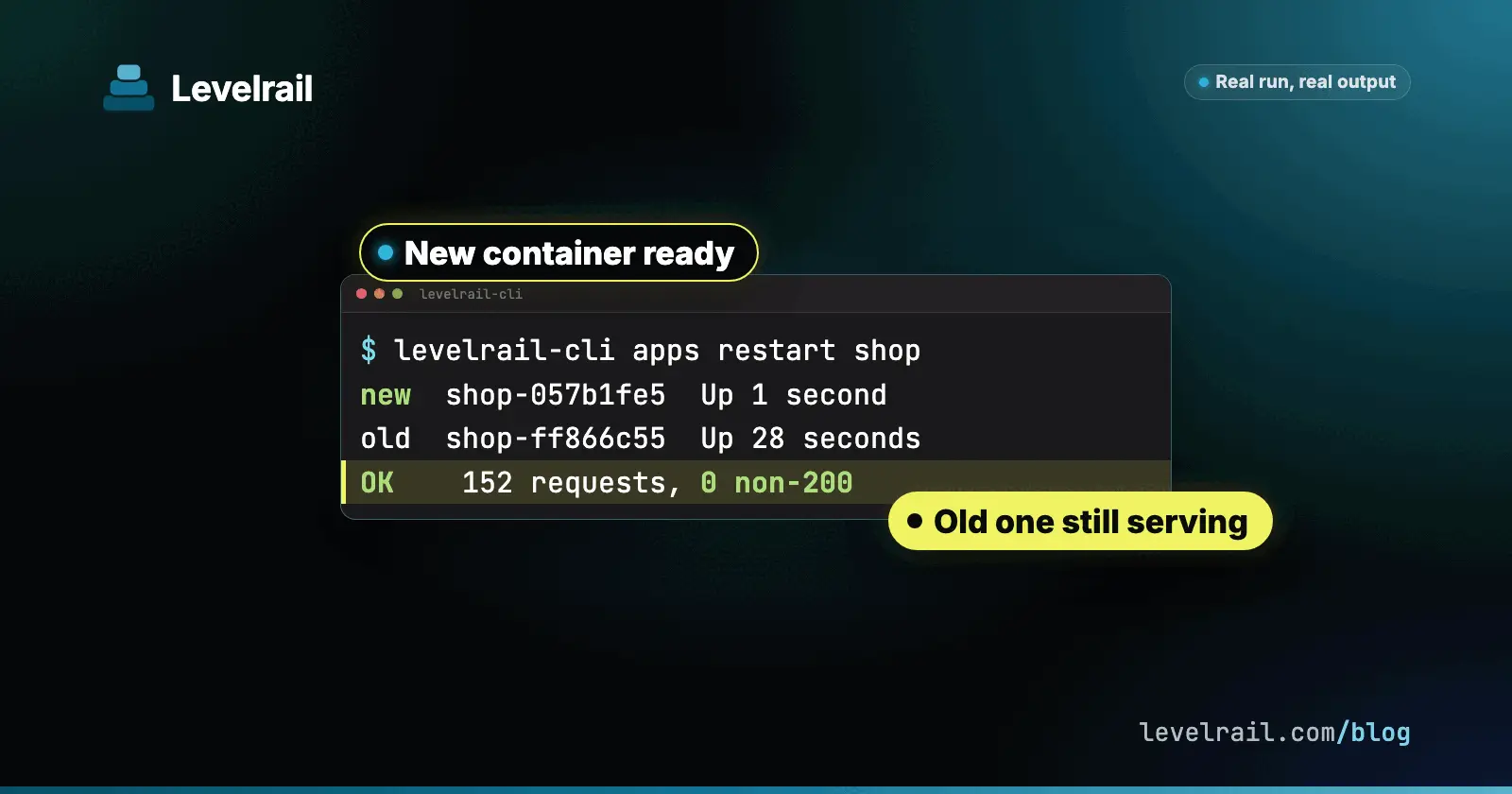
14:47:25 shop-057b1fe5=Up 1 second shop-ff866c55=Up 28 seconds
14:47:36 shop-057b1fe5=Up 12 seconds shop-ff866c55=Up 40 seconds
A new container (057b1fe5) appeared one second after the command, and the old one (ff866c55) was still up, 12 seconds later and beyond. That is the rolling pattern: new container, readiness gate, switch, old one held. In our run the switch happened about 10 seconds after the new container started.
Now the number that matters. Between 14:47:20 and 14:47:50 the loop sent 152 requests, and all 152 returned 200. Across every restart we did up to 14:56:00 (healthy, failing readiness and crashing, described below) the loop sent 2581 requests with 0 non-200 responses.
Step 3: Check the restart in the timeline#
A restart is not a deploy, so it does not show up in the deploys list. Look at the app timeline instead:
levelrail-cli apps timeline shopWHEN KIND STATUS ACTOR WHAT
2026-10-24 14:47:24 restart info token:cli-pairing ... Restarted
2026-10-24 14:46:56 deploy succeeded manual Deploy to lrdemo5/shop:v1@sha256:934268f164d7 (digest 934268f164d7)We trimmed the actor column. The deploys list (apps deploys list shop) still showed only the original deploy, which is expected.
You can also trigger it from the dashboard. Restart sits in the ... menu of the app overview, and also as a button on the Deploys page.

What a plain stop and start costs#
For contrast we stopped the app and started it again, with the same loop running:
levelrail-cli apps stop shop
levelrail-cli apps start shop
stop was requested at 14:56:55 and start at 14:57:36. Stop took roughly 20 seconds to take effect. Between 14:57:15 and 14:57:47 111 requests failed, about 32 seconds, mostly 404 No app is serving this address plus a handful of timeouts.
So do not treat stop then start as a zero downtime restart. It is not. Use apps restart on a running app.
When the new container fails its health check#
Zero downtime is only worth something if a bad restart does not take you down. We set an environment variable that makes the demo app answer 500 on /healthz, then restarted:
levelrail-cli env set shop BAD=1
levelrail-cli apps restart shop
levelrail-cli apps status shopTYPE STATUS REASON MESSAGE
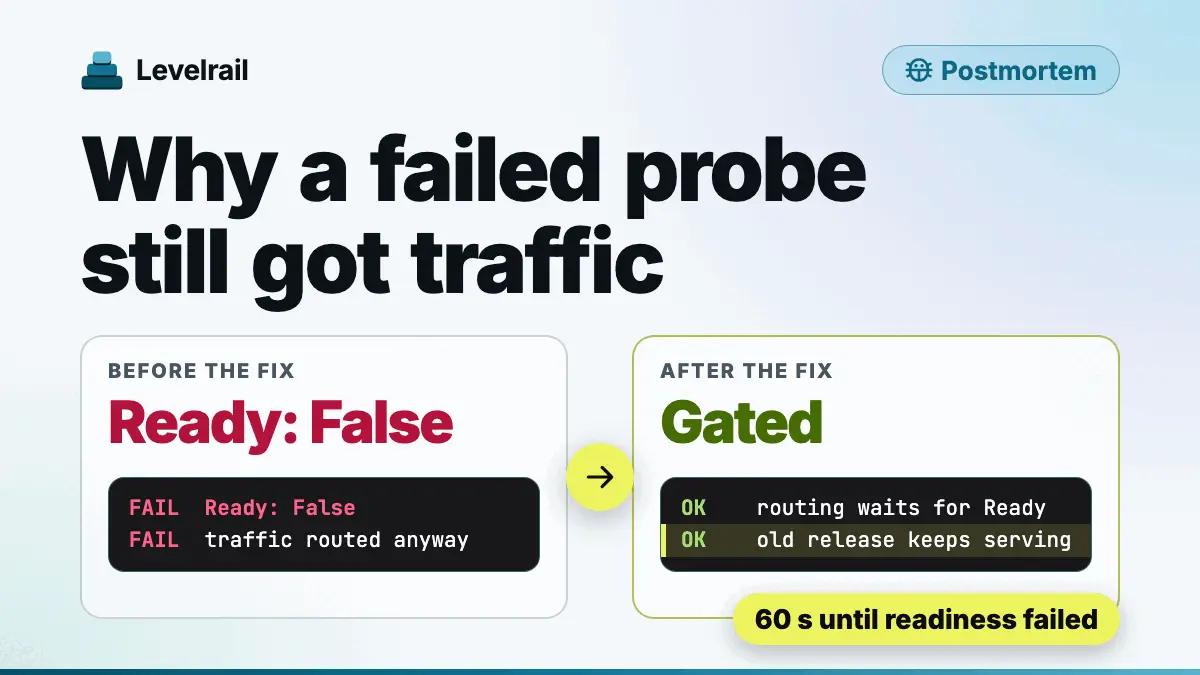
Ready False ReadinessFailed readiness probe: never became ready (context deadline exceeded), last attempt: GET http://127.0.0.1:52838/healthz returned 500, expected 200-299The new container never passed readiness, so traffic never moved. Between 14:48:00 and 14:50:00 the loop sent 593 requests, all 200, all answered by the old container. The restart fixed nothing and broke nothing.
We recovered with env set shop BAD=0 and another restart.
Diagnosing a restart whose container keeps crashing#
A harder case: the new container passes readiness, then dies. We made the demo app exit with code 1 ten seconds after start (CRASH_AFTER=10) and restarted. Here is what the CLI showed about 2 minutes later:
levelrail-cli apps status shopTYPE STATUS REASON MESSAGE
Ready False ExitedDuringStableWindow Container exited with code 1 after 10s, during its stable window after becoming ready
pending changes: env CRASH_AFTER (run: levelrail-cli apps apply shop)The container logs hold the cause:
levelrail-cli apps logs shop --tail 122026-10-24T19:51:59Z stdout fatal: simulated crash after 10s
2026-10-24T19:52:00Z stdout starting v1 pid=1 bad=false crash_after=10
2026-10-24T19:52:00Z stdout listening 3000
...
2026-10-24T19:52:10Z stdout fatal: simulated crash after 10sWhat we saw today:
- The candidate was started again and again, and
docker psshowed it flipping betweenUpandExited (1). It never took over traffic. The previous container stayed up, and the loop sent 816 requests between 14:51:30 and 14:54:15 with 0 non-200. apps statusgives you the reason (ExitedDuringStableWindow) and the exit code.apps logsgives you the last lines the process wrote. The dashboard overview shows a “This app is crashlooping” banner with the same lines.- The CLI does not tell you the retries are repeating, and we did not see a backoff or a crashloop state in it. Do not rely on
apps deploys waithere: it reported “never passed readiness”, which is the wrong cause for a crash.
If your restart looks stuck, read apps status first, then apps logs --tail 50, then the timeline.
What to know before you rely on it#
We would rather tell you the rough edges than have you find them at 3 a.m. All of these are tracked for the next release.
- Exit code is always 0.
apps restartreturns 0 as soon as the restart is requested, even when the restart then fails readiness or crashes. Checkapps statusafter it. - No progress for a restart.
apps deploys waitis not meaningful for a restart. Right after a restart it answeredhealthyinstantly about the old deploy, because there is nothing to wait on.apps statusshowsReadyandAlreadyRunningwith an old timestamp for the whole rollout. Pollapps statusand your request loop instead. - A failed restart rewrites the original deploy. After the failed restarts above,
apps deploys listshowed our first deploy (v1) asfailed, and it stayed failed after the app recovered. Treat deploy history as unreliable after a failed restart. - Not in the deploys list. Restarts only appear in
apps timeline. - Restarting a stopped app does nothing. The command exits 0 and the timeline says
Restarted, but the app staysSuspended. Useapps start. - Restart silently applies pending env changes. The new container starts with env you set earlier but did not apply, and
apps statuskept printingpending changeseven after that. The help text only says “no image change”. - Status can contradict reality. After a restart that failed readiness, the app showed
Ready Falsewhile the old container served every request with 200. - Dashboard Restart has no confirm and no completion toast. It shows only a “Restarting” toast the moment you click.


Also good to know: a restart leaves 3 to 4 containers around for a one replica app for up to the 5 minute hold window, and there is no top level restart command, only apps restart.
Recap#
- Give the app a readiness check, then run
levelrail-cli apps restart <app>. - A restart is rolling: new container, readiness gate, switch, old one held. We measured 0 non-200 around healthy restarts.
- Check it in
apps timeline, and pollapps status. Do not use the deploys list ordeploys wait. - If the new container fails readiness or keeps crashing, the old one keeps serving. Read
apps statusandapps logsfor the cause. - Never use stop then start as a restart. It cost us 111 failed requests.
If you want to see what happens when a new release fails its health check, read the rollback guide.
Frequently asked questions#
Can I restart a Docker container without downtime?
Yes, if the restart is rolling. levelrail-cli apps restart starts a new container, waits for its readiness check, switches traffic, and keeps the old container for a while. In our run, 152 requests sent around a restart all returned 200.
Is stopping and starting an app the same as restarting it?
No. In our run apps stop followed by apps start made 111 requests fail over about 32 seconds. apps restart on a running app did not drop any.
What happens if the new container fails its health check during a restart?
The old container keeps serving. In our run the restarted container failed readiness and users still got 200 from the old one, but the app status showed Ready False and the CLI exit code stayed 0.