Deploys, rollouts and rollback
Traffic moves when the new release is ready.
Levelrail starts the new container next to the old one and waits for a real readiness probe. Only then does ingress move. If it never gets ready, the old container keeps serving and the deploy fails with a reason. Earlier images stay pinned, so going back is one click or one command.
Pre-release. One node is the well-tested path. Blue-green is the default strategy.
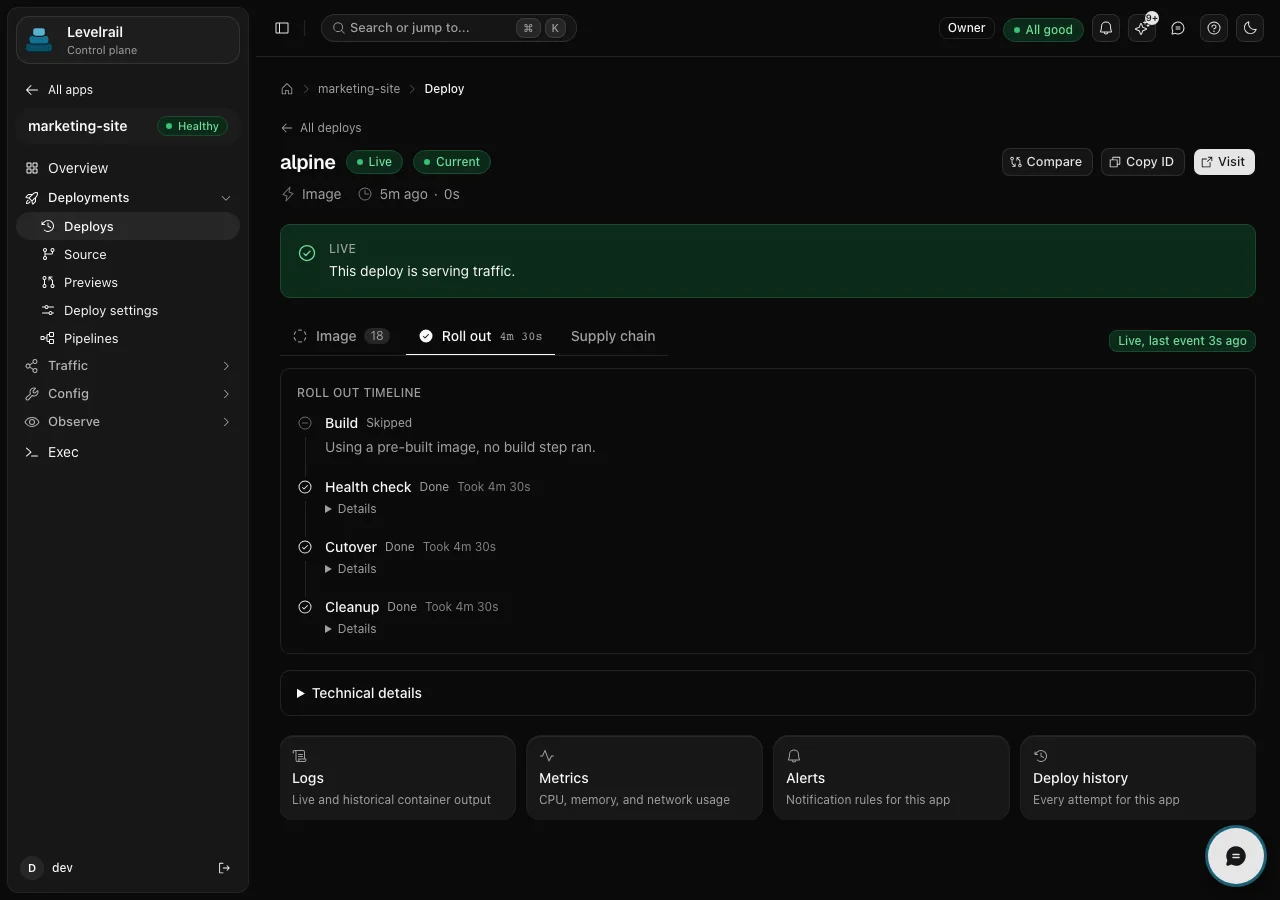
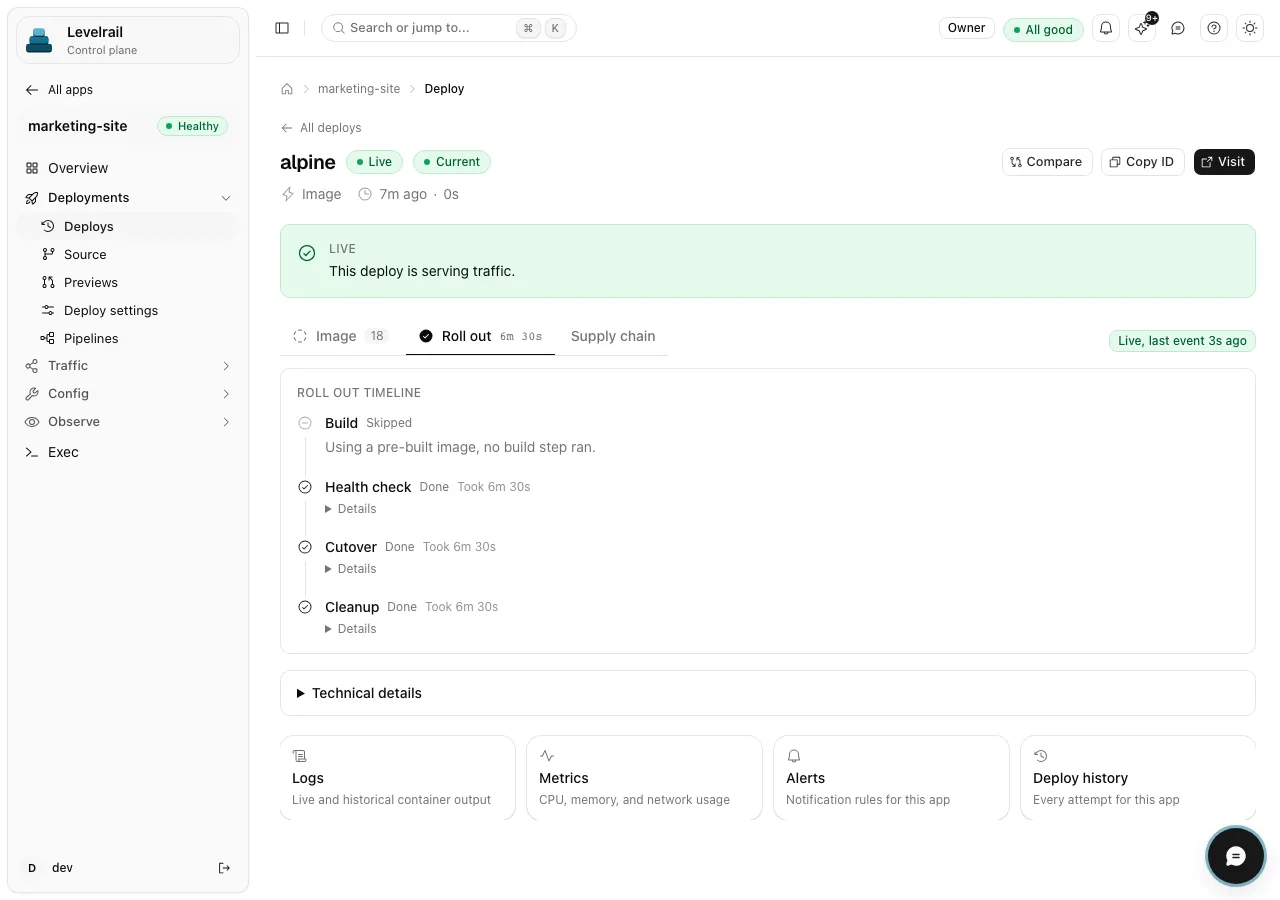
The rollout, drawn
Five steps. One rule between them.
The same sequence runs for blue-green and rolling deploys on one server or several. Flip the toggle to draw what happens when the new container never becomes ready.
Push: old release serving. New one queued. Push: old release serving. New one queued. Build: old release serving. New one building (skipped for a pre-built image). Build: old release serving. New one building. Health check: real readiness probes against the new container. Health check: the probe fails and the deploy is marked failed with a reason. Cutover: ingress moves traffic to the new release and the old one drains. Cutover: skipped. Traffic never moved. Cleanup: the old container stops and its image stays pinned for rollback. Cleanup: nothing to undo, the old release is still serving.
Traffic moves only after readiness passes.
Readiness never passed, so the old container keeps serving.
- Readiness is a real probe. The budget is 60 seconds by default and
health.readyTimeoutsets it per service. - Failures say why.
OOMKilledDuringReadiness,ExitedDuringReadinessorReadinessFailed, shown in deploy history. - Prior images are pinned, so garbage collection cannot remove a rollback target.
Rollback
Undo is the same deploy, pointed backwards.
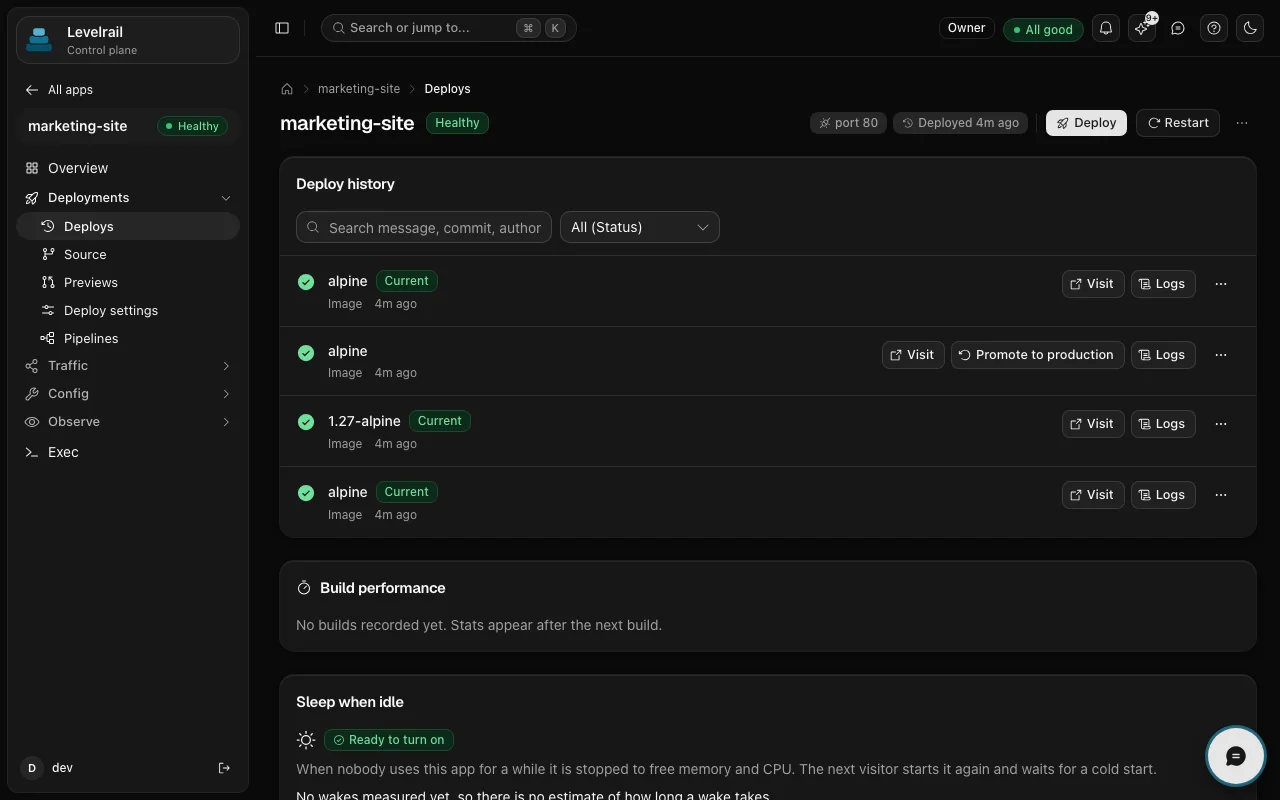
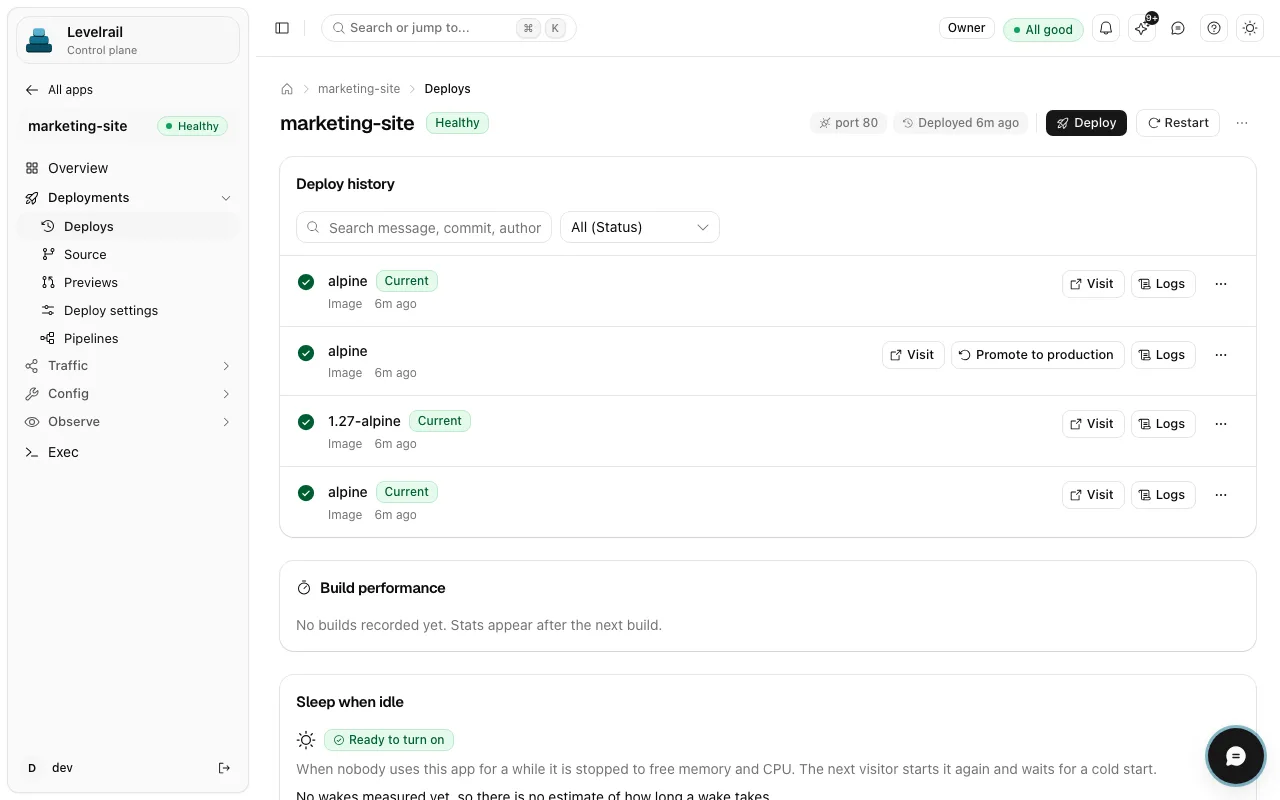
There is no separate undo mechanism to drift. A rollback re-deploys the exact image of a past successful deploy, pinned by digest, through the same readiness gate.
- One click on Promote to production in deploy history, or
apps deploys rollback-to. - Opt in to automatic rollback on a crashloop with
apps auto-rollback enable. - Freeze windows hold automated deploys. Manual deploys and rollbacks are never rejected.
Terminal output is abbreviated and the IDs are examples.
levelrail-cli apps deploys list webID STATUS TRIGGER IMAGEd-0c41 failed git push web:7e1b9a2d-0b9f succeeded git push web:4c02d1e currentd-0b12 succeeded git push web:a93f006levelrail-cli apps deploys rollback-to web d-0b12 --watchredeploying the exact image of d-0b12, pinned by digestreadiness passedcutover done, old container drainingd-0b12 is serving traffic
levelrail-cli apps deploys list webID STATUS TRIGGER IMAGEd-0c41 failed git push web:7e1b9a2d-0b9f succeeded git push web:4c02d1e currentd-0b12 succeeded git push web:a93f006levelrail-cli apps deploys rollback-to web d-0b12 --watchredeploying the exact image of d-0b12, pinned by digestreadiness passedcutover done, old container drainingd-0b12 is serving traffic
Sources and triggers
Five ways a deploy starts.
Every one of them goes through the same rollout and lands in the same history.
A pipeline run, drawn from the real run page: jobs as nodes, edges for needs.
- 01
A git push
A webhook from GitHub, GitLab, Bitbucket or Gitea builds the pushed commit and deploys it. Stale builds cannot overwrite a newer one.
stable - 02
An image tag
Point an app at a tag and the reconciler does the rollout. A rollback is the same call with an older tag.
stable - 03
A pull request
Each pull request gets its own running preview, with a comment that updates in place. Closing the pull request tears it down.
GitHub stable, GitLab and Bitbucket beta - 04
A schedule
Redeploy the latest commit on a branch by cron, for a nightly rebuild on a fresh base image. A freeze window skips it.
needs a git source - 05
A pipeline
YAML jobs on your own nodes: test, build, wait for an approval, then deploy. Runs report status back to your git host.
stable
Run a deploy you can take back.
One command on a Linux server, then a setup wizard and your first app.
curl -fsSL https://levelrail.com/install.sh | sudo sh