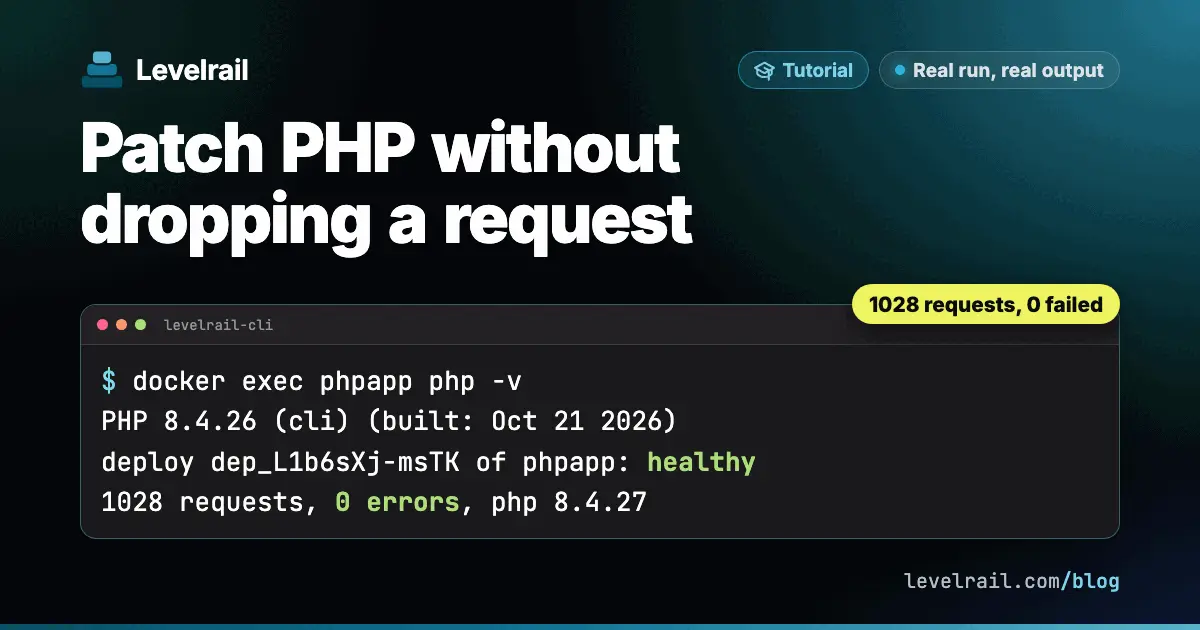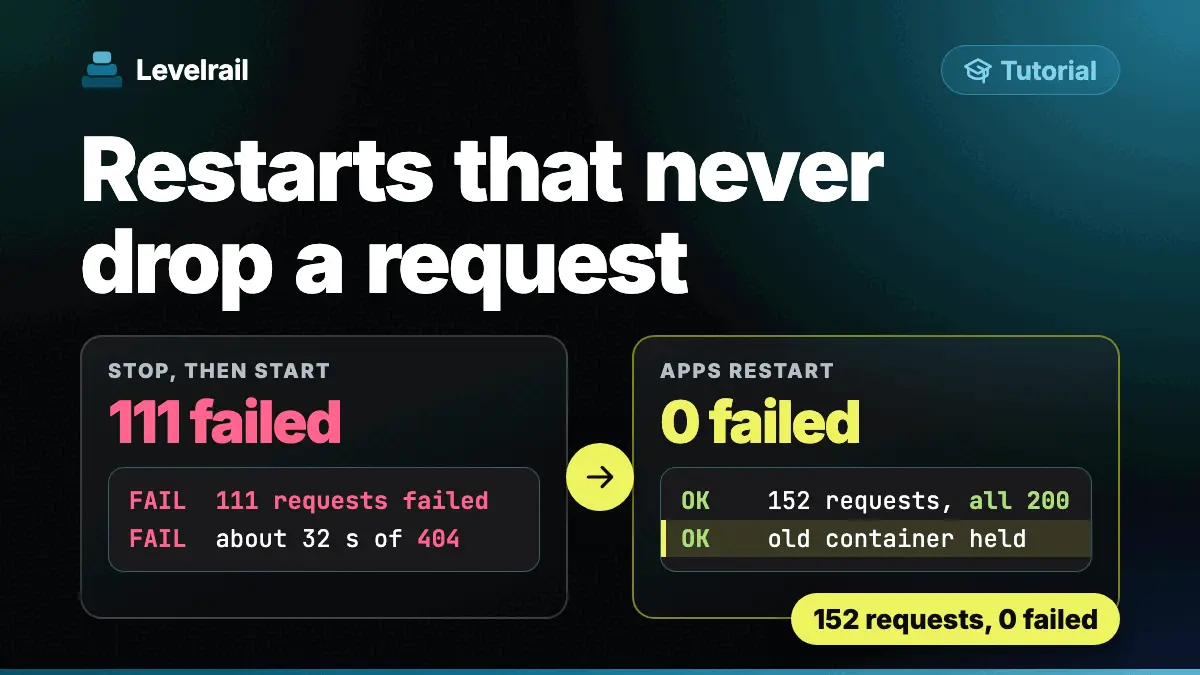
A deploy that “works” can still reset a few requests. The old container gets a stop signal, your Node process does not react to it, and Docker kills it ten seconds later with whatever was in flight.
In this guide we stop the same tiny Node server two ways, with and without a SIGTERM handler, count what clients see, then run both through Levelrail deploys under load. Every command and output below comes from a real run. The rough edges we hit are in their own section near the end.
What you need#
- Docker. We used Docker 28.3.0 and the
node:22-alpineimage. - For the deploy part, a Levelrail instance and
levelrail-cli. If you do not have one yet, follow the five minute install. - Nothing else. Both servers are on this page.
Step 1: The server without a handler#
This is a normal tiny Node server. /slow takes 2 seconds, which stands in for a request that is still running when the deploy happens. MODE=naive registers no signal handling at all:
const http = require('http');
const v = process.env.VERSION || 'unknown';
const mode = process.env.MODE || 'naive';
const log = (m) => console.log(new Date().toISOString().slice(11, 23) + ' ' + m);
let draining = false, inflight = 0;
const server = http.createServer((req, res) => {
  if (req.url === '/healthz') {
    res.statusCode = draining ? 503 : 200;
    return res.end(draining ? 'draining' : 'ok');
  }
  if (req.url.startsWith('/slow')) {
    inflight++;
    return setTimeout(() => { inflight--; res.end('slow ' + v + '\n'); }, 2000);
  }
  res.end('hello from ' + v + ' pid=' + process.pid + '\n');
});
server.listen(3000, () => log('listening ' + v + ' mode=' + mode + ' pid=' + process.pid));
if (mode === 'graceful') {
  process.on('SIGTERM', () => {
    log('SIGTERM received, inflight=' + inflight);
    draining = true;
    server.close(() => { log('drained, exiting 0'); process.exit(0); });
    server.closeIdleConnections();
    setTimeout(() => { log('drain timeout, exiting 1'); process.exit(1); }, 8000).unref();
  });
}
The Dockerfile is the usual exec form, so node is PID 1:
FROM node:22-alpine
WORKDIR /app
COPY server.js package.json ./
ARG VERSION
ARG MODE=naive
ENV VERSION=$VERSION MODE=$MODE
EXPOSE 3000
CMD ["node","server.js"]
We built the naive image and a graceful one from the same file:
docker build -q -t lrsig/app:a-v1 --build-arg VERSION=v1 --build-arg MODE=naive app
docker build -q -t lrsig/app:b-v1 --build-arg VERSION=v1 --build-arg MODE=graceful appsha256:d4c5ba9692fa...
sha256:623c11511696...Step 2: Time docker stop#
The test starts the container, fires 5 concurrent /slow requests, and runs docker stop 0.7 seconds later. First the naive image:
./stoptest.sh sigA lrsig/app:a-v1 19301docker stop wall: 10.52 s
req1 http=200 curl_exit=0 time=2.016007
...
req5 http=200 curl_exit=0 time=2.007406
state: exit=137 oom=false finished=2026-10-24T20:59:48.346243167Z ...
--- container logs
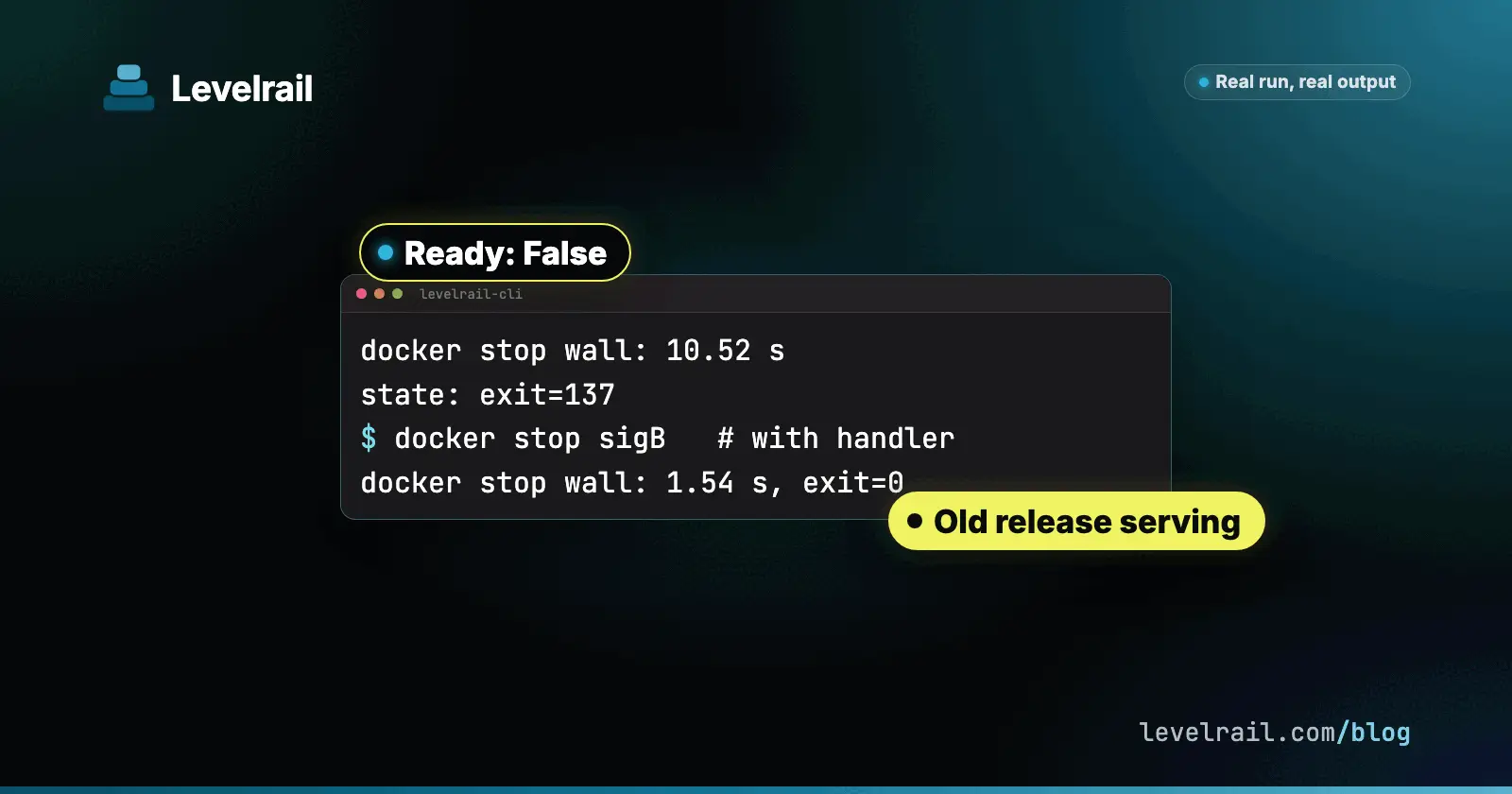
20:59:37.080 listening v1 mode=naive pid=1docker stop took 10.52 seconds, the container exited with 137 (128 plus 9, SIGKILL), and the log has no shutdown line at all. The 5 requests still got their 200, because Node never reacted to SIGTERM and kept serving until the kill. In the container, PID 1 gets no default action for a signal, so a Node process without a handler ignores SIGTERM.
Now the graceful image:
./stoptest.sh sigB lrsig/app:b-v1 19302docker stop wall: 1.54 s
req1 http=200 curl_exit=0 time=2.009453
...
req5 http=200 curl_exit=0 time=2.001947
state: exit=0 oom=false finished=2026-10-24T20:59:51.58218571Z ...
--- container logs
20:59:49.489 listening v1 mode=graceful pid=1
20:59:50.484 SIGTERM received, inflight=5
20:59:51.577 drained, exiting 01.54 seconds, exit 0, and the log shows the handler counted 5 in flight and waited for them. The handler does four things: flips /healthz to 503, calls server.close() so no new connections are accepted, closes idle keep-alive sockets, and sets an 8 second safety timer so a stuck drain cannot hang the stop.
Step 3: See the dropped requests#
In the light test above nothing failed, which hides the problem. Under sustained load the picture changes. We ran 5 workers looping /slow and issued docker stop at about 1.2 seconds:
./loopstop.sh sigA lrsig/app:a-v1 19301docker stop rc=0 wall=10.54s; stop issued at t=1.2
state: exit=137
results (count by outcome):
5 http=000 curl_exit=52
45 http=000 curl_exit=7
20 http=200 curl_exit=0During the 10 second grace the app kept answering (20 requests got 200). At the SIGKILL, the 5 in-flight requests died with curl exit 52 (empty reply), and after that every request was refused (curl exit 7). The graceful image on the same test:
./loopstop.sh sigB lrsig/app:b-v1 19302docker stop rc=0 wall=1.58s; stop issued at t=1.2
state: exit=0
results (count by outcome):
161 http=000 curl_exit=7
5 http=200 curl_exit=0The 5 in-flight requests finished with 200, exit 0, nothing aborted. The refusals afterwards are expected: plain Docker has no replacement container, so after the exit nothing listens. A deploy tool is what fills that gap, and we get to that in Step 5.
Step 4: Do not “fix” it with —init alone#
A common answer to “docker stop is slow” is docker run --init, which puts a tiny init process in front of Node. It does forward SIGTERM. We ran the naive image with it:
./loopstop.sh sigAi lrsig/app:a-v1 19303 --initdocker stop rc=0 wall=0.57s; stop issued at t=1.2
state: exit=143
results (count by outcome):
5 http=000 curl_exit=52Fast, but exit 143 (128 plus 15, SIGTERM) and the same 5 aborted requests. Now Node is no longer PID 1, so its default SIGTERM action applies and it dies at once, mid-request. So the PID 1 quirk alone turns a signal into a 10 second hang and a late kill, but the dropped requests come from having no handler. You need the handler.
Step 5: PID 1 pitfalls with a handler#
The handler only runs if SIGTERM reaches your process. We tested the graceful code behind three launchers.
CMD npm start (npm 10.9.9) worked:
docker stop wall: 1.67 s
state: exit=0 ...
21:01:08.716 SIGTERM received, inflight=5
21:01:09.536 drained, exiting 0
docker top showed npm start with node server.js as its child, and this npm forwarded the signal. Do not rely on it for every npm version, and prefer CMD ["node","server.js"], which skips the extra process.
A shell pipeline is the real trap. This Dockerfile keeps sh as PID 1:
CMD ["sh","-c","node server.js 2>&1 | cat"]docker stop wall: 11.06 s
state: exit=137 ...
--- container logs
21:01:11.225 listening sh mode=graceful pid=811.06 seconds, exit 137, and no SIGTERM received line: the handler never ran, because sh swallowed the signal. Adding --init to the npm image gave 1.53 s with exit 0, and the exec form with --init gave 1.54 s with exit 0, so --init is a fine belt and braces once the handler exists.
Step 6: Deploy under load with Levelrail#
Now the same two images as Levelrail apps. Both manifests have a readiness check on /healthz, like the one in the restart guide:
version: 1
services:
  naive:
    build: { type: image, image: lrsig/app:a-v1 }
    port: 3000
    health:
      readiness: { path: /healthz, interval: 2s, timeout: 2s }
readyTimeout: 20slevelrail-cli apps create --file naive.yaml
levelrail-cli apps deploys wait naive
levelrail-cli apps deploy naive --image lrsig/app:a-v2app "naive" now targets image "lrsig/app:a-v2@sha256:70dd6650a2bb..."; reconcile is asynchronous, check "levelrail-cli apps status naive"
...
deploy dep_y8DTRgggzd2e of "naive": healthyWhile the v1 to v2 deploy ran, 5 slow workers and 1 fast worker kept sending requests, each with Connection: close. Results:
naive:    total 3156, 0 failures  (45 slow served by v1, 995 slow by v2)
graceful: total 2341, 0 failures  (45 slow served by v1, 725 slow by v2)
Both zero, including the app with no handler. Levelrail switches the ingress to the new container first and does not stop the old one at cutover. The old container is held, so nothing in flight is cut off. That is why the handler matters less for the deploy itself than for what happens to the old container afterwards.


Step 7: What the old container sees#
The held v1 container is stopped later, and that is where the handler pays off. Here is docker events for the two old containers:
naive-f305eea5     kill sig=15   16:09:02
naive-f305eea5     kill sig=9    16:09:12
naive-f305eea5     die  exit=137

graceful-9b065515  kill sig=15   16:10:36
graceful-9b065515  die  exit=0    (within 1 s)
The naive container got SIGTERM, ignored it, and was killed exactly 10 seconds later with 137. The graceful one exited 0 inside a second. The old naive container was stopped at 16:09:02, about 5 minutes 20 seconds after cutover.
New in 0.8.5: the time between SIGTERM and SIGKILL is now configurable with APP_RECONCILE_STOP_GRACE, default 10s. It shipped on the 0.8.5 release branch in PR 1384 and is described in deploy safety. We tested the 10 second default on the run above, and did not re-run the experiment with other values. If your app finishes long uploads or queue jobs on shutdown, raise it above your real drain time, and keep your own handler timer (8 seconds in our server) below it.
Step 8: The stop path#
apps stop is the path where a missing handler is felt, because there is no new release to take over. We stopped each app with the load still running:
levelrail-cli apps stop gracefulapp "graceful" stop requested; reconcile is asynchronous, check "levelrail-cli apps status graceful"
...The naive app’s containers got SIGTERM, then SIGKILL after 10 seconds, exit 137, for both the current and the held container. Meanwhile the ingress answered a handful of 503 pages (about 2 to 10 requests per app) and then 404 once the route was gone. That is the expected end state for a stopped app, but it shows why a clean exit matters: the sooner your process exits, the sooner the 503 window closes.
The graceful app has a catch, covered next.
The keep-alive trap#
The graceful server did not exit 0 in the stop path. The docker events line was:
graceful-852f63ee  kill sig=15   ...
graceful-852f63ee  die  exit=1
Exit 1 means our own 8 second drain timer fired. server.close() waits for every connection to end, and the ingress keeps upstream connections open. To reproduce it without Levelrail we used one persistent client connection with a /slow request in flight when docker stop ran:
python3 keepalive.py 19310 sigK
docker logs sigKresponse 200 slow v1 conn-header= keep-alive at 2.01s
docker stop wall 7.66s
21:13:14.469 listening v1 mode=graceful pid=1
21:13:18.657 SIGTERM received, inflight=1
21:13:24.804 drained, exiting 0The request finished fine, but the server only drained after 7.66 seconds, because the connection stayed open and Node’s keepAliveTimeout is 5 seconds. Our handler already calls server.closeIdleConnections(), but only once at signal time, and this connection was busy then. It became idle later and nobody closed it.
The fix is to close connections as they go idle, not just once. Two options, both untested in this run:
- Call
server.closeIdleConnections()again after each response whiledrainingis true. - Set the
Connection: closeheader on responses while draining, so clients and proxies drop the socket right after the answer.
Either way, keep the drain timer: a proxy that never closes a socket should not make the stop hang.
What to know before you rely on it#
- A deploy is safe even without a handler, a stop is not. In our runs the deploys never failed a request, because the old container is held. The handler matters for
apps stop, for the held container exiting cleanly instead of after a 10 second kill, and for plain Docker or any orchestrator that has no hold. - The hold is long. The old container was stopped about 5 minutes 20 seconds after cutover in our run. Plan for the old release to be around for roughly 5 minutes, not seconds.
- Three containers per app during that time. We saw the new release, the held old release, and an extra container named
naive-dep3ezd-65fbd104for the rollback image, for a one replica app. - Check the PID 1 launcher. A shell pipeline,
sh -cwrapper or process manager in front of Node can hide the signal. Look atdocker topand the logs for yourSIGTERM receivedline. - The stop grace is a ceiling, not a target.
APP_RECONCILE_STOP_GRACEonly sets when SIGKILL arrives. We measured its default of 10 seconds, not other values.

Recap#
- Node as PID 1 ignores SIGTERM without a handler:
docker stoptook 10.52 s and ended with exit 137. - Under load that SIGKILL reset 5 in-flight requests (curl 52).
--initalone makes it fast, exit 143, still 5 aborted. - Add a handler that flips health to 503, calls
server.close(), closes idle sockets and sets a drain timer. Ours stopped in 1.54 s with exit 0 and 0 aborted. - Keep SIGTERM reachable: use the exec form, avoid
sh -cpipelines (11.06 s, exit 137). - Close keep-alive sockets as they go idle, or the drain waits for them.
- Levelrail deploys switched traffic first: 0 failed of 3156 and 0 of 2341. In 0.8.5,
APP_RECONCILE_STOP_GRACEsets how long the old container has to exit.
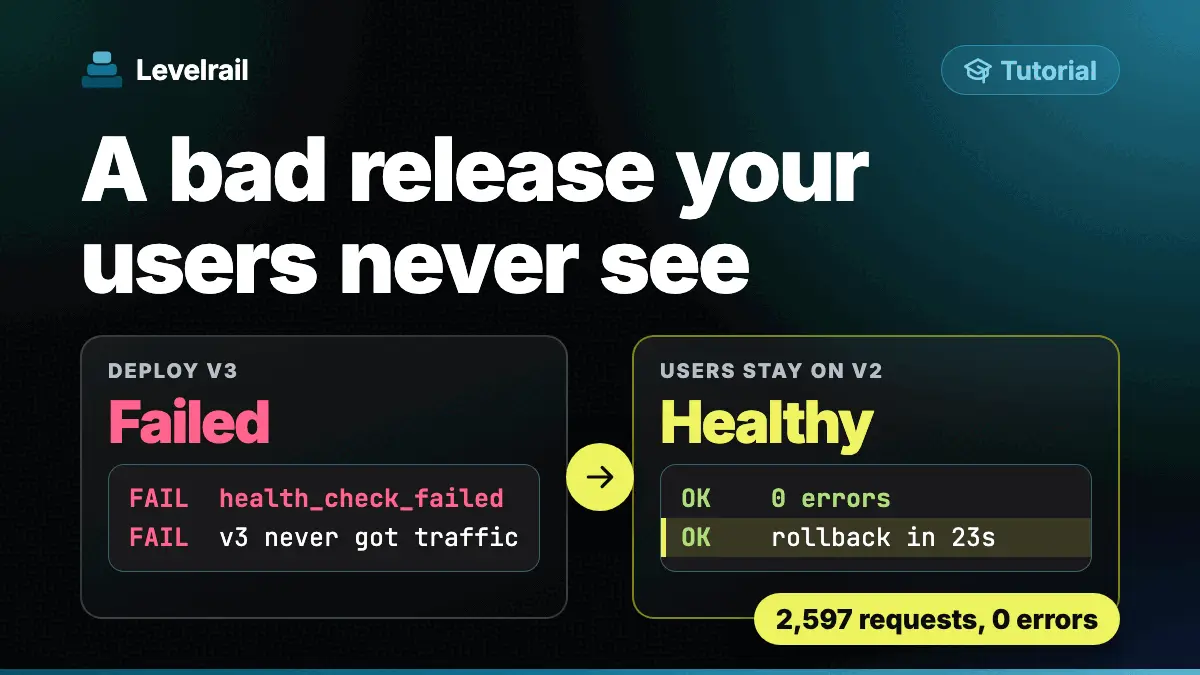
To see what a failed release looks like from the user side, read the rollback guide.
Frequently asked questions#
Why does docker stop take 10 seconds on my Node app?
Node runs as PID 1 in the container, and PID 1 gets no default action for SIGTERM. Without a handler the signal is ignored until Docker sends SIGKILL after 10 seconds. In our run docker stop took 10.52 s and the container exited with code 137.
Does running with --init fix a Node app that drops connections on deploy?
It fixes the hang but not the dropped requests. With --init, SIGTERM reached Node and killed it in 0.57 s with exit 143, and the 5 in-flight requests were aborted. You still need a handler that stops accepting and finishes the work.
How do I get a zero downtime Node deploy?
Do two things. Handle SIGTERM so the old process drains before it exits, and deploy with a tool that switches traffic before it stops the old container. In our Levelrail deploys under load, 0 of 3156 requests failed even for the app without a handler.