Use case: Homelab

Agents dial out to the Levelrail control plane over mutual TLS, so a server behind home NAT joins the same way a cloud VM does. Managed machines accept no inbound connections and store no SSH keys. Before you start, read the networking overview.

curl -fsSL https://levelrail.com/install.sh | sudo sh
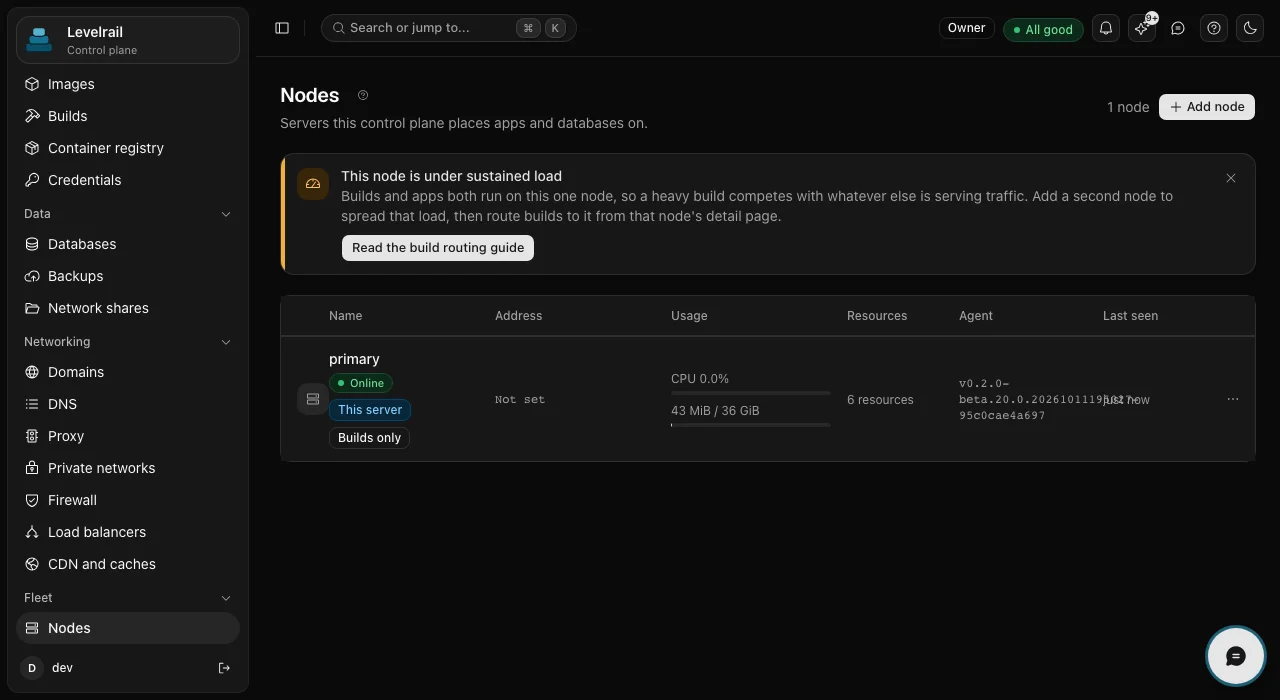
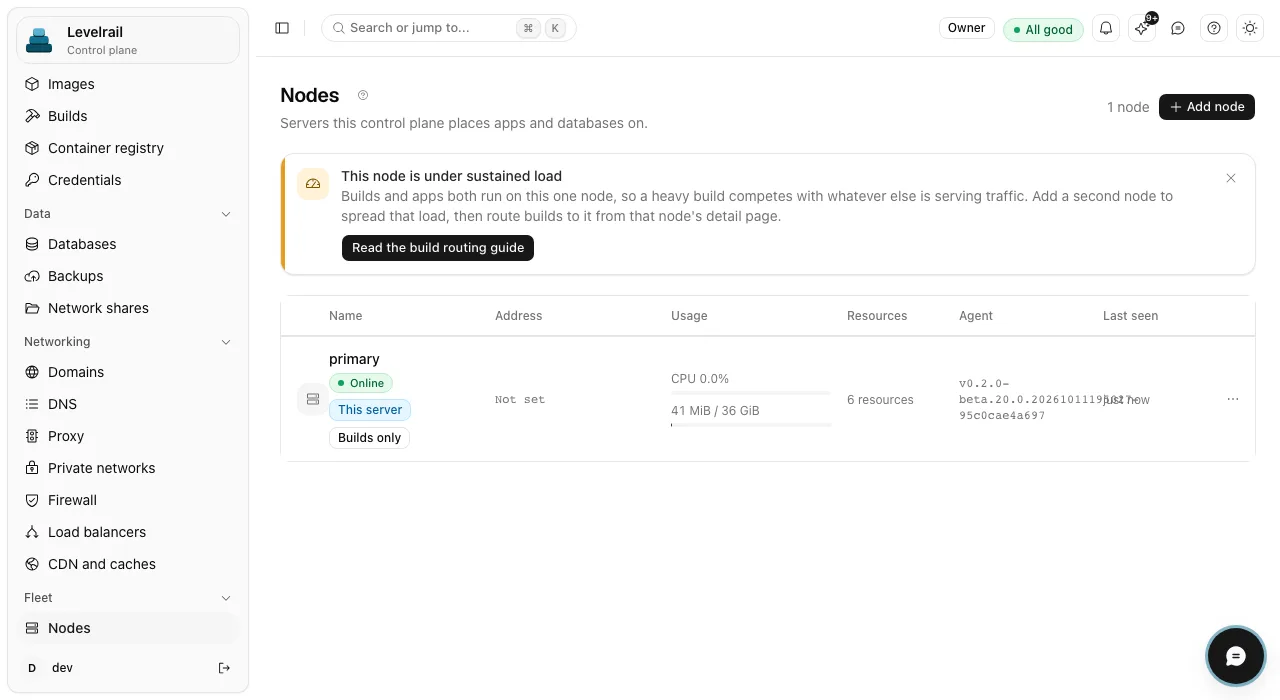
The Nodes page of the Levelrail dashboard listing one node named primary, marked Online and This server, with CPU and memory usage, a resource count and the agent version, under a banner suggesting a second node to spread load. The Nodes page of the Levelrail dashboard listing one node named primary, marked Online and This server, with CPU and memory usage, a resource count and the agent version, under a banner suggesting a second node to spread load.
Agents dial out
  • Outbound only: agents open the connection, managed machines accept none
  • 0 SSH keys stored on managed servers
  • mTLS Agents dial out over mutual TLS
  • Beta multi-node status Beta

How it works

Agents dial out to one control plane

Only the control plane needs to be reachable. The home server, the VPS and the cloud VM each dial out over mutual TLS, so managed machines need no inbound ports. NAT traversal across a real WAN is untested.

What you get

Everything this use case leans on

  • Join token and agent

    Add a server with a one-time join token and a small agent. Only the control plane needs to be reachable: the docs examples use port 9443 for agents.

  • Beta

    Explicit placement

    Placement is explicit. Cordon and drain move apps off a node when you need to take it down.

  • Event streaming

    Docker events stream up from each agent, so the control plane never polls machines over SSH.

  • Local metrics and logs

    Metrics and logs stay on the node that produced them and are queried on demand, which keeps a small home server light.

  • Home templates

    Templates exist for media, home automation and file tools. Browse the template catalog.

In the product
What it looks like

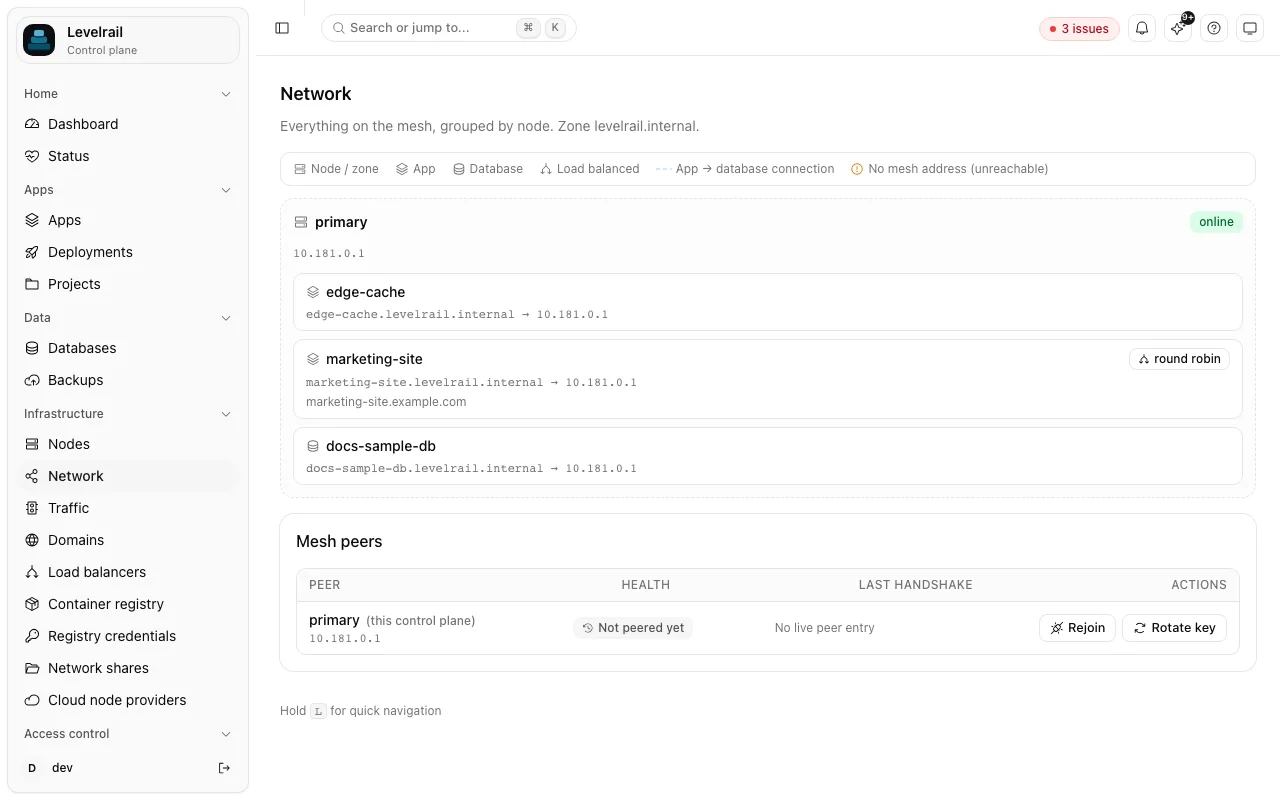
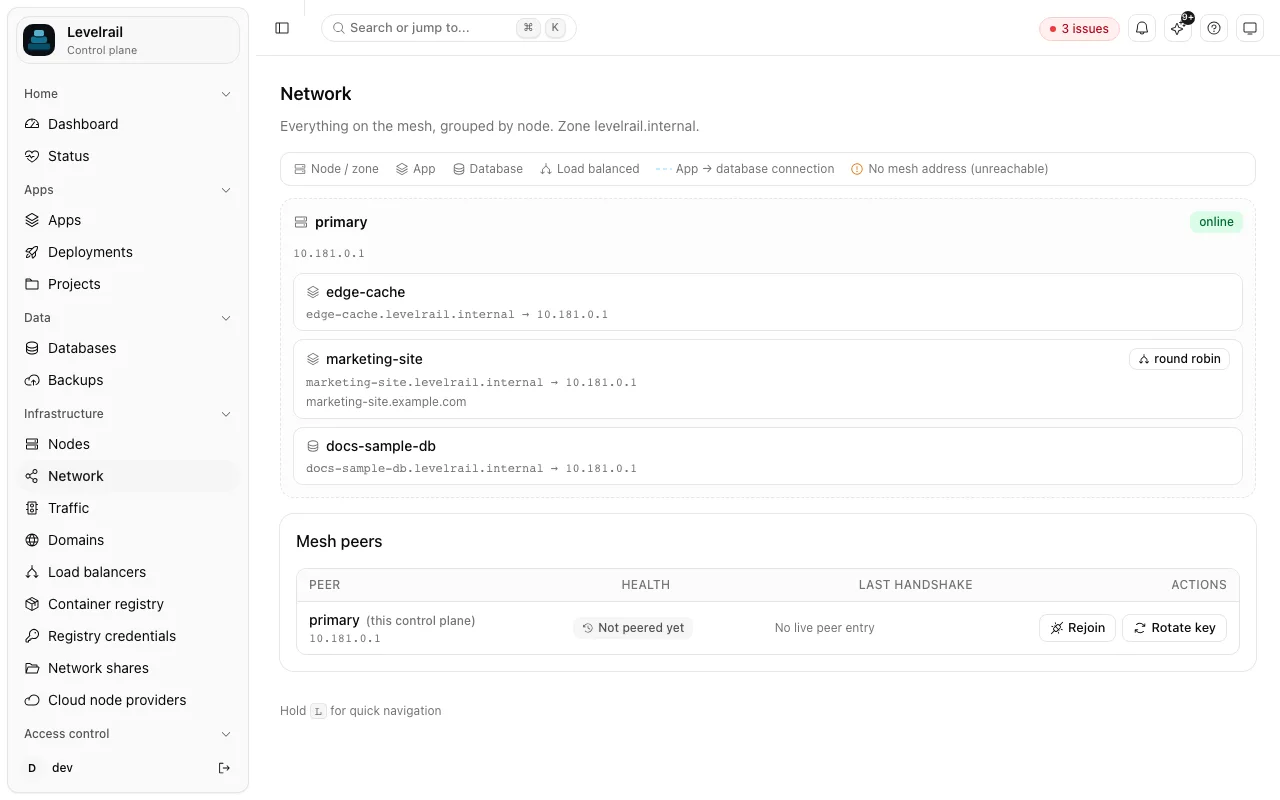
  • The Network page grouping everything on the mesh by node: a primary node online at 10.181.0.1 with an app, a round-robin app and a database, and a Mesh peers table showing primary as not peered yet. The Network page grouping everything on the mesh by node: a primary node online at 10.181.0.1 with an app, a round-robin app and a database, and a Mesh peers table showing primary as not peered yet.
    The mesh grouped by node, with each app and database resolving to a node address. Read the docs
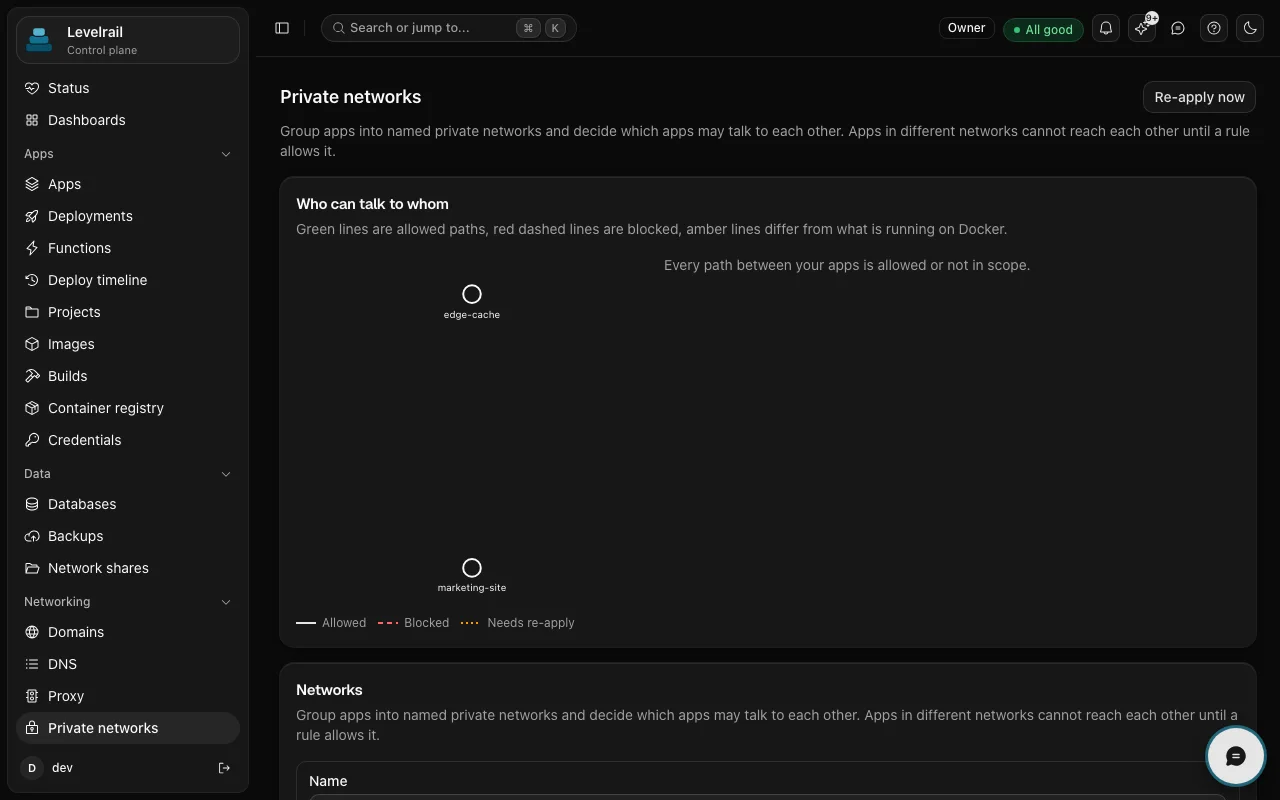
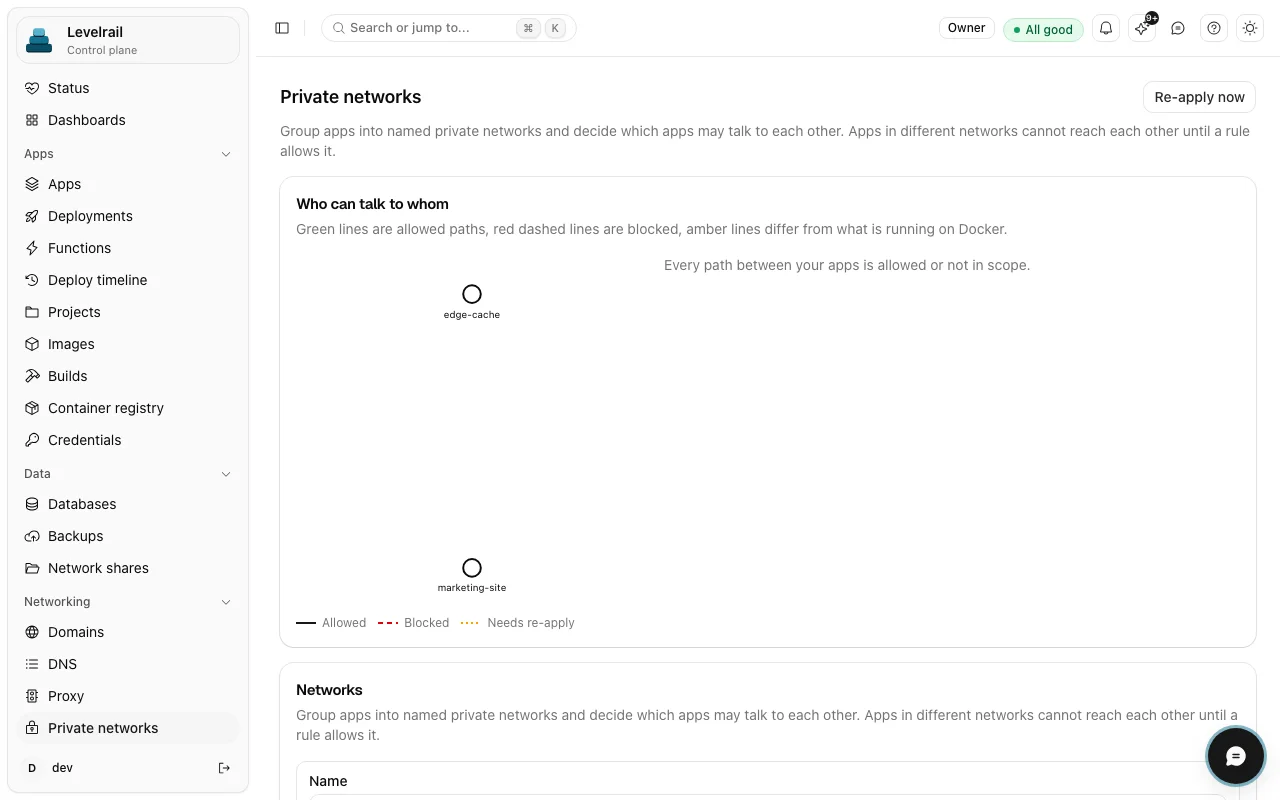
  • The Private networks page with a Who can talk to whom graph showing two app nodes, an allowed, blocked and needs re-apply legend, and a Networks section below. The Private networks page with a Who can talk to whom graph showing two app nodes, an allowed, blocked and needs re-apply legend, and a Networks section below.
    Private networks decide which apps resolve each other by name. They are not a packet filter. Read the docs

Get started

From zero to running

  1. Install control plane

    Install the control plane on the machine that has a public address. The install guide covers it.

  2. Join each machine

    Create a join token and run the agent installer on each other machine.

  3. Place your apps

    Open the app's settings and choose the node it should run on.

Mint a join token and check the node
levelrail-cli nodes join-token
levelrail-cli nodes list

Run the agent with the token, then check that the node shows as online.

Go deeper

Read it, run it, or read the code

Good to know

Scope and maturity, stated plainly so you can plan around them.

  • A single node is the tested path. Multi-node is beta: enrollment, cordon and drain are verified across two real Docker daemons on one machine, while NAT traversal and the WireGuard mesh over a real WAN are untested. Follow the multi-node quickstart and keep a fallback.
  • The WireGuard mesh is optional. If you turn it on across hosts, open inbound UDP 51820 on the control plane. Private networks control which apps can resolve each other by name, and they are not a packet filter.
  • Load balancing covers HTTP only.

Maturity differs by feature. Feature status lists what is stable, beta or behind a flag, with the evidence for each.

FAQ

Questions

Can I manage a server behind NAT or CGNAT?

Yes, because the agent dials out and the server needs no inbound ports. The control plane itself needs a reachable address, and NAT traversal across a real WAN has not been tested yet.

Is multi-node ready for production?

Not yet: it is in beta, and a single node is the well-tested path. Run multi-node next to something you already trust until your own testing says otherwise. Architecture explains how the control plane and agents fit together.

Run it on a server you own

One command installs the control plane. Apache 2.0, no license key and no paid tier.

curl -fsSL https://levelrail.com/install.sh | sudo sh