Latest
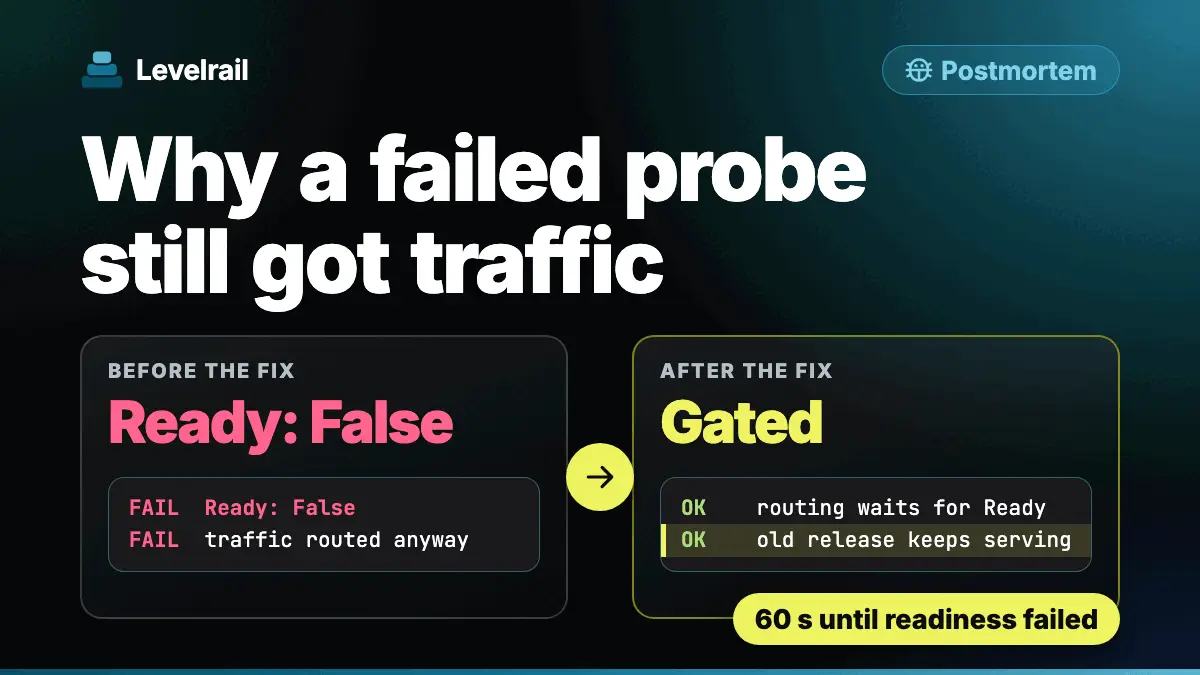
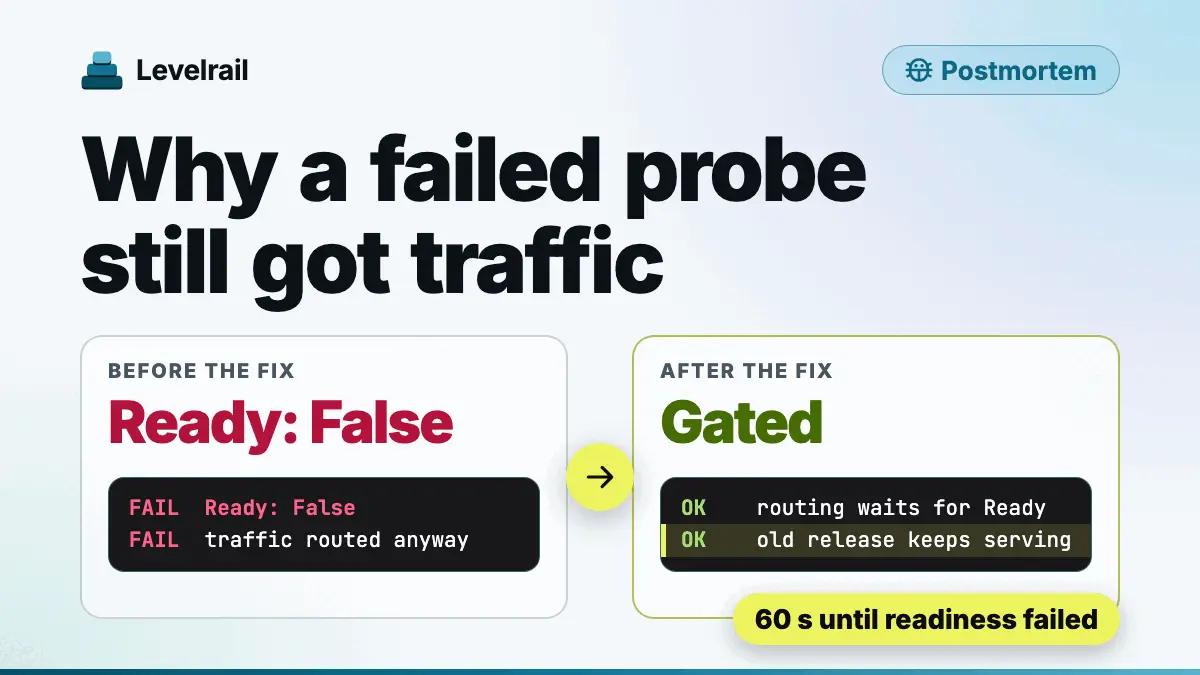
Our Health Check Failed and the Deploy Went Live Anyway
A postmortem from our own dogfood run: a failed readiness probe still received traffic. What broke, why two correct parts added up to a bug, and the fix.
Blog
Step-by-step guides where every command was run on a real build. Output is pasted, not invented, and each post says which version and date it was tested on.
Latest
A postmortem from our own dogfood run: a failed readiness probe still received traffic. What broke, why two correct parts added up to a bug, and the fix.
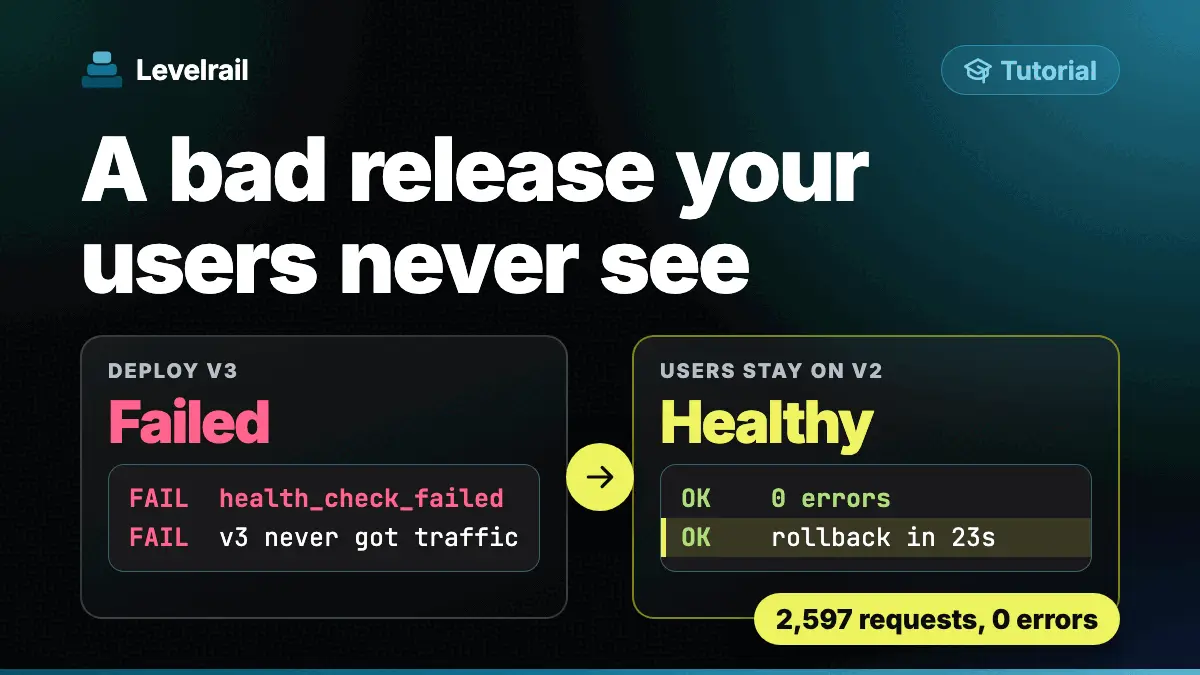
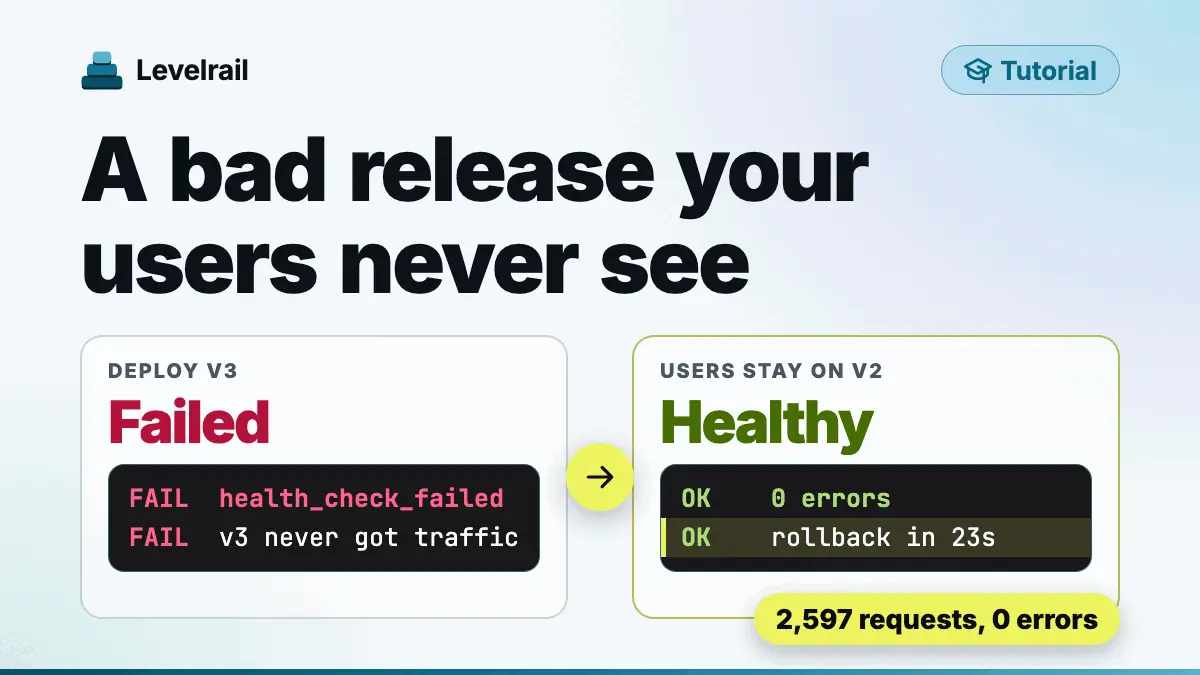
Ship a broken release on purpose, watch your users stay on the old version, then roll back with one command. Real commands, real output, self-hosted.
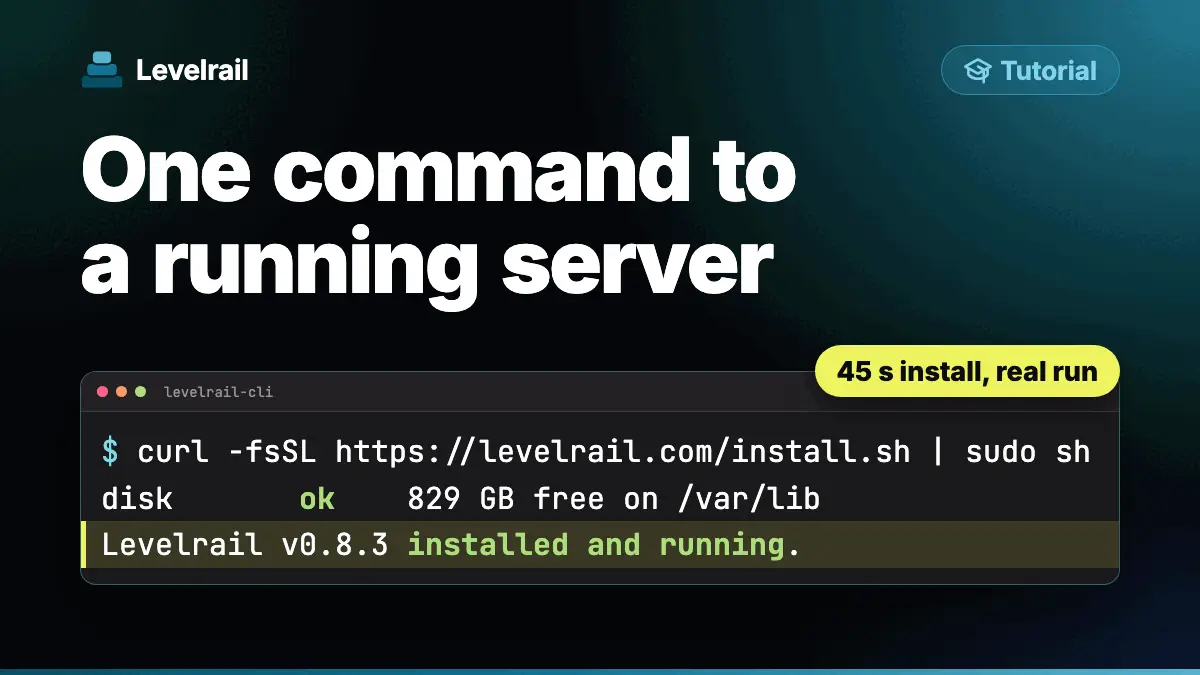
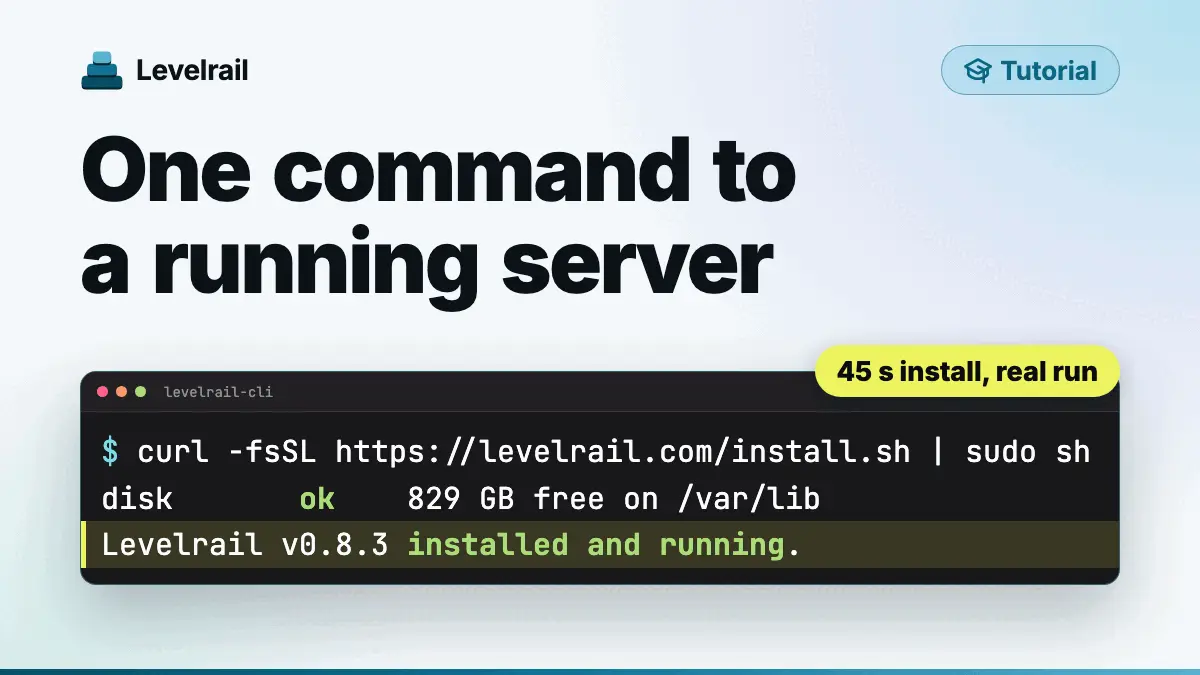
One curl command, one setup token, one sample app. The full Levelrail install on a fresh Linux server, with the checks and the fixes.
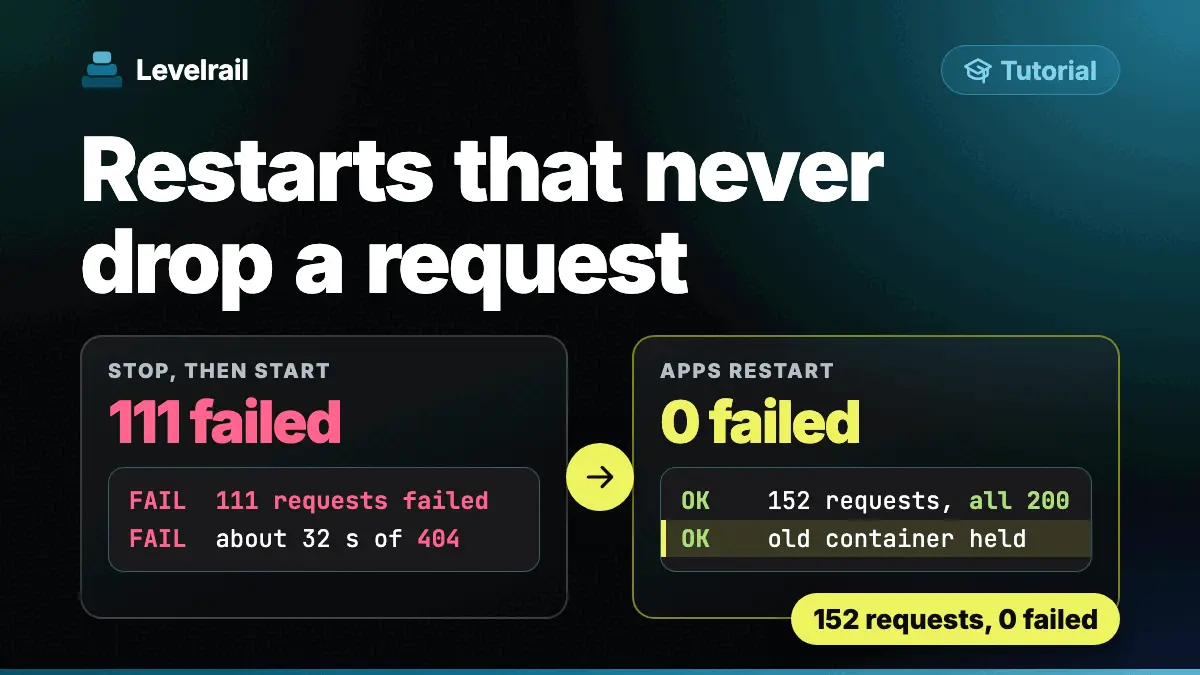
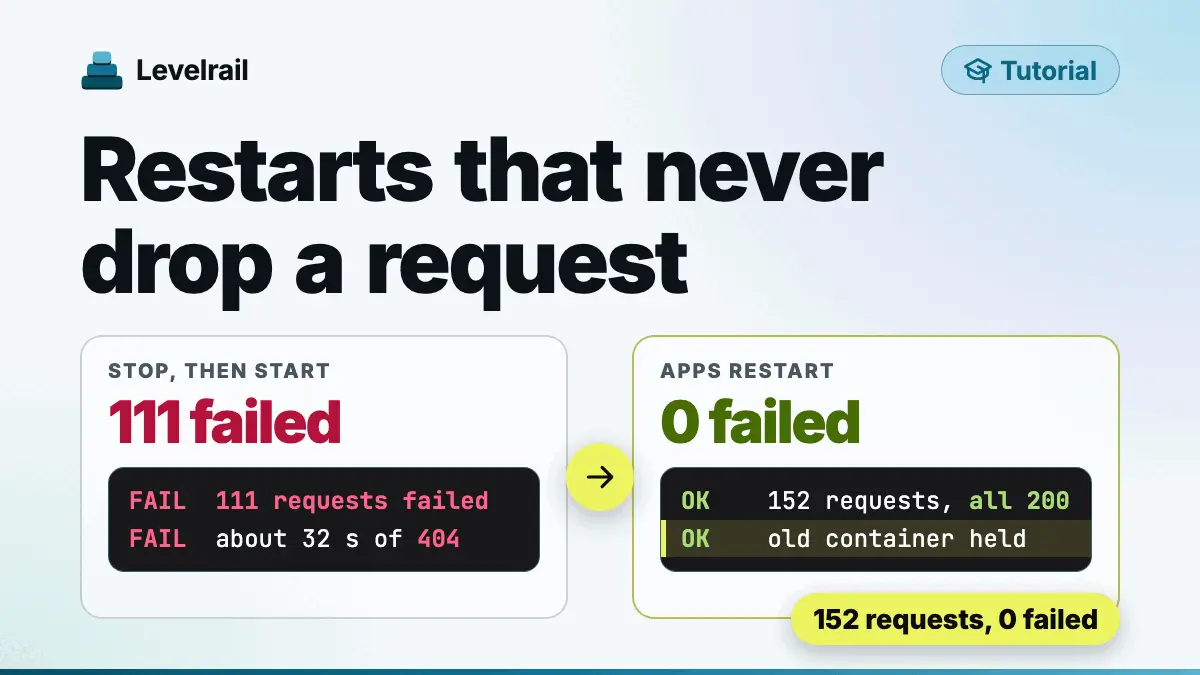
Restart a Docker app with one command and zero failed requests, then see what a plain stop and start costs. Real output from a self-hosted run.
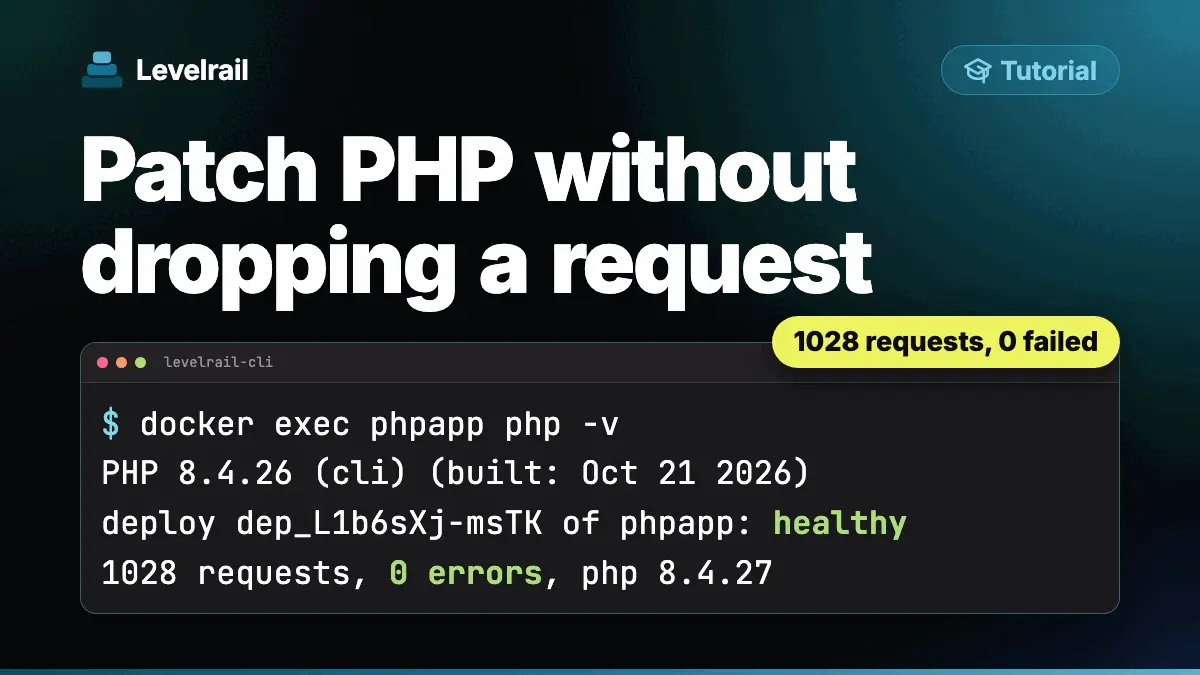
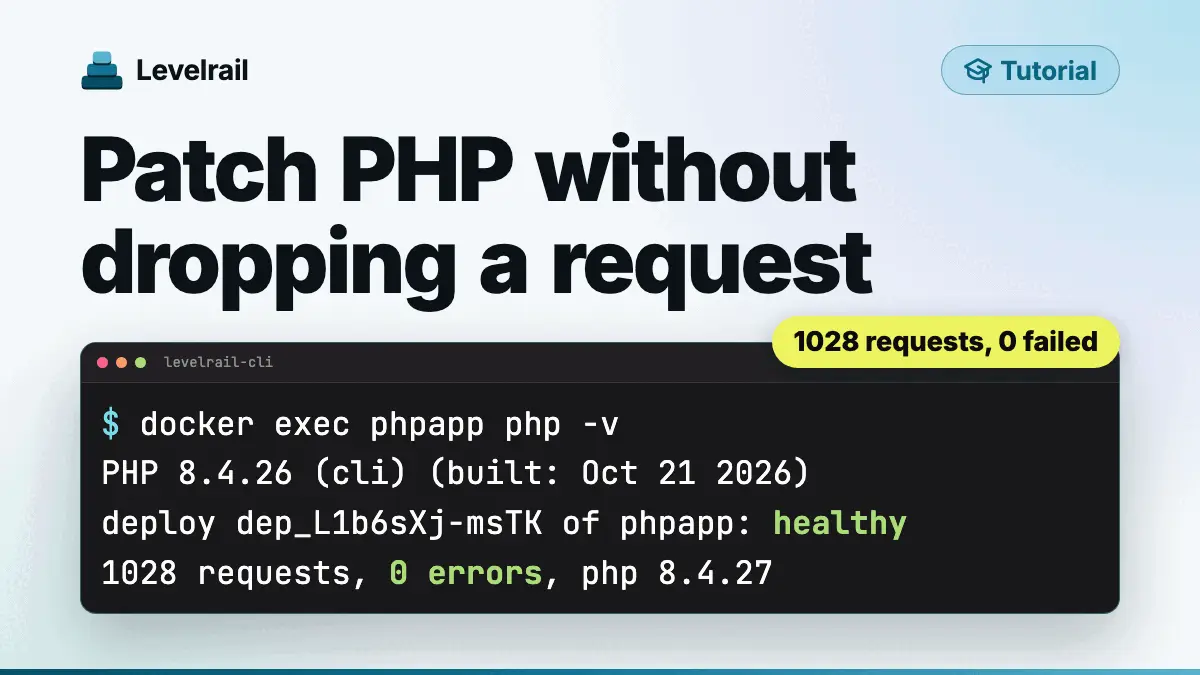
Move a Dockerized PHP app from 8.4.26 to the 8.4.27 security release with zero failed requests, pin the image by digest, and see a bad update get refused.
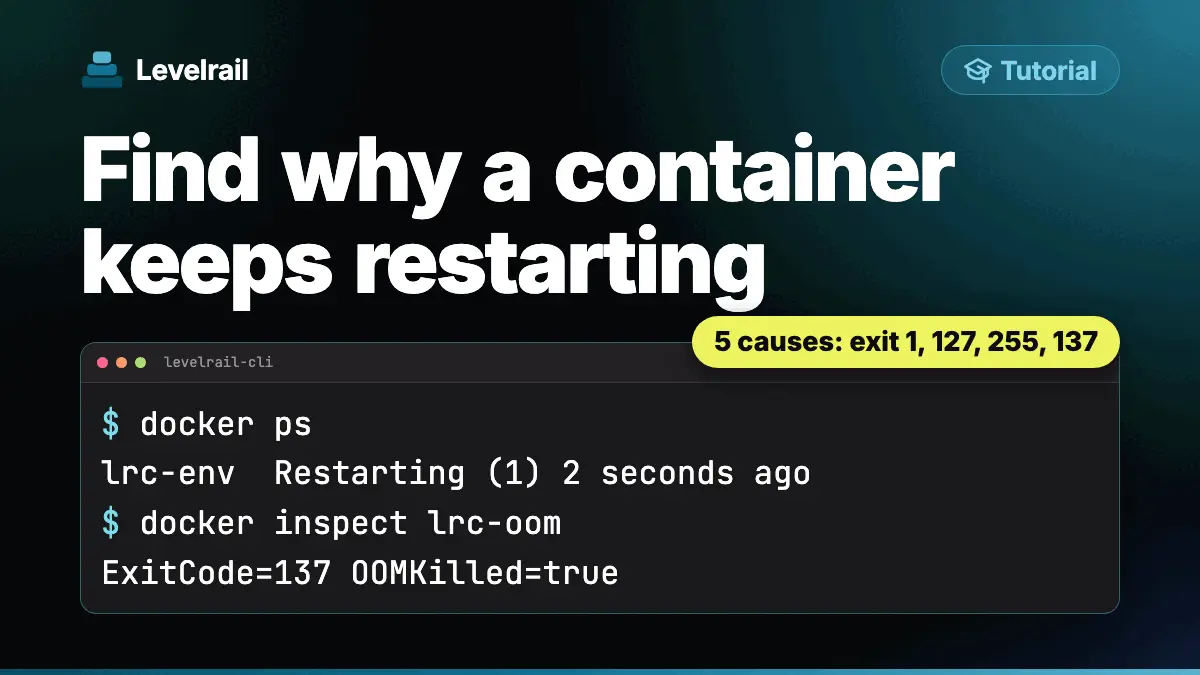
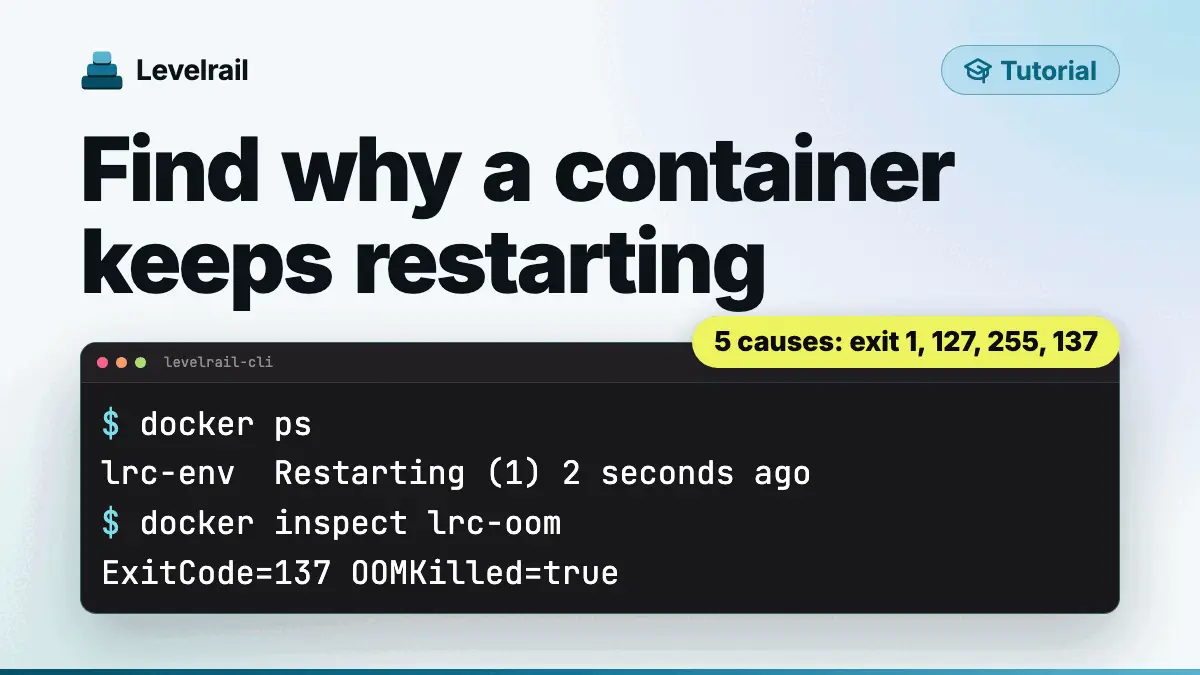
Five real reasons a Docker container keeps restarting, each reproduced with its exit code, the command that finds it and the fix. Then the same crash on Levelrail.
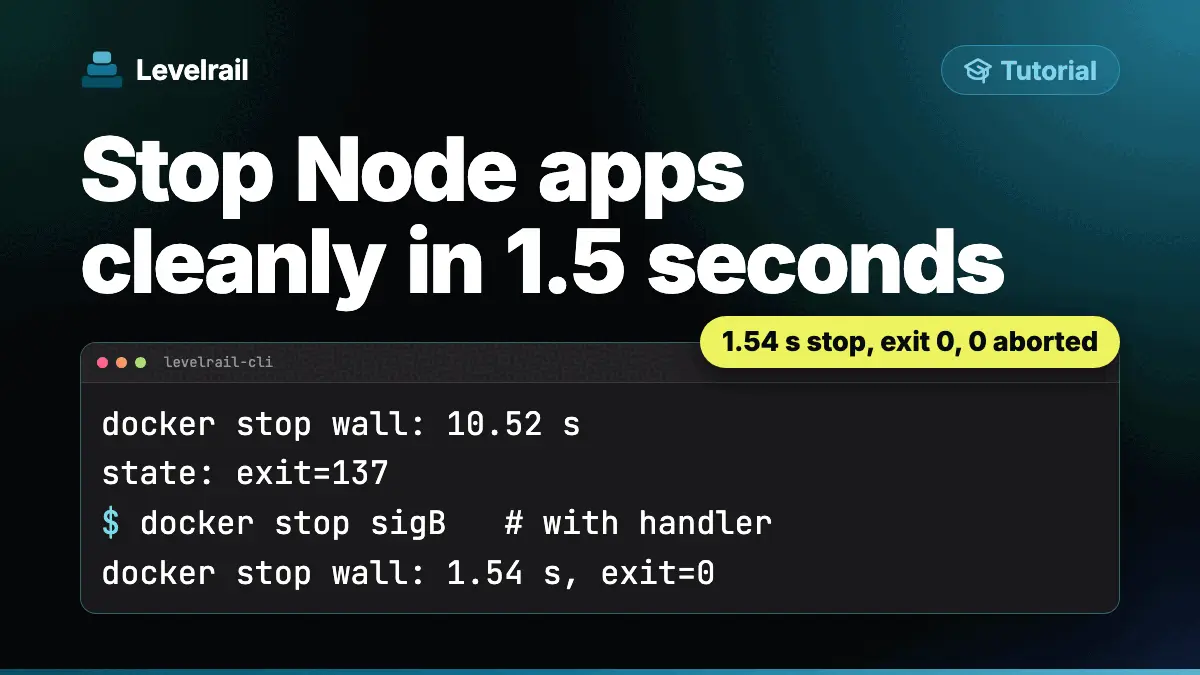
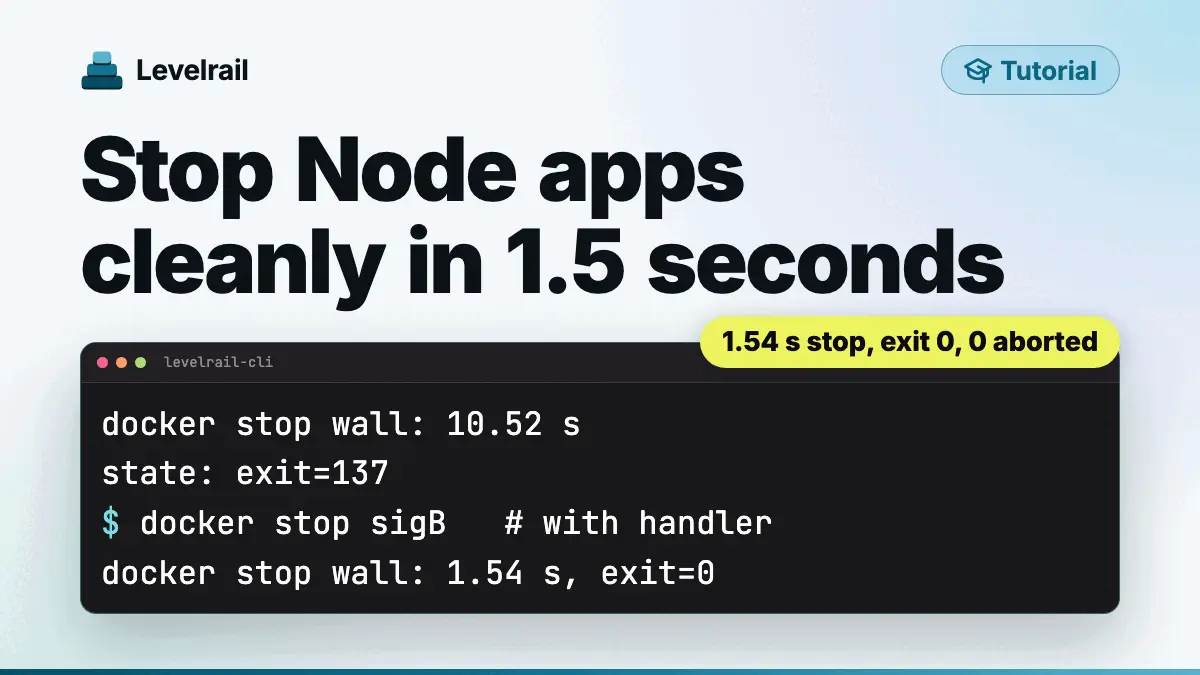
Why docker stop takes 10 seconds on a Node app and resets in-flight requests, and the handler that fixes it. Measured exit codes, timings and deploy runs.
Series, 4 parts
A path from a fresh Linux server to a safe release process: install Levelrail, ship a broken release on purpose and roll it back, then restart an app with no dropped requests.