A deploy platform’s reputation is set by its worst failure. Not its feature list. The worst failures are quiet ones: a health check that passes on a container that already died, a certificate that fails to renew at 3 a.m., a rollback target that got garbage collected.
We build Levelrail, a self-hosted deployment platform. During a local dogfood run on 2026-09-27 we found one of those quiet failures in our own code. This is the writeup.
What we saw#
The test was simple. Push a commit whose health route returns a 500, and check that the platform rejects the deploy while the old version keeps serving.
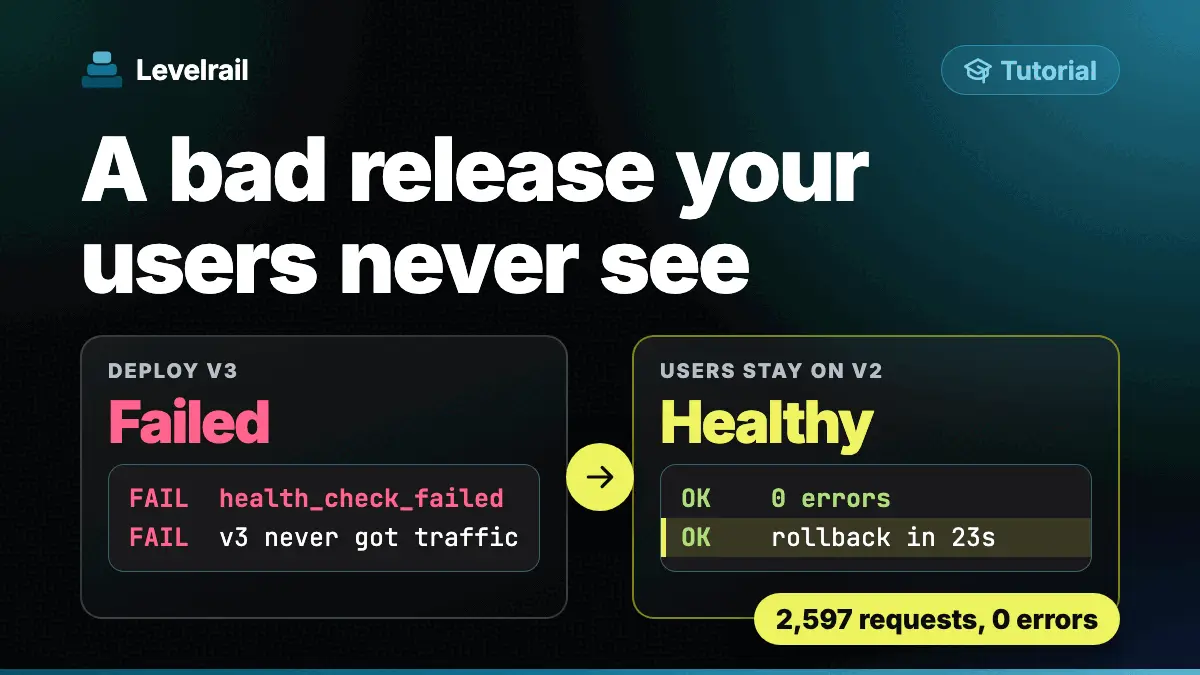
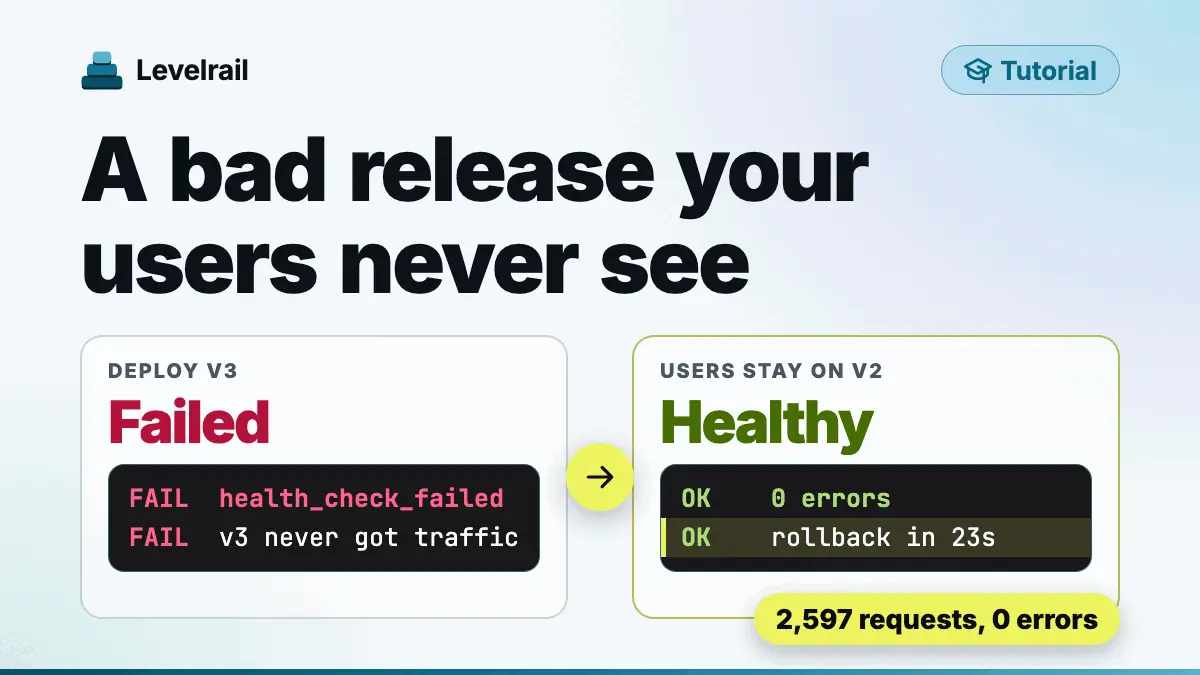
Readiness failed after 60 seconds with a ReadinessFailed condition. So far, correct. Then the surprise: the ingress routed traffic to the new, failing container anyway. The previous container kept running, unrouted. The deploy attempt was recorded as succeeded.
In other words, the system knew the container was unhealthy and sent users to it.
Why it happened#
Two separate pieces each did something reasonable on their own.
The application controller tracked readiness correctly and wrote a Ready condition. The ingress, in a different part of the system, picked which container to route to by a simpler rule: the container named after the desired image, as soon as it was running. Running, not ready.
Nothing connected the two. The readiness verdict existed, and the router never read it. And the deploy attempt record was written when the container started, so it never changed to failed when readiness later failed.
Lesson: two components that each hold half of a safety guarantee do not add up to a guarantee. Someone has to own the whole path from “probe failed” to “no traffic”.
The fix#
Two changes, shipped in a single pull request:
- The routing step now gates on the application controller’s stored Ready condition. If the new release is not ready, it falls back to the previous release that is still running, rather than cutting over early.
- A failed readiness probe now flips the deploy attempt to
failed. The history shows what really happened.
We also added tests for both: one that fails readiness and checks the routing choice, one that checks a fresh deploy with failing readiness records the failure, and one at the storage layer that checks the newest succeeded attempt flips to failed.
Related bugs found in the same run#
The same run turned up nearby problems. A rollback to a mistyped image tag was accepted with exit code 0. The container could not be created, the ingress dropped the route, and the app went offline while the old container was still running. The CLI now refuses a tag that is not present locally, names the tags it does know, and points at the right command.
A www redirect also disappeared after an env import, because every app save deleted and re-inserted the domain rows that redirect and certificate settings hang off. That one is fixed too.
None of these show up in a feature list. They showed up because we ran the platform against a real app and tried to make it fail on purpose.
What the platform checks now#
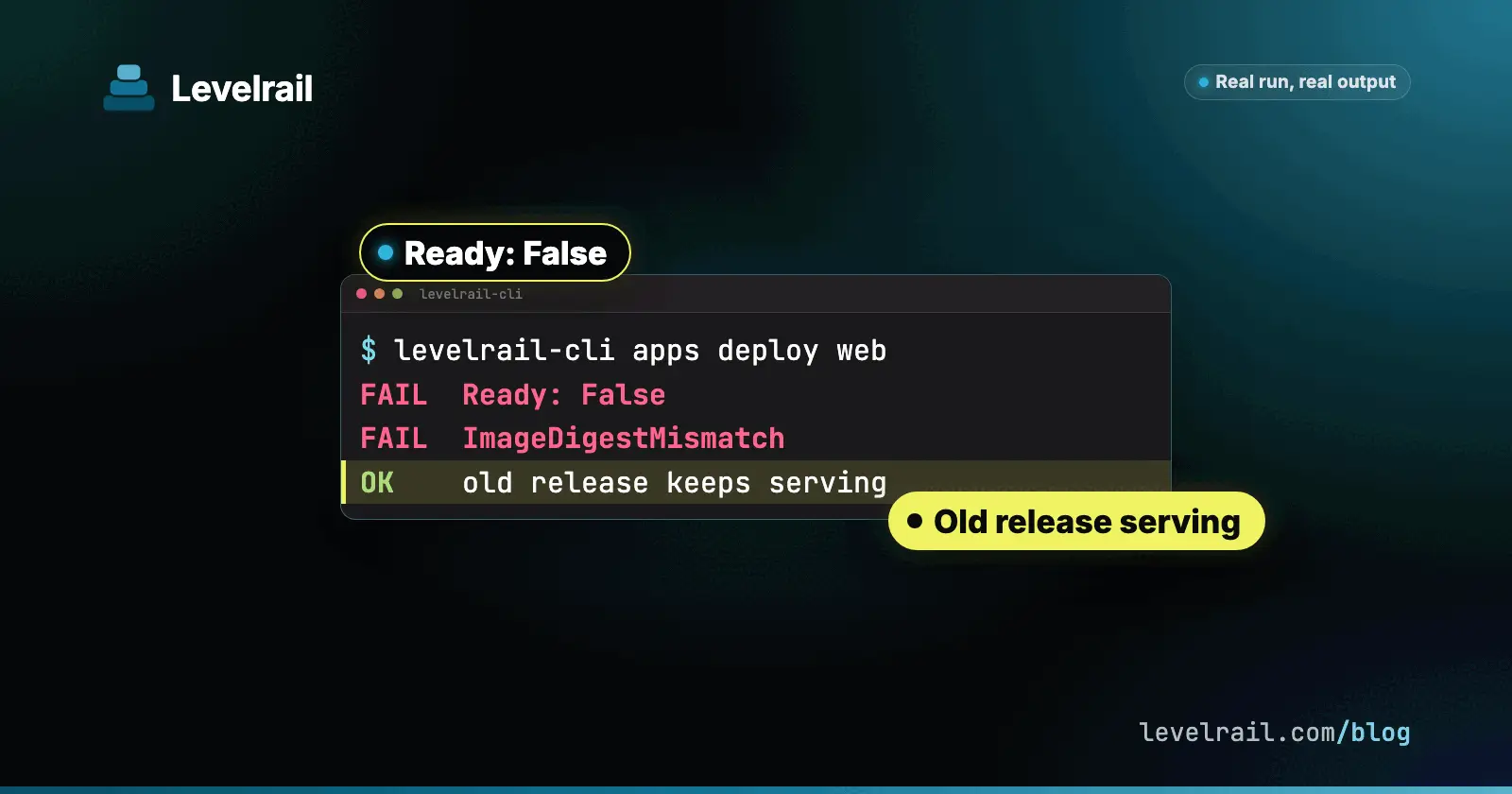
Beyond routing on readiness, the controller verifies that the running container’s image matches the pinned digest the deploy intended. If it does not, the app reports Ready: False with ImageDigestMismatch and the previous release keeps serving. It never reports Deployed while the running content differs from what you shipped.
You can check a deploy’s outcome from the CLI, and the exit code tells you the result:
levelrail-cli apps deploys wait webZero means healthy. Seven means failed, canceled, superseded or blocked. Six means the wait timed out.
What is still open#
We are not done. One item from that run was open when we wrote this: confirming end to end that apps deploys wait reports a readiness failure correctly now that the attempt flips to failed. We expect it works as a side effect of the fix, and we have not verified it independently.
Levelrail is young. Single-server deployments are labeled production ready, and newer features are still beta. Run it beside your current setup for a full business cycle with real traffic. That is what surfaces the boring failures.
Go deeper#
- Deploy safety: digests, stale guards and freeze windows
- Deploy failures and what each code means
- New to Levelrail? Start with the install guide.
Levelrail is open source under Apache 2.0. Bugs and requests go in the issue tracker.
Frequently asked questions#
What is the difference between a running container and a ready container?
Running means the process started. Ready means its health or readiness probe passed. Routing traffic on running instead of ready sends users to a container that may be broken.
What do the exit codes of levelrail-cli apps deploys wait mean?
Zero means the deploy is healthy. Seven means it failed, was canceled, superseded or blocked. Six means the wait timed out.
What happens if the running image does not match the deployed digest?
The app reports Ready: False with ImageDigestMismatch and the previous release keeps serving. It never reports Deployed while the running content differs from what you shipped.