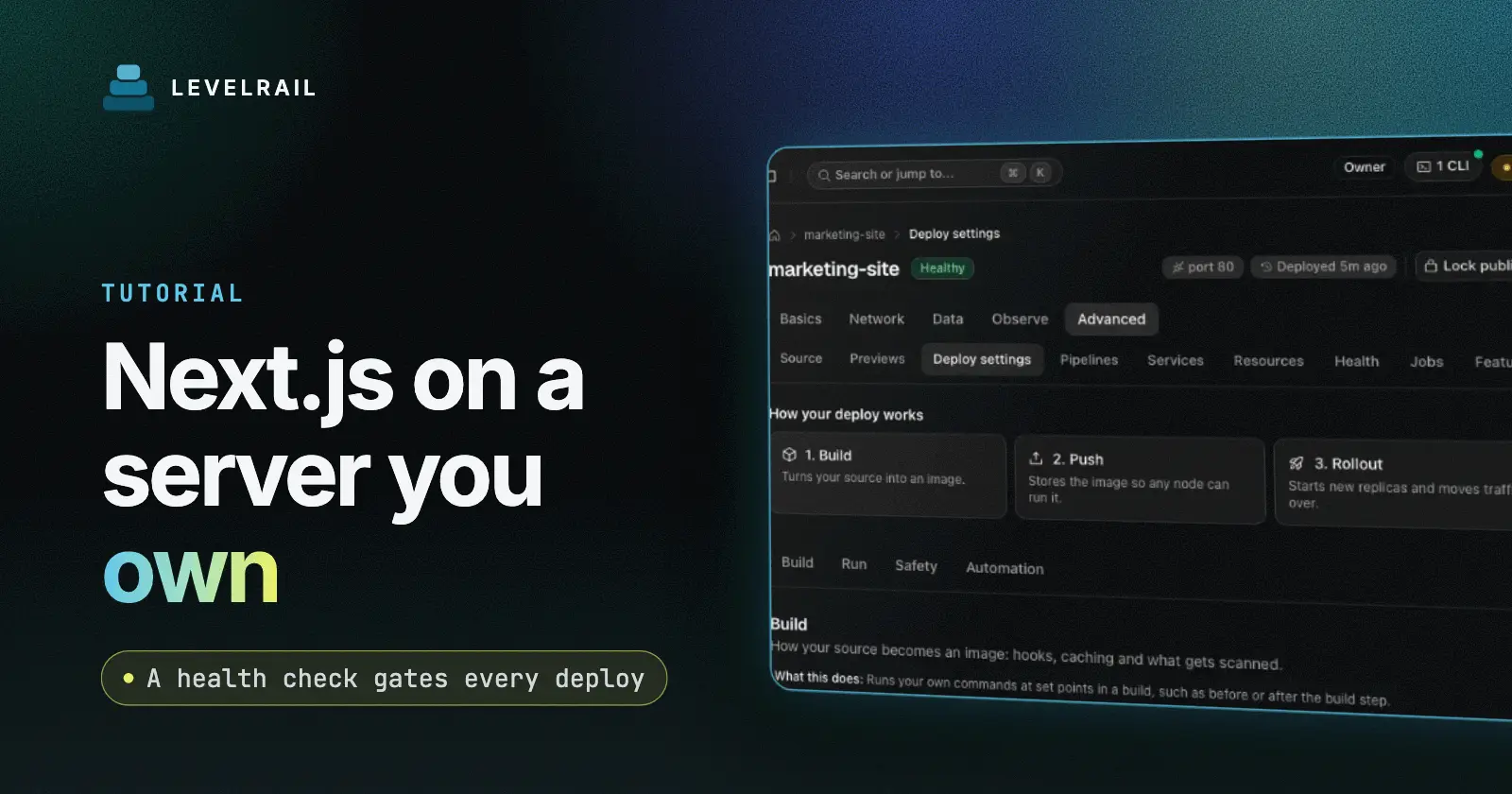
By the end of this guide a Next.js app runs in Docker on a server you own. It answers on your domain over HTTPS, a health check gates every deploy, and you have practiced one rollback. The tool is Levelrail, a self-hosted deploy platform. You need a server with it installed (see the five minute install) and a Next.js repo on GitHub, GitLab, Bitbucket or Gitea.
The guide also covers the trap that bites most people who leave a managed host: NEXT_PUBLIC_ variables that end up empty in the browser.
Checked on 2026-11-01 against the current Levelrail release.
Deploy Next.js on a VPS: the short version#
| Step | What you do |
|---|---|
| 1 | Pick a build type: Railpack or your own Dockerfile |
| 2 | Add a cheap health route |
| 3 | Commit NEXT_PUBLIC_ values in .env.production |
| 4 | Create the app from git and wait for the deploy |
| 5 | Add the domain and let HTTPS happen |
| 6 | Practice one rollback |
Pick a build type for Next.js#
| Build type | Choose it when |
|---|---|
railpack | You have no Dockerfile. Railpack detects Next.js from package.json and builds it. |
dockerfile | You want full control of the image, for example with output: "standalone". |
static | You use output: "export". The built-in web server serves the files and no container runs. |
To see what Levelrail would detect before you create anything, run levelrail-cli apps analyze YOUR_REPO_URL. It prints the framework, build type, port and the reasons behind each, and creates nothing.
Add a health route#
Readiness needs a path that answers fast and does not depend on outside services.
// app/api/health/route.ts
export function GET() {
  return Response.json({ ok: true });
}
Skip the database check here. If the database blips, you do not want every replica marked unready at once. A new container takes traffic only after its readiness probe passes twice in a row and it has stayed up for the stable window, so a bad release never replaces a good one.
Fix the NEXT_PUBLIC trap before the first build#
next build compiles NEXT_PUBLIC_ values into the JavaScript bundle. The browser never reads them at runtime. Levelrail injects app env and secrets only when it creates a container, never into a build. Setting NEXT_PUBLIC_API_URL as app env changes nothing in the browser.
The symptom: the server render sees one value, the browser sees undefined, and React reports a hydration mismatch.
The fix that works on every build type is to commit a .env.production with the public values:
NEXT_PUBLIC_API_URL=api.example.com
NEXT_PUBLIC_SITE_NAME=Example
next build reads that file, so Railpack builds and Dockerfile builds both pick it up. These values end up in public JavaScript anyway, so committing them exposes nothing new. Never put a secret in this file.
Dockerfile builds can also use build.args with matching ARG and ENV lines. The catch: build args are not stored with the app. A push deploy builds without them and the values silently become empty. Railpack builds reject build.args entirely. The committed file avoids both problems.
Server-only variables are different. Set them as app env or secrets and they arrive when the container starts. After you change them, the dashboard shows an “Environment changes pending restart” banner until you apply them:
levelrail-cli apps apply your-appWrite the app spec#
One file in your repo describes the service:
version: 1
services:
  web:
    build:
      type: railpack
    port: 3000
    health:
      readiness: { path: /api/health, interval: 5s, timeout: 2s }
    env:
      NODE_ENV: production
      DATABASE_URL: { secret: true, required: true }
The secret: true, required: true pair means the value is envelope-encrypted and write-only. The deploy fails with RequiredSecretMissing until you supply it, so a missing database URL fails at creation instead of at 2 a.m. If you need a database, see Postgres next to your app.
Railpack starts the app with npm run start. With output: "standalone", Next.js logs a warning that next start does not use the standalone output. The app still serves normally. The standalone output only matters for your own Dockerfile.
Create the app and follow the build#
REPO_URL=your-git-repo-url
IMAGE_REPO=your-registry-path

levelrail-cli apps create \
  --name web \
  --file app.yaml \
  --repo "$REPO_URL" \
  --ref main \
  --image-repo "$IMAGE_REPO" \
  --build-type railpack \
  --secret DATABASE_URL=your-database-url

levelrail-cli apps deploys wait web
The build starts as soon as the app exists. deploys wait blocks until the deploy settles. Exit code 0 means healthy, 7 means failed, canceled, superseded or blocked, and 6 means the wait timed out.
For a Dockerfile build, use --build-type dockerfile and build.type: dockerfile in the spec. Pass --build-type railpack again on every later manual apps builds trigger, because the trigger does not remember it.
To deploy on every push, connect your git provider in the dashboard and set the app’s git source to push trigger mode. See git integrations.
Checkpoint: levelrail-cli apps status web reports the app running and ready.
Add your domain and HTTPS#
Leave domains: out of the first deploy so nothing competes with your current host for the real hostname. Test on the generated URL first. When you are ready:
levelrail-cli apps domains add web YOUR_DOMAIN www.YOUR_DOMAIN
levelrail-cli domains redirect set web www.YOUR_DOMAIN --target YOUR_TARGET_URL
Point an A or AAAA record at the server. Caddy routes by hostname and requests the certificate. When the control plane can bind port 80, plain HTTP answers with a 308 redirect to HTTPS, so you do not need a redirect in front. The full steps are in Domains, TLS and ingress.
Roll back once before you need it#
levelrail-cli apps deploys list web
levelrail-cli apps deploys rollback-to web <deploy-id>
Levelrail pins prior images by digest, so image cleanup cannot delete a rollback target, and a rollback redeploys exactly what ran before. Do this once on a quiet afternoon. For how the cutover, the previous-release hold and automatic rollback work, read zero downtime deploys for Docker apps.
What you give up compared with a managed host#
| Managed feature | Here |
|---|---|
| Edge runtime | None. Everything runs as a Node container. |
| Global CDN | Not built in. The ingress has an in-memory response cache, and you can put a CDN in front. |
| Image optimization | next/image runs in your container and uses your CPU. |
| Previews | Per pull request, plus optional branch deploys. |
| Serverless scaling | Replica autoscaling on CPU, memory or request load, within the servers you own. |
What can go wrong#
| Symptom | Likely cause and fix |
|---|---|
Hydration mismatch, empty NEXT_PUBLIC_ value | The value is app env, not in .env.production. Commit it and redeploy. |
port_not_listening | Nothing listens on the spec port. Match port: to the port the app uses and bind all interfaces. |
health_check_failed | The readiness path is slow or errors. Raise health.readyTimeout for a slow start instead of loosening the check. |
lockfile_out_of_sync | Commit the lockfile your package manager wrote. |
| Build killed for memory | See build_out_of_memory in deploy failures. Give the build node more memory. |
What I have not verified yet#
I have not run this exact guide start to finish on a fresh server for this post, so it has no pasted terminal output. I verified the NEXT_PUBLIC_ behavior on a Next.js 15 App Router app, and it is in the Vercel migration runbook. I have not tested the Pages Router or middleware-heavy apps.
FAQ#
Does this work with the App Router and server components?#
Yes. Levelrail runs your container, so anything that runs in a Node container works. Levelrail adds no separate Next.js runtime.
Can I run it on one small VPS?#
Yes. A single node is the best tested path.
How do I move an existing Vercel project?#
Follow the migration runbook, and read Vercel and Heroku alternatives for the wider trade-offs.
Where do I go next?#
Add a database next. Reference pages: Deploying and managing apps, the app.yaml reference and Next.js self-hosting.
Levelrail is open source under Apache 2.0. If this saved you time, a star on the repo helps other self-hosters find it.