 GLINR Studios
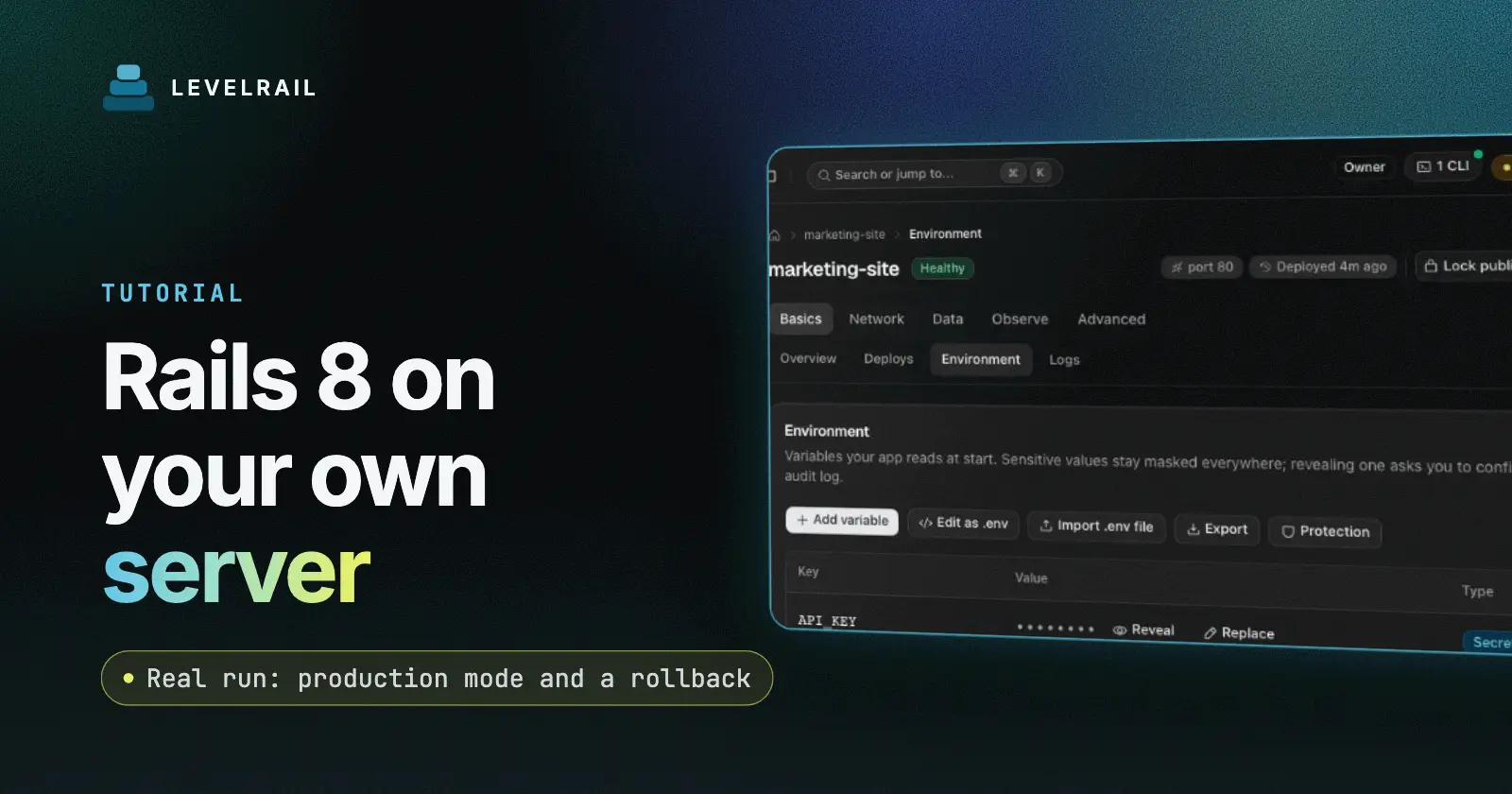
By the end of this guide a Rails 8 app runs in Docker on your own server in production mode, built from git without a Dockerfile, checked by Rails’ own /up route, with its master key stored as a secret and one rollback rehearsed. The tool is Levelrail, a self-hosted deploy platform. Install it with the five minute install and have your Rails repo on a git host the server can reach.
I ran every step on Levelrail v1.5.7 and pasted the real output.
Deploy Rails to a Docker VPS: the short version#
| Step | What you do | Checkpoint |
|---|---|---|
| 1 | Make a small Rails app with a root route and /up | the repo is committed |
| 2 | Create the app with the rails preset and the master key as a secret | deploy reports healthy |
| 3 | Set RAILS_ENV=production and apply | logs show Environment: production |
| 4 | Push a change and deploy it | the root route shows the new string |
| 5 | Roll back to a known good deploy | the old string returns, still in production |
Step 1: make a small Rails app#
You do not need an existing project to follow along. A minimal Rails app is enough to prove the whole path: build from git, run under Puma, answer the health route, take a change and go back. If you already have an app, skip to step 2 and make sure config/master.key is in your .gitignore.
I generated a minimal app with the Ruby image, so nothing was installed on the host:
docker run --rm -v $PWD:/w -w /w ruby:3.4 sh -c \
  'gem install rails --no-document && rails new app --minimal --skip-git --database=sqlite3'
That produced Rails 8.1.4.1. Rails already routes /up to a health controller. I added a root route that prints a version string so I could tell deploys apart, and a .gitignore that excludes config/master.key:
# config/routes.rb
get "/" => proc { [200, { "content-type" => "text/plain" }, ["hello from rails v1\n"]] }
Checkpoint: the repo is committed with the route and the .gitignore entry.
You can see what the platform detects before creating anything:
levelrail-cli apps detect .language: ruby
framework: Ruby (Rails)
build: railpack
port: 3000
deploy: levelrail-cli apps init --build railpack --name app --port 3000It reads files only and runs none of your code.
Step 2: create the app#
One command registers the repo, picks the rails preset, stores the master key as a secret and starts the first build. The preset knows Rails conventions, so you do not write a Dockerfile, a Procfile or a port mapping. The build uses Railpack, which detects Ruby from your Gemfile and the version from your lockfile and tool versions.
The master key is a secret, so it goes in with --secret and never into the repo:
levelrail-cli apps create \
  --name rails-demo \
  --repo YOUR_REPO_URL \
  --ref main \
  --framework rails \
  --image-repo rails-demo \
  --secret RAILS_MASTER_KEY=$(cat config/master.key)

levelrail-cli apps deploys wait rails-demoapp "rails-demo" created
name: rails-demo
image: rails-demo:pending
port: 3000
volume: storage -> /app/storage
deploy dep_CISzGv9coyTQ of "rails-demo": healthyThe preset set port 3000, mounted /app/storage for SQLite and uploads, and used /up as the readiness path. curl against the host port printed hello from rails v1 and /up returned 200. Rails builds use real memory, so give a small VPS some swap if you build there.
Checkpoint: the deploy is healthy and the root route answers.
Step 3: set production mode#
Set RAILS_ENV as plain env right after you create the app, and apply it so the container restarts with the new values:
printf 'RAILS_ENV=production\nRAILS_LOG_TO_STDOUT=1\n' > prod.env
levelrail-cli apps env import rails-demo --file prod.env
levelrail-cli apps apply rails-demo+ RAILS_ENV (new)
+ RAILS_LOG_TO_STDOUT (new)
saved env for app "rails-demo" (2 new, 0 changed, 0 to secrets)
2 changes pending (env RAILS_ENV, RAILS_LOG_TO_STDOUT). Run: levelrail-cli apps apply rails-demo (or pass --apply)Then read the logs once:
levelrail-cli apps logs rails-demoThe log read showed Environment: production. In production mode Rails eager loads your code, caches it and applies host authorization, which is what you want on a server. Making this the first thing you do after create also means every later release carries the variables, which matters for rollback in step 5.
Checkpoint: the Environment: line says production.
Step 4: ship a change and read the result#
From here the loop is short: edit, commit, build, deploy. Each deploy is kept as a numbered release with its own image, which is what makes step 5 possible. Keep the change small and visible, like a version string, so you can tell by curl which release is serving.
I changed the string to rails v2, committed, and triggered a build with the build type stated:
levelrail-cli apps builds trigger rails-demo \
  --repo YOUR_REPO_URL --ref main \
  --build-type railpack --image-repo rails-demo
levelrail-cli apps deploys wait rails-demodeploy dep_Ky97Ev2PlXOk of "rails-demo": healthyThe root route now answered hello from rails v2. To deploy on every push, connect a git provider and use push trigger mode, see git integrations.
Checkpoint: the route shows rails v2 and the deploy is healthy.
Step 5: roll back a Rails deploy#
A rollback restores a whole release, including its environment. Roll back to a deploy made after step 3, so the production settings come with it. I built a v3, then rolled back to the v2 deploy:
levelrail-cli apps deploys list rails-demo
levelrail-cli apps deploys rollback-to rails-demo <deploy-id-of-v2>
The rollback served rails v2, the log said Environment: production, and RAILS_ENV=production was still listed by apps env export. Levelrail redeploys the pinned previous image under a levelrail-rollback/ name, so you get exactly what ran before. For failed rollouts in general, read rolling back a failed Docker deploy.
Checkpoint: the old string is back, and the log still says production.
Quick reference#
| Task | Command |
|---|---|
| Detect language and port | levelrail-cli apps detect . |
| Set plain env | levelrail-cli apps env import rails-demo --file prod.env |
| Apply pending changes | levelrail-cli apps apply rails-demo |
| Rebuild from git | levelrail-cli apps builds trigger rails-demo --build-type railpack ... |
| Return to a good release | levelrail-cli apps deploys rollback-to rails-demo <deploy-id> |
A readiness check proves the app answers, so pair it with a look at the logs on your first deploy, which is the subject of health checks that pass on a dead container.
Next steps#
The repo here came from a local git server, so deploys were manual. Add Postgres, a domain and HTTPS when you move to a real server. For secrets beyond the master key, read managing secrets for Docker apps.
FAQ#
Do I need a Dockerfile for Rails?#
No. The preset built the app with Railpack on Ruby 3.4.13 and ran Puma.
How do I run Rails in production mode?#
Import RAILS_ENV=production as plain env and apply it right after create.
Where does RAILS_MASTER_KEY go?#
In the secret store with --secret. Keep config/master.key out of git.
What is the health route?#
Rails 8 ships /up, and the preset checks it.
Levelrail is open source under Apache 2.0. What will your first Rails deploy be, a side project or a client app? If this saved you time, a star on the repo helps other self-hosters find it.
Frequently asked questions#
Do I need a Dockerfile for Rails?
No. The rails preset builds from git with Railpack, which ran Ruby 3.4.13 and Puma on port 3000 for my app.
How do I run Rails in production mode?
Import RAILS_ENV=production as plain env and apply it right after creating the app. Doing it first means every later rollback target carries it.
Where does RAILS_MASTER_KEY go?
In the secret store, with --secret at create time. Keep config/master.key out of git.
What is the health route?
Rails 8 ships /up. The preset checks it, so you do not need to add one.