By the end of this guide you will know where each kind of app configuration lives, how to load it from a .env file, when a change takes effect, and how to rotate the master key without losing a single secret. Secrets management usually fails one of two ways: everything sits in plain text, or everything is encrypted and you lose the key. The second one shows up months later, during a restore.
I use Levelrail, a self-hosted deployment platform, for the examples. The principles carry over to any setup that encrypts secrets with a master key.
TL;DR#
| Kind | Where the value lives | Readable after saving |
|---|---|---|
| Plain env | The app’s desired state | Yes, except values that look like credentials (masked) |
| Secret | Envelope-encrypted | Masked in every read. Revealing needs a fresh password check |
| Vault reference | In your HashiCorp Vault | Resolved at container creation, never stored |
Three ways to give an app a value#
Each entry under env in your app spec has one of three shapes:
env:
  NODE_ENV: production
  DATABASE_URL: { secret: true, required: true }
  STRIPE_KEY: { vault: { path: myapp/config, key: stripe_key } }
A plain value is a literal string. A secret is a variable you supply at deploy time, and it never goes in app.yaml or git. A Vault reference names a path in Vault’s KV v2 engine and a field inside it. The platform reads it right before it creates the container and stores nothing. If Vault is unreachable or the field is missing, the deploy fails instead of starting with an empty variable.
Add required: true to a secret and the deploy fails when no value exists. The CLI goes further and refuses to create the app until you pass one.
Load values from a .env file#
Preview first. A dry run prints one line per key and saves nothing:
levelrail-cli apps env import web --file prod.env --dry-run
levelrail-cli apps env import web --file prod.env
The import skips keys that already hold secrets, so a plain file can never downgrade a secret to plain text. Load secrets separately:
levelrail-cli apps secrets set web DATABASE_PASSWORD "new-password"
levelrail-cli apps secrets set web --env-file secrets.env
levelrail-cli apps secrets list web
apps secrets list shows each secret’s age and flags stale ones after 90 days by default (APP_SECRET_ROTATION_WARN_DAYS changes that). Exports write secret keys empty, never the values.
Reading a secret back#
Every surface masks values that look like credentials: the API, the CLI, the audit log, every MCP tool. A masked read returns •••••••• plus metadata. Revealing a value is a separate action that needs a step-up, meaning your password and your authenticator code if you have one:
levelrail-cli apps env get web API_SECRET            # prints the mask
levelrail-cli apps env get web API_SECRET --reveal   # asks for step-up, then prints
Every reveal writes an audit row with the actor and key, never the value. APP_SECRET_REVEAL sets the policy: step_up by default, or disabled to make values write-only for good. An app owner can also switch one app’s secrets to write-only from the Protection setting on the Environment tab.
Changes do not apply until the container restarts#
The platform injects env and secrets when it creates a container. Editing a value does not touch a running one. The dashboard shows an Environment changes pending restart banner, and the CLI prints the number of waiting changes:
levelrail-cli apps status web
levelrail-cli apps apply web
Pending changes list key names only. Rotating a secret counts as a pending change. Resource limits and health checks differ: they apply to a running container live. You can also pass --apply to env import or secrets set to restart in the same command.
The build-time exception#
Variables compiled into a front-end bundle, such as NEXT_PUBLIC_ and VITE_ values, never see runtime env. next build does not read what you set with apps env import, so the browser code keeps an undefined value and the server render can differ from the browser. Commit those public values in a .env.production file and never put a secret in it. They end up in public JavaScript anyway.
How the encryption works#
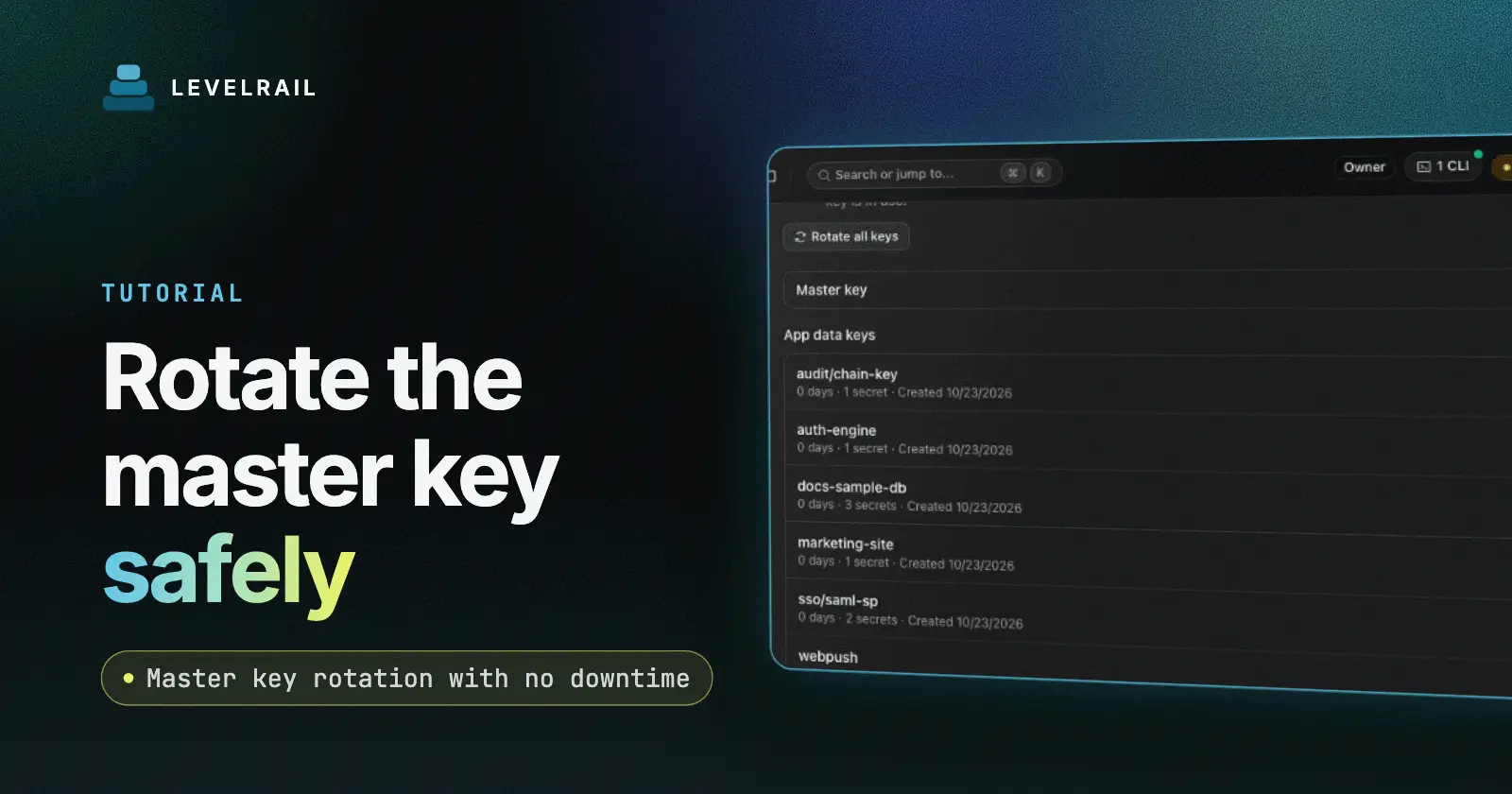
Each owner, meaning an app, a backup target or the email settings, gets its own random data encryption key. A master key wraps every one of those keys. The master key stays in memory in the control plane and comes from one of two places: a master.key file in the data directory, or the APP_MASTER_KEY environment variable.
That layering makes rotation cheap. Changing the master key re-wraps the small data keys. It does not re-encrypt every secret.
Each secret is also bound to its slot, which is its owner plus its key name. A ciphertext copied into a different slot fails with a “bound to a different slot” error. Someone with write access to the database cannot move one app’s DATABASE_URL into another app’s API_KEY and have it decrypt.
Back up the master key now#
Lose the master key and every secret is unreadable for good. Copy master.key somewhere that is not the server, such as a password manager or an offline backup. Better, point APP_MASTER_KEY_FILE at an absolute path outside the data directory with mode 0600, so a copy of the data directory alone cannot decrypt anything.
The platform can also keep an encrypted key escrow bundle as part of off-box control plane backups. Refresh that bundle after every rotation. See disaster recovery.
Bind older secrets to their slot#
Values written before slot binding existed count as legacy. They decrypt, but nothing stops someone copying them between slots. Check and bind them once:
levelrail-cli secrets binding-status
levelrail-cli secrets rebind
Rebind is safe to run twice and safe to interrupt. It skips values that changed while it ran, and a value already in the wrong slot lands in the failed list untouched. Once the status reports zero legacy values, set APP_SECRETS_REQUIRE_BOUND=true so reads refuse legacy values. Leave it unset until rebind finishes. Rebind cannot detect a swap that happened before it ran, so if you suspect tampering, set the affected secrets again.
Rotate the master key#
Rotate when you suspect exposure, or as routine hygiene. levelrail-cli doctor has a check that reports how long it has been, and it never fails the doctor run.
Generate the new key with the CLI, not with plain age-keygen. The control plane needs a post-quantum hybrid key, and it rejects the plain format:
levelrail-cli secrets generate-master-key --out /path/to/new.key
levelrail-cli secrets rotate-master-key --new-key-file /path/to/new.key
The first command writes the file with mode 600 and refuses to overwrite an existing one. You can also pipe the key with --new-key-file -. Never paste the key on the command line, because shell history keeps it.
Rotation runs live with no downtime. It re-wraps every data key in one database transaction, and if any key fails to unwrap, nothing changes. While it runs, other secret reads and writes pause so old and new keys never mix. Read the output: you get rotated_at and persisted_to_file, and a WARNING line means you have a task to do right now.
The rotation mistake that loses everything#
The control plane loads its master key at startup and never reloads it. A successful rotation updates the running process at once. What happens at the next restart depends on where the key came from:
| Key source | What rotation does | What you must do |
|---|---|---|
master.key file | Rewrites the file atomically | Nothing |
APP_MASTER_KEY env var | Cannot change your supervisor’s environment | Update the variable in your systemd unit or Compose file before the next restart |
If you use the environment variable and restart with the old value, every secret is unreadable for good, because the data keys are now wrapped only under the new key. If the file write fails with a permissions or disk error, the rotation still succeeded. Copy the new key into place by hand before any restart:
cp /path/to/new.key /var/lib/levelrail-data/master.key && chmod 600 /var/lib/levelrail-data/master.keyWhat can go wrong#
| Symptom | Likely cause | Fix |
|---|---|---|
| Secrets unreadable after a restart | Env-sourced key not updated after rotation | Restore from backup, set the new key, restart |
invalid key format on rotate | Key made with plain age-keygen | Run secrets generate-master-key |
bound to a different slot | Legacy value copied between slots | Run secrets rebind, or set the secret again |
| Change has no effect | Container not restarted | Run apps apply web |
NEXT_PUBLIC_ value missing in the browser | Value set as runtime env | Commit .env.production |
What I have not verified yet#
- I have not rotated the key on a production-size install with hundreds of secrets, so I cannot quote a duration.
- An external KMS for the master key does not exist yet. The key lives in a file or an environment variable.
- The control plane holds decrypted secrets in memory and injects them at container creation. Anyone who can exec into a container can read its environment.
FAQ#
Can I export my secrets?#
A normal export writes secret keys empty with a comment. Exporting values needs apps env export web --reveal, which asks for a step-up, and the read:sensitive ability.
Do I need Vault?#
No. Vault references are optional. Plain env and encrypted secrets work without it.
Does rotating the master key restart my apps?#
No. Rotation re-wraps data keys and does not touch running containers. A secret you change afterwards still waits for a restart.
Where do I store the new key file?#
Somewhere off the server, such as a password manager. Delete the temporary file once you confirm the rotation, unless you still need to copy the key into a systemd unit.
Go deeper#
- Master key rotation and secret slot binding
- Environment variables and secrets
- Deploying and managing apps
- Disaster recovery
- Related: install in five minutes
Levelrail is open source under Apache 2.0. If this saved you time, a star on the repo helps other self-hosters find it.