 GLINR Studios
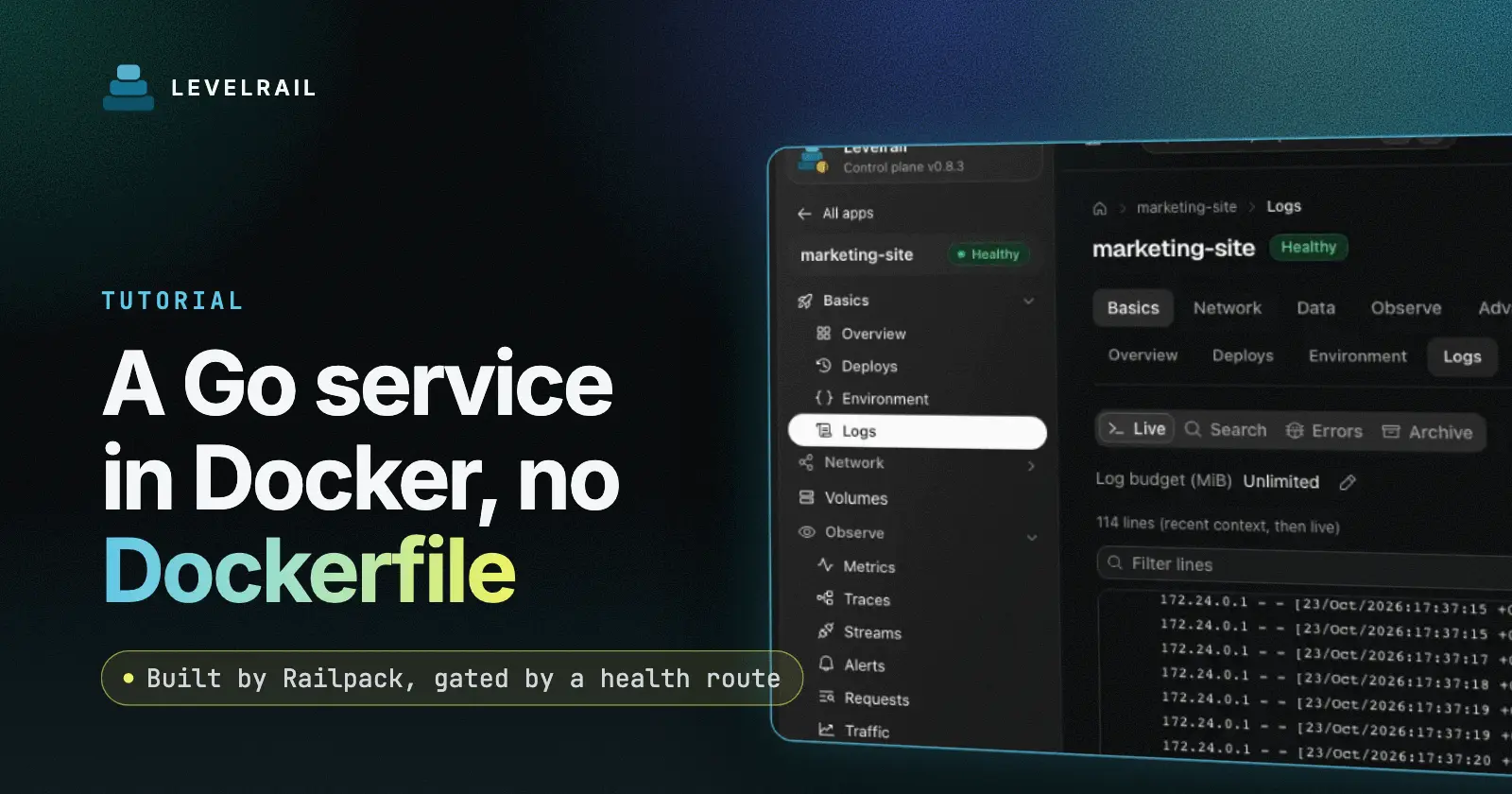
Deploying a Go service to Docker takes one command from the project folder: levelrail-cli deploy .. Levelrail detects Go from go.mod, builds with Railpack, starts the binary and moves traffic after the health check passes. This guide does that with a real service, then ships a release with the most common Go mistake, watches the gate refuse it and rolls back. The tool is Levelrail, a self-hosted deploy platform. See the five minute install if you have not set it up.
Tested on 2026-11-21 with Levelrail v1.5.7 on a Mac with Docker Desktop. The URLs are local. The commands are the same on a server.
Deploy a Go app: the short version#
| Step | What you do | Checkpoint |
|---|---|---|
| 1 | Bind 0.0.0.0 on port 8080, add /healthz, handle SIGTERM | Two files |
| 2 | levelrail-cli deploy . --port 8080 | deploy ...: healthy |
| 3 | Set a readiness path | readiness: GET ... |
| 4 | Ship a bad release and read the failure | The old release keeps serving |
| 5 | Roll back | The previous release serves |
Step 1: write the service#
Two files, go.mod and main.go:
module example.com/hello

go 1.23package main
import (
"context"
"encoding/json"
"log"
"net/http"
"os"
"os/signal"
"syscall"
"time"
)
const version = "v1"
func main() {
port := os.Getenv("PORT")
if port == "" {
port = "8080"
}
mux := http.NewServeMux()
mux.HandleFunc("/healthz", func(w http.ResponseWriter, _ *http.Request) {
_ = json.NewEncoder(w).Encode(map[string]bool{"ok": true})
})
mux.HandleFunc("/", func(w http.ResponseWriter, _ *http.Request) {
_, _ = w.Write([]byte("hello from go " + version + " greeting=" + os.Getenv("GREETING") + "\n"))
})
srv := &http.Server{Addr: "0.0.0.0:" + port, Handler: mux}
go func() {
stop := make(chan os.Signal, 1)
signal.Notify(stop, syscall.SIGTERM, os.Interrupt)
<-stop
log.Println("shutting down")
ctx, cancel := context.WithTimeout(context.Background(), 10*time.Second)
defer cancel()
_ = srv.Shutdown(ctx)
}()
log.Printf("listening on %s", srv.Addr)
if err := srv.ListenAndServe(); err != http.ErrServerClosed {
log.Fatal(err)
}
}Three things matter. The server binds 0.0.0.0, so traffic from outside the container can reach it. It has a cheap /healthz that the gate can call. It drains on SIGTERM, which is what Docker sends when a release is replaced. The app listens on port 8080 and the deploy command states the same port, so the two always agree.
Checkpoint: the folder holds exactly go.mod and main.go, about 1 KiB together.
Step 2: deploy it#
Preview first. Nothing is sent:
levelrail-cli up --name hello-go --dry-run .deploy: /home/me/hello-go as app "hello-go" (Go)
2 files, 1.0 KiB to upload (.gitignore, node_modules, .git and .env files are skipped)Then deploy, naming the port and one plain setting:
levelrail-cli deploy . --app hello-go --port 8080 --env GREETING=hi --yesThe output of the first build looked like this:
created app "hello-go" on port 8080
builder: Railpack (no Dockerfile in the repository)
mise go@1.23.12 go version go1.23.12 linux/arm64
[+56s] [trace] cutover (hello-go): done hello-go-bfc57398: traffic moved to 1 ready replica(s)
deploy dep_Yz3gtdVLRdf-: healthy
The first build took 56 seconds. The real output also prints the app address on the line before healthy. Put it in a variable and hit the routes:
URL="the address the deploy printed"
curl -sk "$URL/"
curl -sk "$URL/healthz"hello from go v1 greeting=hi
{"ok":true}The -k flag is only needed locally, where the certificate comes from an internal CA. A real domain gets a normal certificate.
Checkpoint: the output says created app "hello-go" on port 8080, the deploy ends with healthy and both routes answer.
Step 3: add the readiness path#
A folder deploy starts with a connection check on the app port. The readiness path makes the gate check that your app answers a real request:
levelrail-cli apps health set hello-go --probe readiness --path /healthz --interval 5s --timeout 2s
levelrail-cli logs hello-goliveness: not configured
2026-11-22T03:40:46Z stderr 2026/11/22 03:40:46 listening on 0.0.0.0:8080The command also prints the saved rule: a GET to /healthz that must return 200 to 299, every 5 seconds, with a 2 second timeout. The log line confirms the server listens on all interfaces. Every release from now on has to pass this check before it gets traffic.
Checkpoint: the log shows listening on 0.0.0.0:8080.
Step 4: ship the classic mistake and read the failure#
The most common Go slip is binding to loopback. I set version to v3 and changed the address to 127.0.0.1: plus the port. The process starts and logs listening on 127.0.0.1:8080, but nothing outside the container can reach it, so the readiness probe cannot connect:
[+1m6s] [trace] deploy_summary (hello-go): failed [ReadinessFailed] readiness probe: never became ready (context deadline exceeded), last attempt: GET ...: EOF
[+1m6s] [trace] cutover (hello-go): skipped [NotCutOver] traffic not moved to hello-go-ea8434a4: previous container hello-go-87365085, hello-go-bfc57398 keeps serving
deploy dep__VaGAmeu7cL-: failed
failure:  health_check_failed (retryable: false)
  cause:  The container started but never passed its readiness health check.
The probe URL is shortened to ... here. The command exited with code 7 after about a minute. The next curl still returned hello from go v2 greeting=hi, so users saw nothing change. This is the gate doing its job: the bad release never received traffic and the previous container kept serving. Fix the address and ship again.
Checkpoint: the failed deploy names health_check_failed, says keeps serving and leaves the old version live.
Step 5: roll back#
After a good v4 deploy, I rehearsed a rollback:
levelrail-cli apps deploys list hello-go
levelrail-cli rollback hello-gorolling back to the previous successful deploy, image hello-go:0d4813dfa373a2b5df69643b9dc0c9d7df6b617dThat image is v2. The refused v3 deploy was skipped, because rollback picks the previous successful one. Rollback is asynchronous, so poll the URL for a few seconds. It then returned hello from go v2 greeting=hi. You can see the pinned targets with:
levelrail-cli apps inspect hello-go rollback-targetstargets[0].deploy_id: dep_yue_hIMK48cs
targets[0].live: true
targets[0].pin_ref: levelrail-rollback/hello-go:dep_yue_hIMK48csCheckpoint: after the poll, the home page shows the older version and rollback-targets lists the pinned image that is live.
Check that shutdown was clean#
The logs of the replaced containers show the SIGTERM handler ran:
2026-11-22T03:42:44Z stderr 2026/11/22 03:42:44 shutting down
2026-11-22T03:42:54Z stderr 2026/11/22 03:42:54 shutting down
Handling SIGTERM lets in-flight requests finish before the process exits. See graceful shutdown for Node apps for the same idea and zero downtime deploys for how the old release keeps serving while a new one starts.
Why the gate matters for Go#
A Go binary starts in milliseconds, so a process that is running tells you very little. The question that matters is whether it answers a request on the right address. A readiness path asks exactly that on every release. When the answer is no, the platform keeps the previous container in front of your users and tells you why in plain text, with a stable failure name you can search for in the docs.
Run it on a server#
The same flow works on a VPS. Install Levelrail, log in with levelrail-cli, run deploy . --port 8080 from the project folder and attach your domain with levelrail-cli apps domains add hello-go example.com. The health route, the SIGTERM handler and the rollback targets behave the same way, because they belong to the app and the control plane rather than to your laptop. If you later want a custom image, add a Dockerfile to the folder and the same deploy command picks it up.
Quick reference#
| Task | Command or setting |
|---|---|
| Reach the app from outside the container | Bind 0.0.0.0, not 127.0.0.1 |
| Declare the port | Listen on 8080 and pass --port 8080 |
| Gate every release | apps health set with --probe readiness --path /healthz |
| Return to the last good release | levelrail-cli rollback hello-go, then poll the URL |
FAQ#
Do I need a Dockerfile for a Go app?#
No. Railpack detected Go from go.mod and installed Go 1.23.12. Add a Dockerfile for a custom image.
What address should my Go server listen on?#
0.0.0.0 on the container port. Binding 127.0.0.1 keeps the server private to the container, so the readiness gate refuses that release and the old one keeps serving.
Which port should my Go app use?#
Pick one, listen on it and pass the same value with --port. This guide uses 8080, which Levelrail also detects for a Go app.
Does Go shut down cleanly on a deploy?#
Yes, when you handle SIGTERM. The sample does and the replaced containers logged shutting down.
Which of your Go services will you put behind a readiness gate first? Levelrail is open source under Apache 2.0, and a star on the repo helps other self-hosters find it.
Frequently asked questions#
Do I need a Dockerfile for a Go app?
No. Railpack detected Go from go.mod and installed Go 1.23. Add a Dockerfile when you need a custom image.
What address should my Go server listen on?
0.0.0.0 on the container port. Binding 127.0.0.1 keeps the server private to the container, so the readiness gate refuses that release and the old one keeps serving.
Which port should my Go app use?
Pick one, listen on it and pass the same value with --port. This guide uses 8080, which Levelrail also detects for a Go app.
Does Go shut down cleanly on a deploy?
Yes, when you handle SIGTERM. The sample does, and the replaced containers logged shutting down.