 GLINR Studios
Deploying a Django app to a Docker host takes one command from the project folder: levelrail-cli deploy .. Levelrail detects Python and Django, builds an image with Railpack, starts gunicorn and moves traffic once the container answers. This guide runs that for real, turns on a health gate, ships a broken release that the gate refuses and then rolls back. The tool is Levelrail, a self-hosted deploy platform. Install it first with the five minute install.
Tested on 2026-11-21 with Levelrail v1.5.7 on a Mac with Docker Desktop, so the URLs below are local. The commands are the same on a server.
Deploy Django to Docker: the short version#
| Step | What you do | Checkpoint |
|---|---|---|
| 1 | Add gunicorn, a Procfile and read the secret key from the environment | Five small files |
| 2 | levelrail-cli deploy . | deploy ...: healthy |
| 3 | Set the readiness path to /healthz | readiness: GET ... |
| 4 | Ship a broken release | The gate refuses it |
| 5 | Roll back | The previous release serves |
| 6 | Move the secret key into the secret store | The health route keeps answering |
Step 1: write the tiny app#
Five files. requirements.txt pins Django and gunicorn:
Django==5.1.4
gunicorn==23.0.0
Procfile tells Railpack how to start the web process. Gunicorn listens on port 8000, the port Levelrail detects for this app:
web: gunicorn hello.wsgi --bind 0.0.0.0:${PORT:-8000}hello/settings.py keeps the secret key out of the repo:
import os

SECRET_KEY = os.environ["DJANGO_SECRET_KEY"]
DEBUG = False
ALLOWED_HOSTS = ["*"]
ROOT_URLCONF = "hello.urls"
hello/urls.py has the home page and a cheap health route:
from django.http import HttpResponse, JsonResponse
from django.urls import path

VERSION = "v1"

def healthz(_request):
    return JsonResponse({"ok": True})

def home(_request):
    return HttpResponse(f"hello from django {VERSION}\n")

urlpatterns = [path("healthz", healthz), path("", home)]
ALLOWED_HOSTS = ["*"] keeps the demo short. Put your real domain there in production. Keep /healthz cheap and leave the database out of it, so a database blip does not mark every release unready.
Checkpoint: the folder holds requirements.txt, the Procfile, the settings module and the URL module, about 900 bytes in total.
Step 2: deploy from the folder#
Check what would be uploaded first:
levelrail-cli up --name hello-django --dry-run .. is not connected to git, so its files are uploaded as they are (same as "levelrail-cli deploy .")
deploy: /home/me/hello-django as app "hello-django" (Python (Django))
7 files, 914 B to upload (.gitignore, node_modules, .git and .env files are skipped)Levelrail found Python (Django) and sends 914 bytes. Now deploy for real:
levelrail-cli deploy . --app hello-django --env DJANGO_SECRET_KEY=change-me --yesThe first build took 52 seconds and ended like this:
[+52s] [trace] cutover (hello-django): done hello-django-a5f10a2c: traffic moved to 1 ready replica(s)
[+52s] [trace] retain_image (hello-django): done pinned as rollback target levelrail-rollback/hello-django:dep_WJyF_WdlYXoo
deploy dep_WJyF_WdlYXoo: healthy
The line just above deploy ...: healthy in the real output is the public address of the app. Put it in a shell variable so the next commands stay short.
Hit it and read the logs:
URL="the address the deploy printed"
curl -sk "$URL/healthz"
levelrail-cli logs hello-django{"ok": true}
2026-11-22T03:33:45Z stderr [2026-11-22 03:33:45 +0000] [1] [INFO] Starting gunicorn 23.0.0The certificate comes from an internal CA, which is why curl uses -k locally. On a real domain you get a normal certificate.
Checkpoint: the last line says healthy, /healthz returns {"ok": true} and gunicorn logs its start line. The release is also pinned as a rollback target.
Step 3: turn on the health gate#
A readiness path is the difference between “the port is open” and “the app can serve a request”. Django loads your URL module lazily, so an import error only shows up when a request arrives. A probe that sends a real request to /healthz finds that error before any visitor does.
A folder deploy starts with a connection check on the app port. Add an HTTP readiness path right after the first deploy and every release from then on has to answer /healthz before it gets traffic:
levelrail-cli apps health set hello-django --probe readiness --path /healthz --interval 5s --timeout 2sThe command prints the rule it saved: a GET to /healthz that must return 200 to 299, every 5 seconds, with a 2 second timeout. It also reports liveness: not configured, because this guide only sets the readiness gate.
Checkpoint: the output starts with readiness: GET. That is the gate every later release passes through.
Step 4: ship a broken release and watch it get refused#
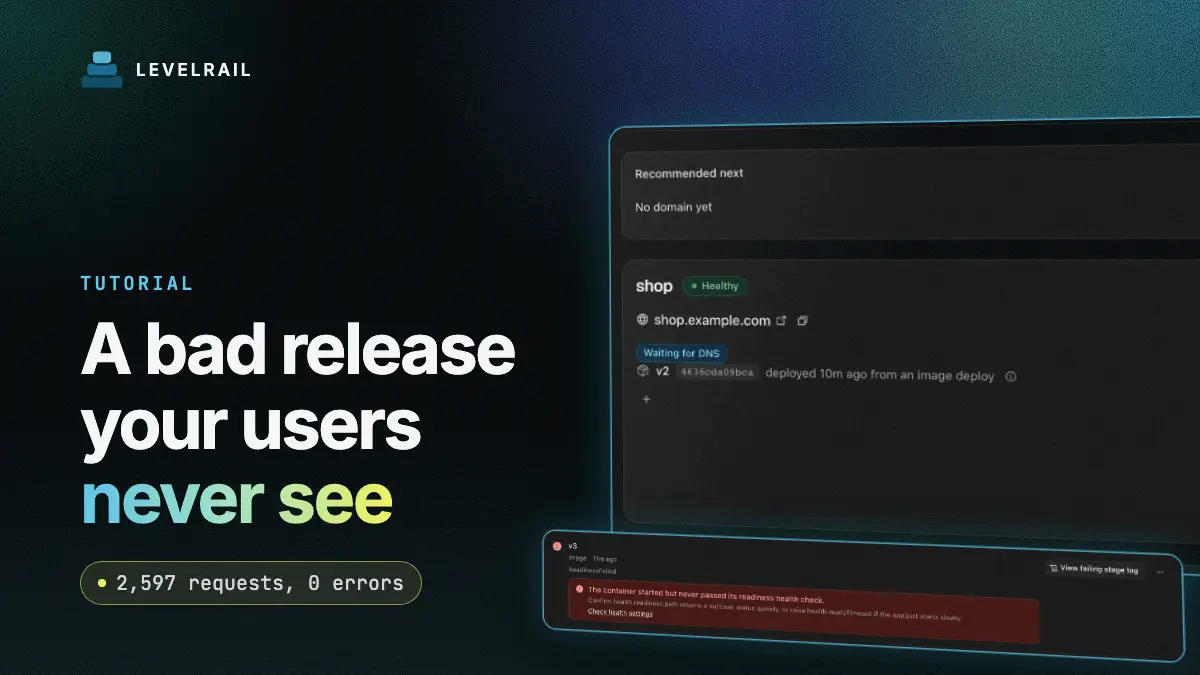
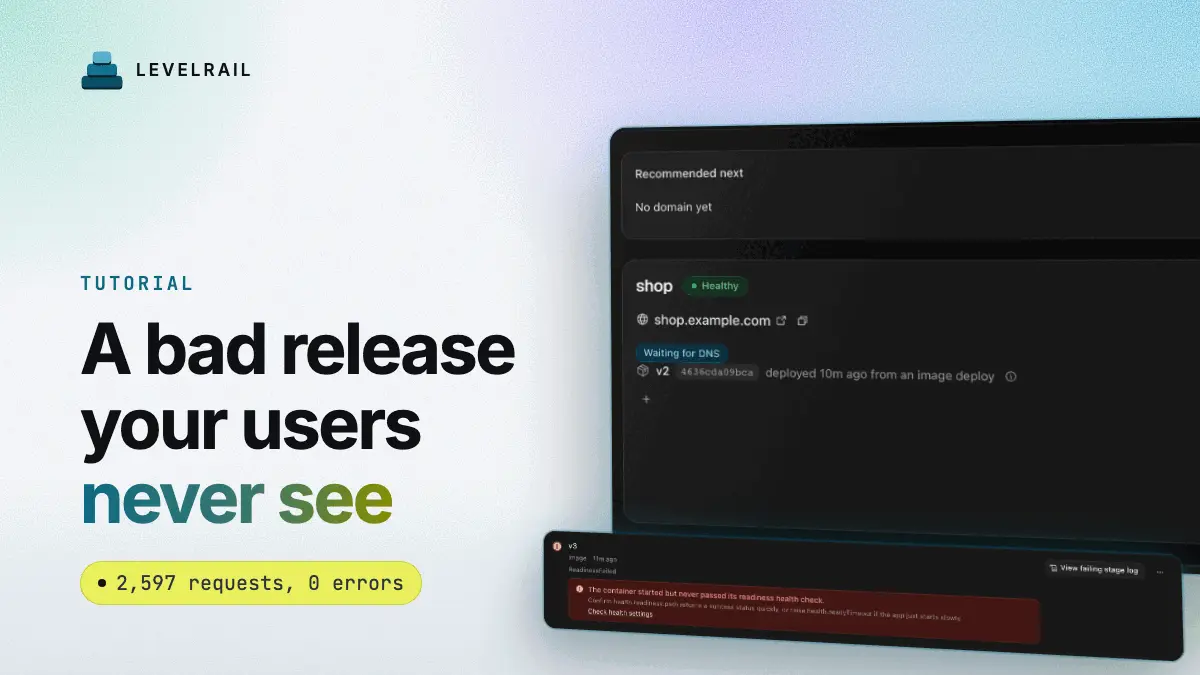
I changed VERSION to v2 and deployed, which went healthy. Then I added import nonexistent_module to urls.py and deployed again. Gunicorn loads your URL module on the first request, so the readiness probe runs straight into the import error on /healthz:
deploy_summary (hello-django): failed [ReadinessFailed] readiness probe: never became ready (context deadline exceeded), last attempt: GET ... returned 500, expected 200-299
deploy dep_mTldH8tKq9QS: failed
failure:  health_check_failed (retryable: false)
  cause:  The container started but never passed its readiness health check.
  fix:    Confirm health.readiness.path returns a success status quickly, or raise health.readyTimeout if the app just starts slowly.
The long probe URL is shortened to ... above. The command exited with code 7, the log excerpt included the Python traceback, and curl still returned hello from django v2. The old release never stopped serving, so users saw nothing. After that I removed the bad import, set VERSION = "v4", and the deploy went healthy in 49 seconds.
Checkpoint: a refused deploy exits non-zero, names the cause and leaves the running release untouched. That makes it safe to run from CI.
Step 5: roll back#
Rollback redeploys the previous successful release from its pinned image, so it needs no old code on your laptop:
levelrail-cli rollback hello-djangorolling back to the previous successful deploy, image hello-django:1979bd864bd90999f033ef4e95fc962211203bd7
reconcile is asynchronous, check "levelrail-cli apps status hello-django"Poll the URL for a few seconds and it serves the previous release again, hello from django v2 in my run. The rollback shows up in apps deploys list as a new deploy with source image, and the older builds are marked superseded. Look at that list before you roll back so you know which image “previous” means.
Checkpoint: curl on the home page returns the older version string.
Step 6: move the secret key into the secret store#
--env stores a plain variable. Secrets belong in the encrypted store:
levelrail-cli apps secrets set hello-django DJANGO_SECRET_KEY "your-long-random-value"
levelrail-cli apps apply hello-django1 changes pending (secret DJANGO_SECRET_KEY). Run: levelrail-cli apps apply hello-django (or pass --apply)
applying 1 pending change(s) to app "hello-django": restarting it (secret DJANGO_SECRET_KEY)The value reaches the container at the next restart, which is what apply triggers. After it, /healthz still answered {"ok": true}. Use a long random value of your own, not the placeholder.
Checkpoint: the output says restarting it (secret DJANGO_SECRET_KEY) and the health route keeps answering.
Run it on a VPS#
Nothing in this guide depends on the Mac. On a server you install Levelrail the same way, log in with levelrail-cli, and run the same deploy . from your project folder. Add your domain with levelrail-cli apps domains add hello-django example.com, point DNS at the box and put that domain in ALLOWED_HOSTS. Keep the health route, the secret store and the rollback habit exactly as shown, and every release gets the same protection on a rented server as it did here.
Quick reference#
| Task | Command or setting |
|---|---|
| Gate every release on a real route | apps health set with --probe readiness --path /healthz |
| Go back to the last good release | levelrail-cli rollback hello-django, then poll the URL |
| Reach the https URL locally | curl -k, or use a real domain for a normal certificate |
| Use a different port | Pass --port to deploy |
FAQ#
Do I need a Dockerfile for Django?#
No. Railpack read requirements.txt and the Procfile. Add a Dockerfile when you want control of the image.
How does Levelrail decide a Django release is healthy?#
Set a readiness path such as /healthz with apps health set. A release that does not return a 2xx status there is refused and the previous release keeps serving.
Where should DJANGO_SECRET_KEY live?#
In the encrypted secret store with apps secrets set. A value passed with deploy --env is a plain variable.
Does rollback need the old code?#
No. Levelrail pins previous images by digest and redeploys one. More in rolling back a failed deploy and managing secrets.
Which Django project will you put behind a health gate first? Levelrail is open source under Apache 2.0, and a star on the repo helps other self-hosters find it.
Frequently asked questions#
Do I need a Dockerfile for Django?
No. Railpack detected Python (Django) from a requirements.txt and a Procfile. Add a Dockerfile only when you want control of the image.
How does Levelrail decide a Django release is healthy?
Set a readiness path such as /healthz with apps health set. A release that does not return a 2xx status there is refused and the previous release keeps serving.
Where should DJANGO_SECRET_KEY live?
In the encrypted secret store, set with apps secrets set. A value passed with deploy --env is stored as a plain variable.
Does rollback need the old code?
No. Levelrail keeps the previous images pinned by digest and redeploys one of them.