 GLINR Studios
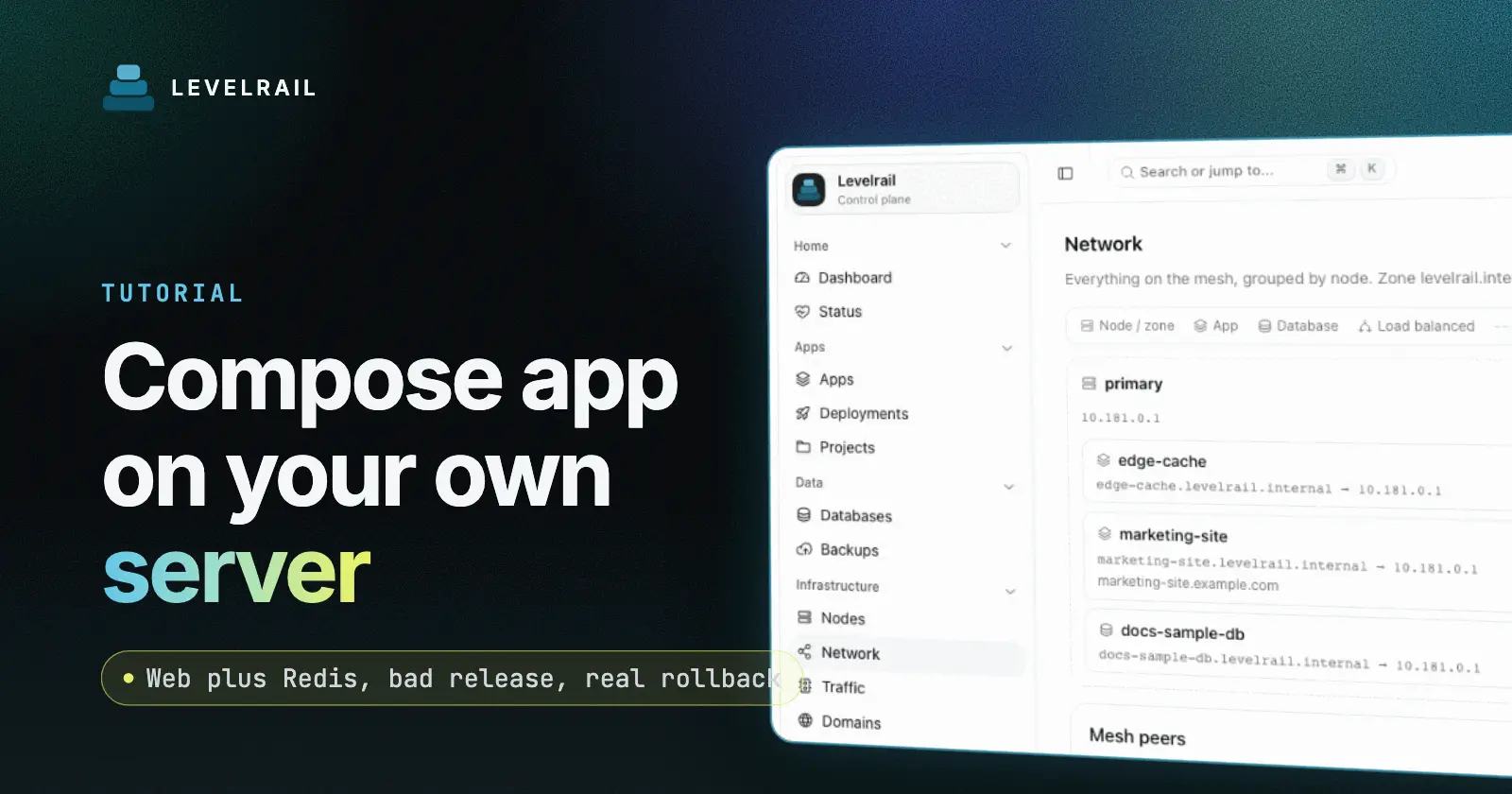
To deploy a Docker Compose app on your own server with Levelrail, run levelrail-cli compose deploy myapp -f compose.yaml. Each compose service becomes a managed container, the web service gets a hostname, and every deploy is a numbered revision you can roll back to. This guide deploys a small web plus Redis app, ships three versions, releases a broken one on purpose and rolls back. The tool is Levelrail, a self-hosted deploy platform. Install it first with the five minute install.
Tested on 2026-11-21 with Levelrail v1.5.7 on a Mac with Docker Desktop, with no real domain. I replaced my public IP with 203-0-113-10, and I shortened my real app name and image names to myapp and compose-app-web in the output. The commands are the same on a server.
Deploy a Docker Compose app self-hosted: the short version#
| Step | What you do | Checkpoint |
|---|---|---|
| 1 | Build and tag the web image, declare it with image: | docker images lists the tag |
| 2 | levelrail-cli compose preview -f compose.yaml | ends with valid |
| 3 | levelrail-cli compose deploy myapp -f compose.yaml | status reads running |
| 4 | Ship a new image by editing the tag and deploying again | the page shows the new version |
| 5 | levelrail-cli compose rollback myapp | the page shows the old version |
The app#
web/app.py is a Python standard library server. It counts hits in Redis over a raw socket, so there is nothing to install. /healthz answers 200 only if Redis answers PING:
def redis_cmd(*parts):
    msg = f"*{len(parts)}\r\n" + "".join(f"${len(p)}\r\n{p}\r\n" for p in parts)
    with socket.create_connection(REDIS, timeout=2) as s:
        s.sendall(msg.encode())
        return s.recv(256).decode().strip()
The Dockerfile is five lines on python:3.12-alpine.
Step 1: build the image and declare it in compose#
In a Levelrail compose file every service names a pre-built image. Build and tag the web image, then reference the tag:
docker build -t compose-app-web:1 webCheckpoint: docker images compose-app-web lists tag 1.
compose.yaml declares both services. Redis keeps its data on a named volume, and the web service carries a healthcheck from the start, so the platform can tell a working release from a crashing one:
services:
  web:
    image: compose-app-web:1
    ports:
      - "8000"
    environment:
      REDIS_HOST: redis
    depends_on:
      - redis
    healthcheck:
      test: ["CMD", "python", "-c", "import urllib.request;urllib.request.urlopen('http://127.0.0.1:8000/healthz',timeout=2)"]
      interval: 5s
      timeout: 3s
      retries: 2
      start_period: 5s
  redis:
    image: redis:7-alpine
    volumes:
      - redisdata:/data
volumes:
  redisdata:
My control plane and my Docker daemon were the same machine, so it used the local image. On a separate server, push the image to a registry the server can pull from and use the full image name in the file.
A healthcheck is a normal part of every service you care about. It gives the platform a definition of working: here, /healthz must answer, which also proves Redis is reachable. The start_period gives the process time to boot before failures count, and retries keeps one slow response from marking a release bad. Tune the interval to how quickly you want a bad release reported.
Step 2: preview#
levelrail-cli compose preview -f compose.yamlSERVICE IMAGE PORT VOLUMES DEPENDS ON GENERATED REQUIRED
redis redis:7-alpine - redisdata:/data - - -
web compose-app-web:1 8000 - redis - -
validCheckpoint: the last line says valid and both services are listed.
Step 3: deploy#
Deploying sends the compose file to the control plane, which creates one managed container per service and records the file as a revision. Because depends_on is enforced as start order, Redis starts before web.
levelrail-cli compose deploy myapp -f compose.yamlmyapp: revision 1, 2 service(s)
myapp-redis redis:7-alpine
myapp-web compose-app-web:1
note: depends_on: is enforced as start order (a dependency's container must be running before its dependent is created); add condition: service_healthy to also wait for the dependency's readiness checkThe command returns at once. Poll the status:
levelrail-cli compose status myappmyapp: progressing (revision 1)
SERVICE READY REASON IMAGE DEPENDS ON MESSAGE
redis True Deployed redis:7-alpine -
web Unknown - compose-app-web:1 redisAbout 25 seconds later it read running (revision 1) with both services ready. Services are named <app>-<service>, so address the web service as myapp-web in app commands.
Checkpoint: compose status myapp shows running and both services ready.
Step 4: hit it and read the logs#
The web service got an automatic hostname. I called it with curl, pinned to loopback:
hello from compose v1, hits=2
hello from compose v1, hits=3
/healthz returned ok with status 200. Logs for the whole stack come from one command:
levelrail-cli compose logs myappredis | 2026-11-22T03:57:17Z 1:M 22 Nov 2026 03:57:17.123 * Ready to accept connections tcp
web | 2026-11-22T03:58:02Z 10.89.2.1 "GET / HTTP/1.1" 200 -Add --service web to narrow it.
Checkpoint: the page answers with the version string and the log shows the GET / request.
Step 5: ship version 2#
I set VERSION = "v2", built compose-app-web:2, changed the tag in the compose file and deployed again. That created revision 2. The page answered hello from compose v2, hits=5, so the counter in Redis survived because only web changed.
Checkpoint: the page now says v2 and the hit counter kept counting.
Step 6: release a broken version and watch it be contained#
Version 3 adds import nonexistent_module at the top, a release that crashes on start. This is the case the platform exists for. Deploy it with the healthcheck in place:
SERVICE  READY  REASON            IMAGE              MESSAGE
web      False  CrashLoopBackOff  compose-app-web:3  "myapp-web-8bdc3627" keeps exiting (1 restarts), next restart in 5s
The status reports the crash loop by name. Meanwhile customers were safe: curl kept returning hello from compose v2 from the previous container, because the new one never took traffic. The log carried the traceback for the cause:
stderr     import nonexistent_module
stderr ModuleNotFoundError: No module named 'nonexistent_module'
Checkpoint: status is degraded, and the page still says v2.
Step 7: roll back#
levelrail-cli compose rollback myappmyapp: rolled back to revision 2 (now revision 4)Rollback re-applies the old compose file as a new revision, so history only grows. The new entry in the revision list has the source rollback. Twenty seconds later docker ps showed one web container on compose-app-web:2 and one Redis. The crashing container was gone, and the page said hello from compose v2, hits=13. You can also target a specific revision with --revision, and the status settles on running after a short readiness window.
Checkpoint: one web container on tag 2, one Redis, and the counter still counting.
Changing Redis and cleaning up#
Stateful services like Redis change rarely. When they do, edit the service in the compose file and run compose deploy again, so the whole stack moves as one revision. Day to day, ship new tags of the stateless web service and leave Redis and its volume in place.
To remove the stack:
levelrail-cli compose down myapp --volumesIt removed both services and the redisdata volume. Without --volumes the volume is kept, which is what you want when you only retire the app for a while.
Where to go next#
For the general rollback mechanics read rolling back a failed Docker deploy, and for how a new release takes over without a gap read zero downtime deploys for Docker apps. When you add a real database, self-hosted Postgres for a Docker app covers connecting it.
FAQ#
How do I declare services for Levelrail compose deploy?#
Give each service a pre-built image: tag. Build and tag your app image first, and push it to a registry when the server is a different machine.
Does a crash looping release take traffic?#
No. The previous web container keeps answering while the new one restarts, and with a healthcheck the status reads degraded and names the crash loop.
How does compose rollback work?#
It re-applies an earlier compose file as a new revision, so history only grows, and the leftover containers from newer releases are removed.
Is my Redis data kept between web deploys?#
Yes. Redis keeps its data on a named volume, and a deploy that only changes web leaves it alone.
Levelrail is open source under Apache 2.0. Which service in your stack would you move to a compose file first? If this saved you time, a star on the repo helps other self-hosters find it.
Frequently asked questions#
How do I declare services for Levelrail compose deploy?
Give each service a pre-built image: tag. Build and tag your app image first, and push it to a registry when the server is a different machine.
Does a crash looping release take traffic?
No. The previous web container keeps answering while the new one restarts. With a healthcheck on the service, the status reads degraded and names the crash loop.
How does compose rollback work?
It re-applies an earlier compose file as a new revision, so history only grows, and the leftover containers from newer releases are removed.
Is my Redis data kept between web deploys?
Yes. Redis keeps its data on a named volume, and a deploy that only changes web leaves it alone. compose down keeps volumes unless you add --volumes.