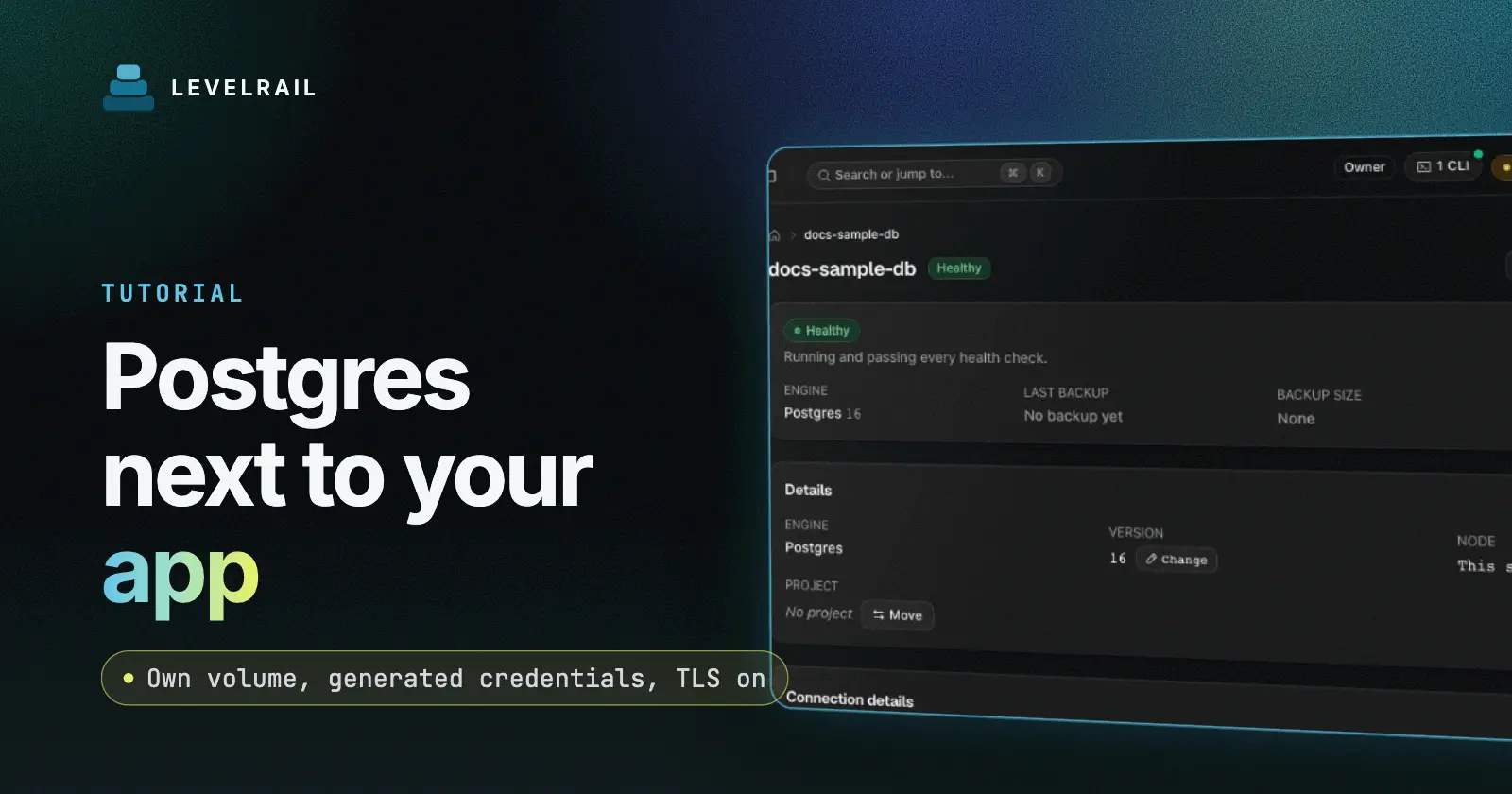
By the end of this guide you have a Postgres database running in Docker next to your app, with its own data volume and generated credentials. Your app gets the connection string in an environment variable, with TLS on, and a badge tells you whether the app can reach the database before you deploy. The tool is Levelrail, a self-hosted deploy platform. You need a server with it installed (see the five minute install) and an app to connect.
The common self-hosting mistake is putting the database in the same compose file as the app. A redeploy recreates both, and one bad afternoon costs you data. Here the database is a separate resource that outlives every deploy of the app.
Checked on 2026-11-01 against the current Levelrail release.
Self-hosted Postgres in Docker: the short version#
| Step | Command | Result |
|---|---|---|
| 1 | levelrail-cli databases create --interactive | A Postgres container with generated credentials |
| 2 | levelrail-cli apps connect your-app main-db | The connection string lands in an env var |
| 3 | Read the badge | You know the app can reach the database |
| 4 | levelrail-cli apps apply your-app | The running container picks up the new variable |
Why a database is its own resource#
An app is a container, a build, some routing and a scaling rule. A database needs almost none of that. It needs a data volume that survives redeploys and a credential nobody types by hand. Levelrail models a database as its own resource instead of an app with a flag, so a rolling deploy never touches your data.
Levelrail runs thirteen engines, including Postgres, Redis, MySQL, MongoDB, MariaDB, Valkey, ClickHouse and Qdrant. GET /api/v1/database-engines serves the live list.
Create the Postgres database#
Guided mode asks for the pieces and fills in defaults:
levelrail-cli databases create --interactiveOr pass everything in one command:
levelrail-cli databases create --name main-db --engine postgres --version 16Interactive mode also prompts for resource limits, public access and a backup schedule. Without --node-id, the database goes on the least-loaded registered node, or the local node if you only have one.
Creating a database stores the desired state and returns right away. The reconciler starts the container on its next pass. Check on it:
levelrail-cli databases get main-db
levelrail-cli databases status main-db
Checkpoint: the status shows the database running. “Ready” means the engine port accepts a TCP connection.
Connect the app to the database#
levelrail-cli apps connect your-app main-db
levelrail-cli apps connect your-app cache --field host --env-var CACHE_HOST
The default field is url, the full connection string. Other fields are host, port, username, password and database. Redis, KeyDB and Dragonfly have no username or database, and the CLI rejects those fields for them.
The env var name defaults to <DATABASE>_DATABASE_URL for the url field and <DATABASE>_DB_<FIELD> for the others. If the name already exists, Levelrail adds a number. Pass --env-var to pick your own. One app can hold any number of connections. Not sure what you can connect to? This lists every database the app could use and flags the ones already connected:
levelrail-cli apps connections suggest your-app
levelrail-cli apps connections list your-app
suggest lists what exists. It does not check whether the schema fits your app. list shows the exact env var names, so read your variable name there.
TLS you did not have to configure#
Postgres and Redis get TLS at creation. MySQL, MariaDB and MongoDB get it on databases created after TLS support landed. You flip no switch. When an app connects to a TLS-enabled Postgres, the URL carries sslmode=require. For Redis it uses the rediss:// scheme. Nothing in your app spec opts in.
Once “Require TLS” is on for a database, it refuses clients that set sslmode=disable. The fix is in the connection string, not the database. See database access.
Read the reachability badge#
Every connection shows one of three badges in apps connections list and on the dashboard’s Connections card.
| Badge | Meaning |
|---|---|
| Same node | App and database share a node. The name resolves to a plain container name. |
| Cross-node (mesh DNS) | Different nodes, mesh networking on. The name resolves to a mesh DNS name. |
| Cross-node, mesh disabled | Different nodes, no mesh. This connection will not reach the database. |
The third badge is the useful one. Without it, you find out when the app logs a timeout. With it, you know before you deploy. The fix is to enable mesh networking or move one resource so both share a node. Placement is a one-liner: levelrail-cli databases set-node main-db <node-id>. With one server, you always get “Same node”.
Apply the change#
Levelrail injects connection env vars when the container starts. They are not read from app.yaml, and editing the same key by hand in the Env tab gets overwritten at the next deploy. The dashboard labels them system-managed. Restart the app to pick up the variable:
levelrail-cli apps apply your-appTo remove one:
levelrail-cli apps disconnect your-app CACHE_HOSTDisconnecting is safe to repeat. It stops injecting the value into new containers and leaves running ones alone.
What can go wrong#
| Symptom | Cause and fix |
|---|---|
| Database shows “Not created yet” | The reconciler has not run, or Docker is unreachable. It retries on its own. |
| App logs a timeout | Check the badge. Cross-node with mesh disabled does not connect. |
| App still has the old connection string | Run levelrail-cli apps apply your-app. After a credential rotation, restart the app too. |
| Delete refused with a 409 | Apps still connect to the database. Disconnect them, or use --force. |
| Recreated a database and the old data is back | Delete keeps the data volume on purpose. Use --existing-volume discard to start empty. |
Deleting a database stops and removes the container and the record, but keeps the data volume and your backups. A mistaken delete never destroys data. --delete-data --confirm NAME removes the volumes too.
Before you trust it with real data#
Set a backup schedule, then restore once. A backup you never restored is a hope, not a backup. Scheduled backups are re-verified after each run. See backup targets and restores for the S3 setup.
What I have not verified yet#
I have not run this exact walkthrough on a fresh server for this post, so it has no pasted output. I have run cross-node reachability over the WireGuard mesh only locally, across two Docker daemons, not over a real WAN. Treat the “Cross-node (mesh DNS)” badge as a pointer to check, not a guarantee. The restore path for Postgres has live Docker tests behind it, but I have not restored your data for you.
FAQ#
Should the database share a compose file with my app?#
No. A shared file means a redeploy recreates both. A separate resource keeps its volume across deploys.
Can one app use more than one database?#
Yes. Connections have no cap on count. The older attach flow allowed exactly one database per app, and both can coexist. Use connections for new work.
Is the TLS certificate verified by clients?#
The certificate comes from the platform, and the sslmode=require setting encrypts traffic. It does not make the client verify the server identity. Treat it as protection against passive listeners.
What next?#
Pair the database with a Next.js app. Reference pages: Managing databases, Connecting apps to databases and Network topology.
Levelrail is open source under Apache 2.0. If this saved you time, a star on the repo helps other self-hosters find it.