 GLINR Studios
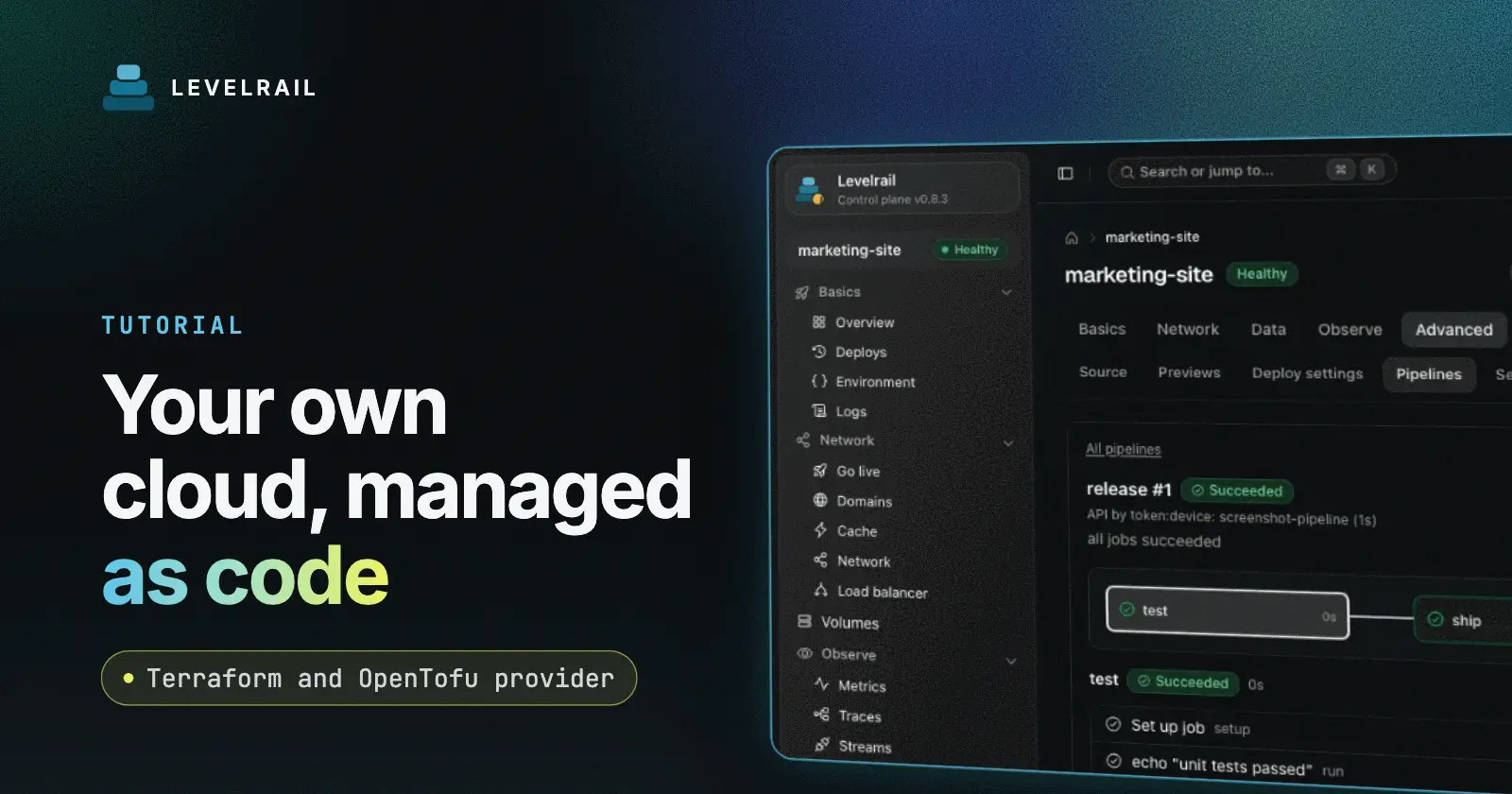
You can manage a self-hosted Levelrail server from Terraform or OpenTofu with the glincker/levelrail provider, which is listed on both registries. It talks to the same REST API as the dashboard and CLI with your own token, so projects, environments, apps, domains and databases can live in version control.
This post follows the provider docs and the packages page. It does not add behavior the docs do not state, and it marks what the provider leaves out. You need a running Levelrail control plane first: see the install page.
Why manage a PaaS as code#
Clicking through a dashboard works for one app. Once you have staging and production, several apps and a database or two, you want the setup written down, reviewed in a pull request and repeatable. A plan shows what would change before anything changes.
The provider does not bypass the platform. Because it uses your token against the same API, every policy and approval rule still applies. It lives in its own Go module and never ships inside the control plane binary.
Install the provider from either registry#
The provider is on the Terraform registry and the OpenTofu registry under the same name. Declare it in main.tf:
terraform {
  required_providers {
    levelrail = {
      source = "registry.terraform.io/glincker/levelrail"
    }
  }
}

provider "levelrail" {
  url   = "https://deploy.example.com"
  token = var.api_token
}
Then run terraform init or tofu init. To test a build from the repository instead of the registry release, the docs describe a dev_overrides setup; with that override you skip init for this provider and run plan and apply directly.
Authenticate with your own token#
url and token fall back to the APP_API_URL and APP_API_TOKEN environment variables, the same ones the CLI reads. The docs recommend the variables over writing the token into a file:
export APP_API_URL=https://deploy.example.com
export APP_API_TOKEN=<your token>
Create the token in the dashboard or CLI. The provider cannot create tokens, so you pass the one you made in as a variable.
Which resources exist#
The docs list these resources:
| Resource | Manages |
|---|---|
levelrail_project | A project |
levelrail_environment | An environment of a project, including protected |
levelrail_app | Image, port, replicas, strategy, env vars, limits, restart policy, probes, published ports and more |
levelrail_domain | One hostname routed to an app |
levelrail_database | A managed database and its connection pooler settings |
levelrail_environment_variables | Variables shared by a project or an environment |
levelrail_app_secret | One secret value for an app |
levelrail_alert_rule | An alert rule on one app |
levelrail_cron_job | A scheduled command of one app |
levelrail_status_page, levelrail_status_component | The public status page and its rows |
levelrail_setting | One runtime setting |
levelrail_node_labels | Labels and taints on an existing node |
There are also data sources: levelrail_apps, levelrail_nodes, levelrail_app_secrets, levelrail_cron_jobs and levelrail_projects. The nodes data source needs a root token.
A small example from the docs#
This is part of the complete example in the docs: a project, an app in it and a domain.
resource "levelrail_project" "shop" {
  name = "shop"
}

resource "levelrail_app" "web" {
  name       = "shop-web"
  image      = "ghcr.io/example/shop:1.4.2"
  port       = 3000
  replicas   = 2
  project_id = levelrail_project.shop.id
}

resource "levelrail_domain" "web" {
  app  = levelrail_app.web.name
  host = "shop.example.com"
}
The docs also note a few behaviors worth knowing before you apply:
- Manage hostnames only with
levelrail_domain, not through the app resource. levelrail_app.env, when set, replaces the live plain variables. Leave it unset to manage variables elsewhere.levelrail_environment_variablesonly manages the keys you list.- A database engine or version change forces a replace, which destroys data. Use
prevent_destroyon databases you care about. - A project cannot be deleted while it still holds apps.
Import what already exists#
Every resource supports terraform import, treats a 404 on read as drift and reads the live object after each write. Import IDs differ by resource, for example a project ID for levelrail_project, app_name/host for levelrail_domain and the app name for levelrail_app. The full table is in the docs.
An imported app shows its lists, sets and maps (command, labels, published ports, volumes, tags, exec probes, env) as unset until you add them to the configuration. Leaving one unset never wipes what the dashboard configured.
What is not covered#
The docs are explicit that the provider is not a full mirror of the platform. Not covered today:
- Vault-backed variables and bulk secret import. A single secret set with
levelrail_app_secretlands in Terraform state, so protect the state. - Bind mounts, hooks, egress policy and GPU requests on apps.
- Git and build sources, deploys and rollbacks, which are actions rather than state.
- Per-domain settings such as TLS certificates, redirects, headers, WAF, caching and auth gates.
- Creating or removing nodes, load balancers, pipelines, notification channels, backups, teams, users, roles and tokens.
- Database users, backup schedules, placement, public access and upgrades.
The docs point to their Platform as code page for some of these through the CLI. This post does not verify those claims beyond what the docs state.
FAQ#
Does the provider work with both Terraform and OpenTofu? Yes. It is listed as glincker/levelrail on both registries, and the same required_providers block works with terraform init or tofu init.
Can the provider create API tokens? No. The API only lets an interactive session create or revoke tokens. Make one in the dashboard or CLI and pass it in as a variable.
Can I import apps I already created in the dashboard? Yes, every resource supports import. Add the fields you want managed to the configuration afterwards.
Next steps#
Read the provider docs, check the other places Levelrail is published on the packages page, and install the server from the install page if you have not yet.
Frequently asked questions#
Does the provider work with both Terraform and OpenTofu?
Yes. The provider is listed as glincker/levelrail on the Terraform registry and on the OpenTofu registry. Use terraform init or tofu init with the same required_providers block.
Can the provider create API tokens?
No. There is no token resource. The API only lets an interactive session create or revoke tokens, so a provider holding a token cannot mint another one. Create tokens in the dashboard or CLI and pass them in as variables.
Can I import apps I already created in the dashboard?
Every resource supports terraform import. An imported levelrail_app shows its lists, sets and maps as unset until you add them to the configuration.