
Self-host Vaultwarden on your own server
Vaultwarden is a lightweight server that works with the official Bitwarden apps and browser extensions. In this tutorial you will deploy it from Levelrail's template catalog in one command, check that it is alive, put it on a domain, and back up its data. The same steps work for the rest of the catalog.
Before you start
- A running Levelrail instance and the CLI logged in to it (installing).
- A domain you can point at the server. Bitwarden clients require HTTPS, so a plain
host:portaddress is only good for a first check.
1. Find the template
levelrail-cli templates list | grep -i vaultwardenvaultwarden Vaultwarden Security ~0 GiB - A lightweight, self-hosted password manager server compatible with the Bitwarden clients.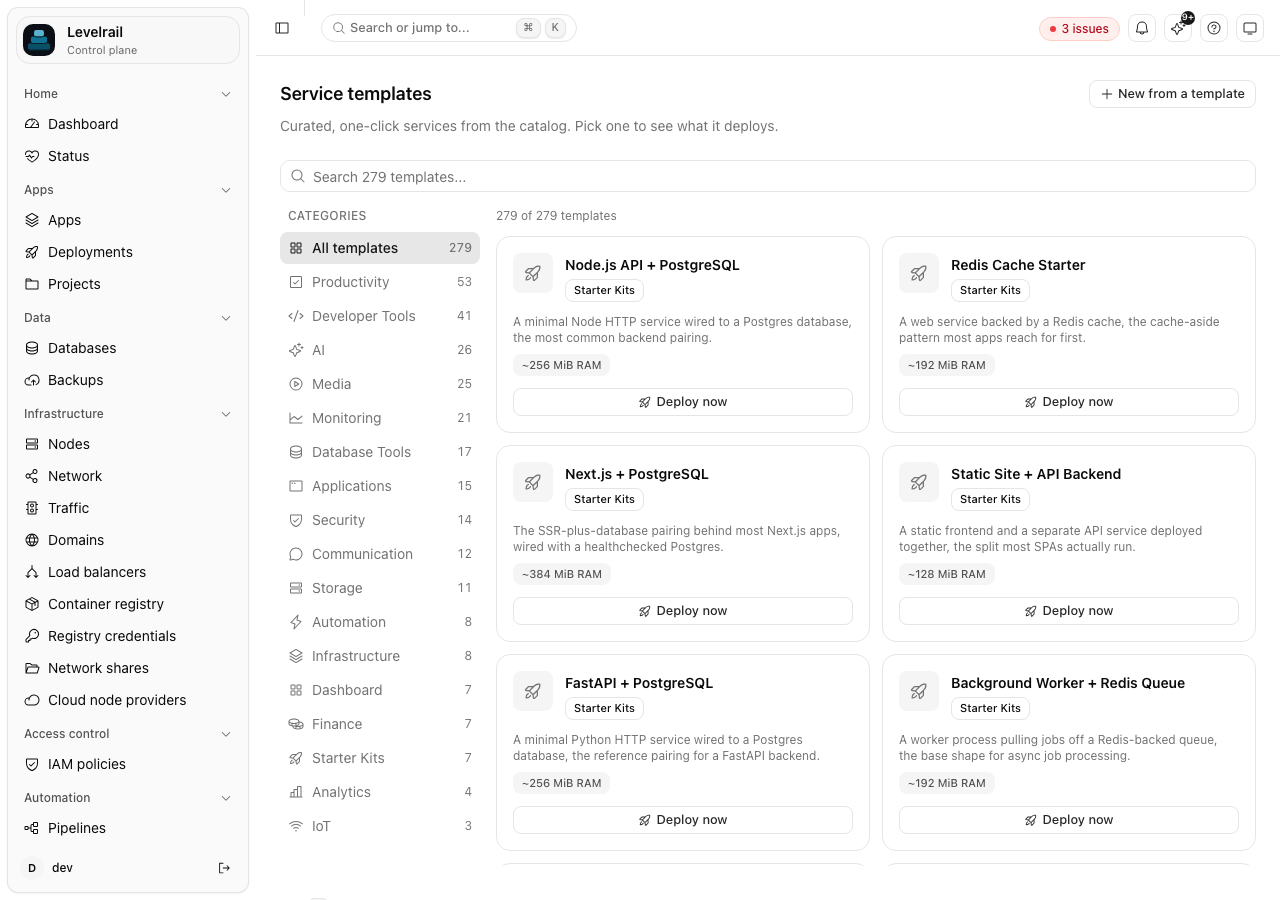
The dashboard's Templates page lists the same catalog with search and categories. To see exactly what a template deploys before you run it:
levelrail-cli templates get vaultwardenIt prints the Compose file: the image, a persistent vaultwarden_data volume, a health check, and an ADMIN_TOKEN that Levelrail generates for you.
2. Deploy it
levelrail-cli templates deploy vaultwardenapp_id: vaultwarden
deployed 1 service(s):
vaultwarden-vaultwarden vaultwarden/server:1.32.1A template deploys as a project, and each service in it becomes an app named <template>-<service>. Here the app is vaultwarden-vaultwarden. Use that name in every command from now on. levelrail-cli apps list shows it.
3. Check that it is alive
levelrail-cli apps wait vaultwarden-vaultwarden
levelrail-cli apps network vaultwarden-vaultwardencontainer port: 80
host port: 62531
running: trueCall Vaultwarden's own health endpoint on that port:
curl -i http://127.0.0.1:62531/aliveA 200 response with a timestamp means it is up.
4. Put it on a domain
levelrail-cli apps domains add vaultwarden-vaultwarden vault.example.comCreate an A record for vault.example.com pointing at your server, then check it with levelrail-cli domains check vaultwarden-vaultwarden vault.example.com.
Every routed domain gets a TLS certificate. By default it is self-signed, which Bitwarden clients reject. For clients to connect you need a certificate they trust: either enable Let's Encrypt under Settings, Domains, or upload your own. Real ACME issuance is built but not yet verified against a public domain, so read Domains and ingress and the ACME verification runbook first.
5. Read the admin token
Levelrail generated the admin token when it deployed. Read it from the running container:
levelrail-cli apps exec vaultwarden-vaultwarden -- printenv ADMIN_TOKENYou will need it for the /admin page. Treat it like a password. Anyone with this token can administer your instance.
Back up the data
Vaultwarden keeps everything, including your vault, in the vaultwarden_data volume. Losing that volume loses every password, so back it up before you rely on it. The health score warns about exactly this:
levelrail-cli apps health-score vaultwarden-vaultwardenDeploy health pass last 1 deploy attempt(s) all succeeded
Security pass no public domains configured
Resilience warn no backup schedule configured for volume(s): ...vaultwarden_data
Observability fail no alert rules configured for this appConnect a bucket by following Back up Postgres to S3, then back up the volume:
levelrail-cli app-volume-backups trigger vaultwarden-vaultwarden vaultwarden_data --target bkt_Ra-kILVUyJaw
levelrail-cli app-volume-backups list vaultwarden-vaultwarden vaultwarden_dataID TARGET STATUS SIZE STARTED FINISHED
bkh_URES0h4165gg bkt_Ra-kILVUyJaw succeeded 290304 2026-10-05T02:34:24Z 2026-10-05T02:34:25ZTo restore, run levelrail-cli app-volume-backups restore vaultwarden-vaultwarden vaultwarden_data --backup <id> --confirm vaultwarden-vaultwarden/vaultwarden_data. Restoring replaces the volume's contents, which is why the confirmation is the full app/volume name.
Update it later
Change the image tag and redeploy:
levelrail-cli apps deploy vaultwarden-vaultwarden --image vaultwarden/server:<new-version>
levelrail-cli apps wait vaultwarden-vaultwarden
If the new version misbehaves, roll back with levelrail-cli apps deploys rollback-to. See Deploy a Docker app.
Clean up
levelrail-cli apps delete vaultwarden-vaultwardenWhere to go next
- Template catalog: every one-click service, by category.
- Templates and registry: how templates work and how to save your own.
- Debug a slow or failing app with built-in logs and metrics.