
A reconciler, not Swarm services
Desired state lives in the database and a level-triggered loop converges each node toward it, recording a status condition with a reason after every pass.
Dokploy alternative
Levelrail runs apps on plain Docker with its own reconciler and a small agent per node. No Swarm and no overlay network to debug.
curl -fsSL https://levelrail.com/install.sh | sudo sh
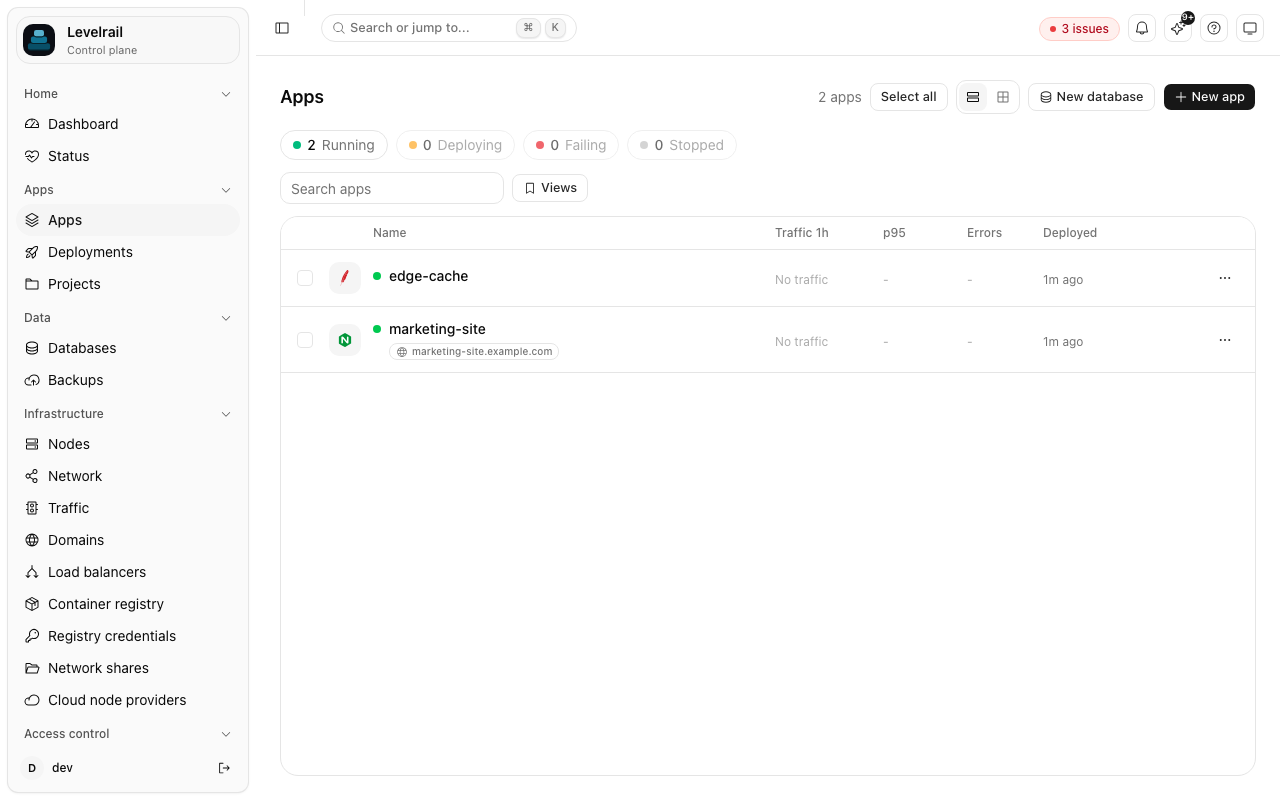
Desired state lives in the database and a level-triggered loop converges each node toward it, recording a status condition with a reason after every pass.
Each extra server runs a small agent that dials out to the control plane with mutual TLS. Cordon and drain relocate containers between real Docker daemons.
Metrics, full-text logs, crashloop detection with the last log lines, and alerts to 18 notification channel kinds all ship in the box, with no extra stack to install.
The importer reads your existing instance through its own HTTP API and never changes anything there. Run it with --dry-run first to see exactly what would be created.
Dokploy is a polished project built on a mature mechanism. These are the design differences.
Run the install script on any Linux server with outbound access.
The importer only reads from Dokploy through its API. Use --dry-run to see the report first.
Run both for a while. Rollback, readiness gating and the built-in charts are easy to judge side by side.
No. It runs plain Docker containers on each node, driven through the Docker Engine API by a reconciler. Placement across nodes is explicit, and cordon and drain are supported.
Use the platform importer, levelrail-cli import platform dokploy with your Dokploy URL. It is read-only against the source and supports --dry-run and --only.
Yes, Apache 2.0 with a single edition and no feature gated behind a plan.
It is pre-release and moving fast. Single node is the most tested path, and multi-node enrollment, cordon and drain have been verified against real Docker daemons.
Install it on a spare server and import read-only. If it is not for you, nothing was changed.