
Demo
See a deploy from install to rollback
A walkthrough of the dashboard and the CLI, using real screenshots. No sign-up, nothing to host on our side: try the same steps on your own server.
curl -fsSL https://levelrail.com/install.sh | sudo sh
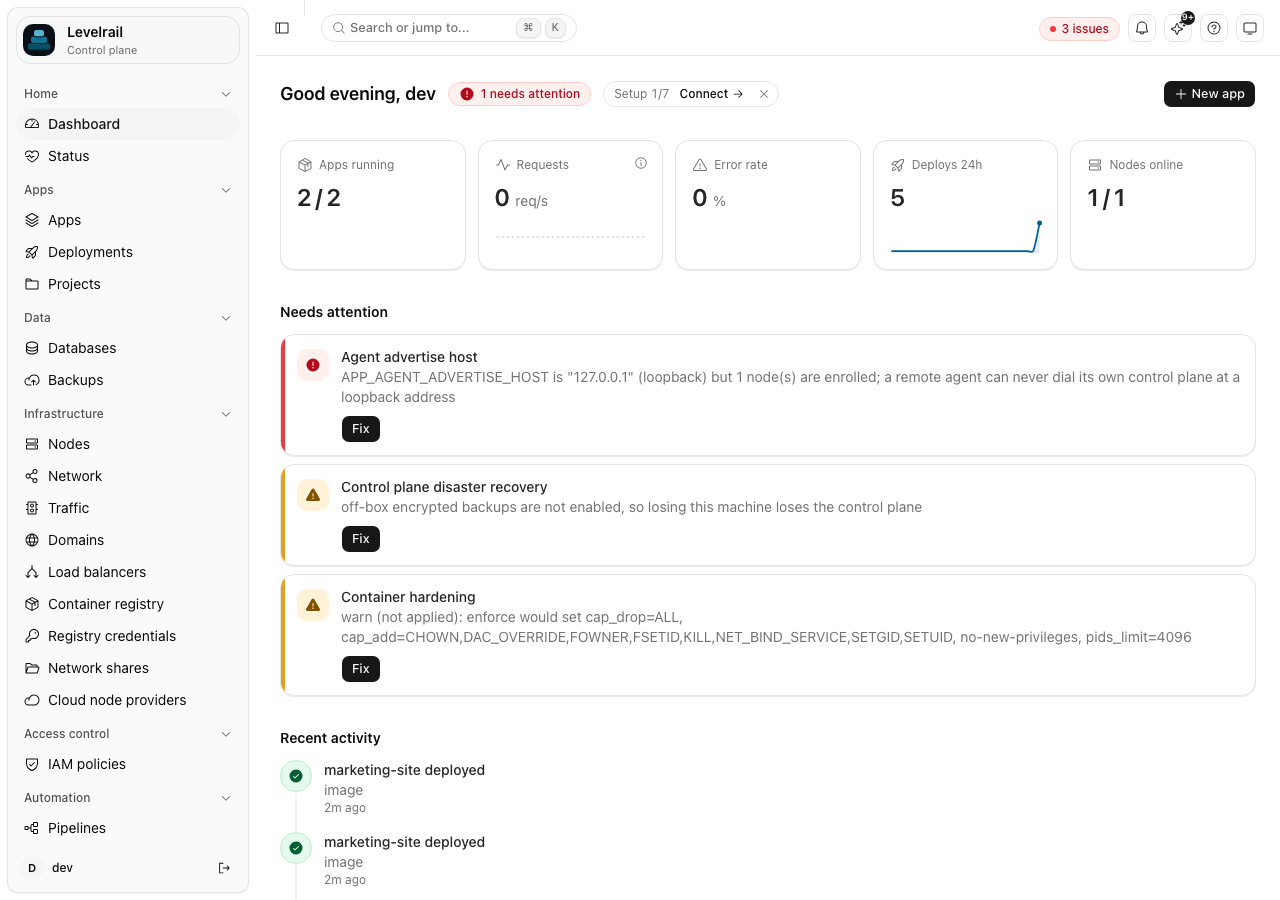
Install and first deploy
The install script checks the host, installs Docker if it is missing and starts the control plane as a systemd service. Then you deploy.
What to try first
- 1
Install and open the dashboard
Run the install script, then sign in with the setup token it prints.
- 2
Deploy something small
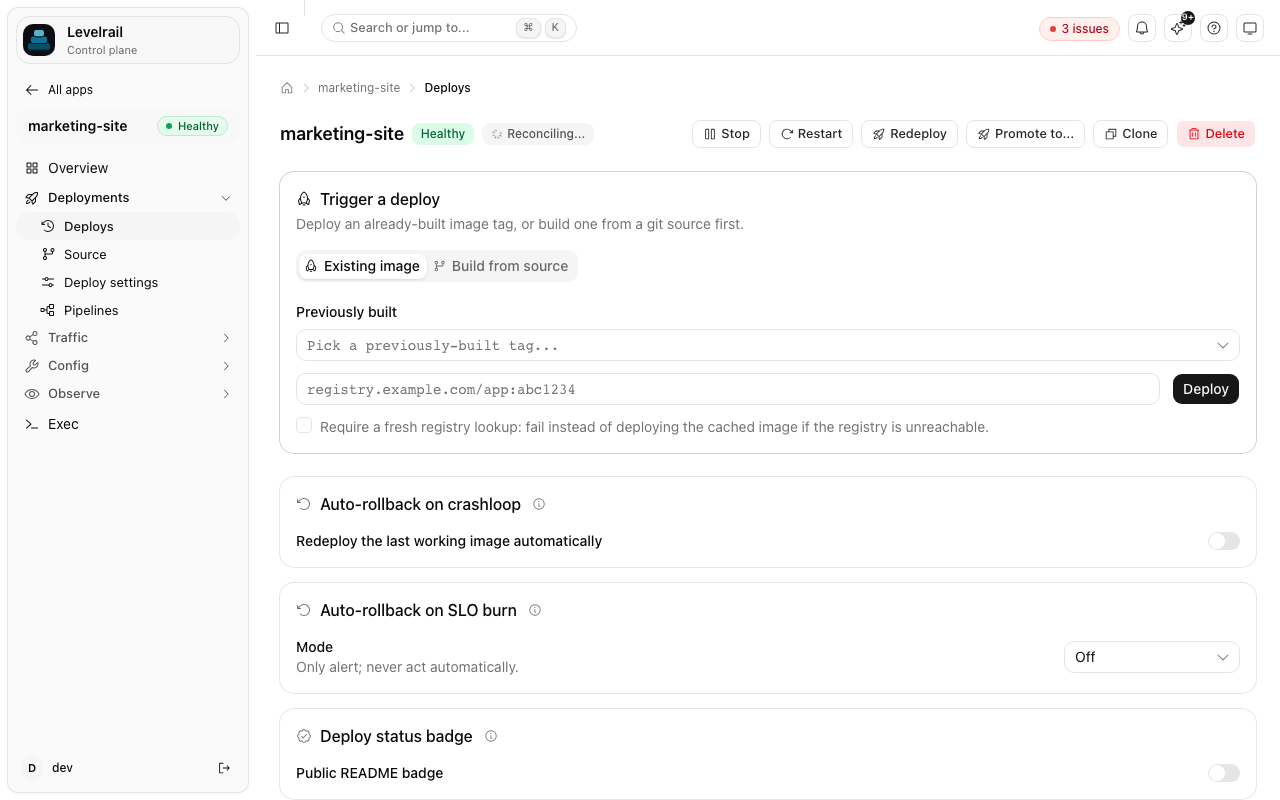
Connect a repo or point at an image and watch the build and the readiness gate.
- 3
Break it on purpose
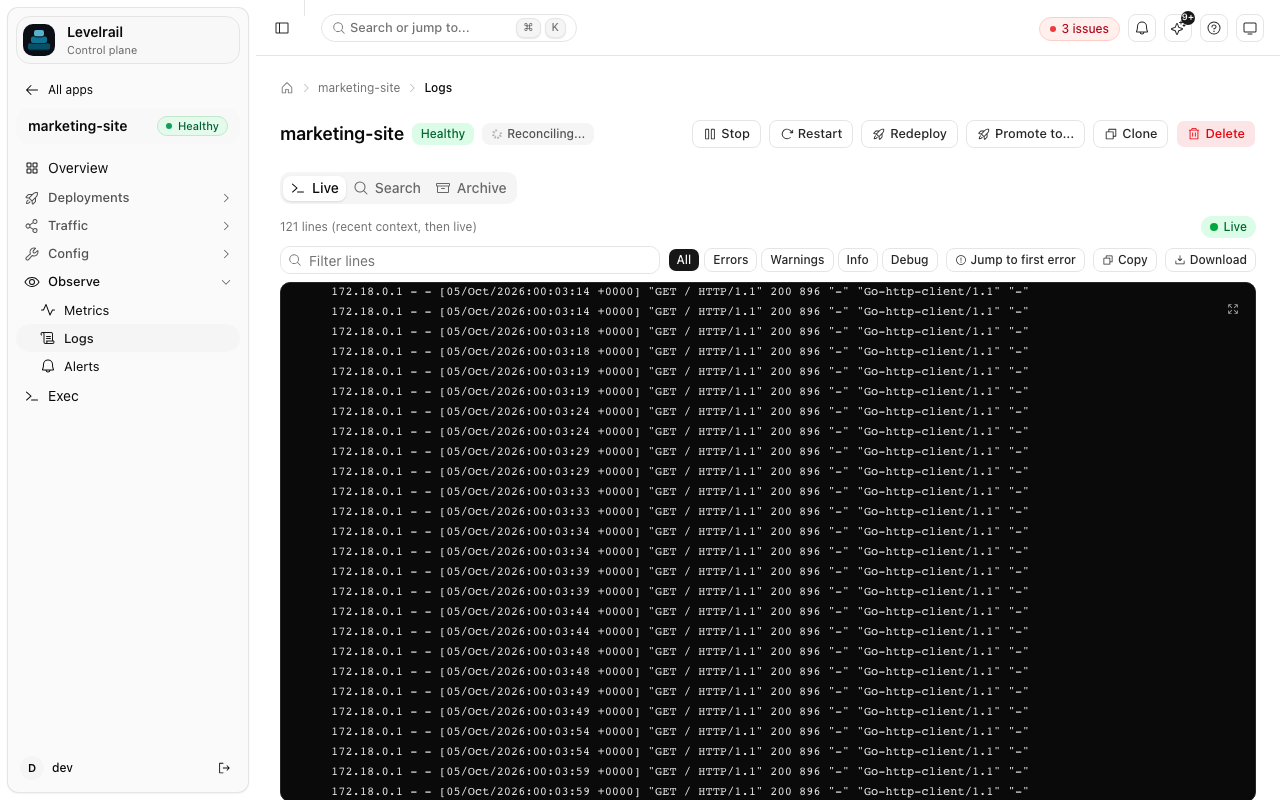
Deploy a failing version, see the crashloop detection with the last log lines, then roll back.
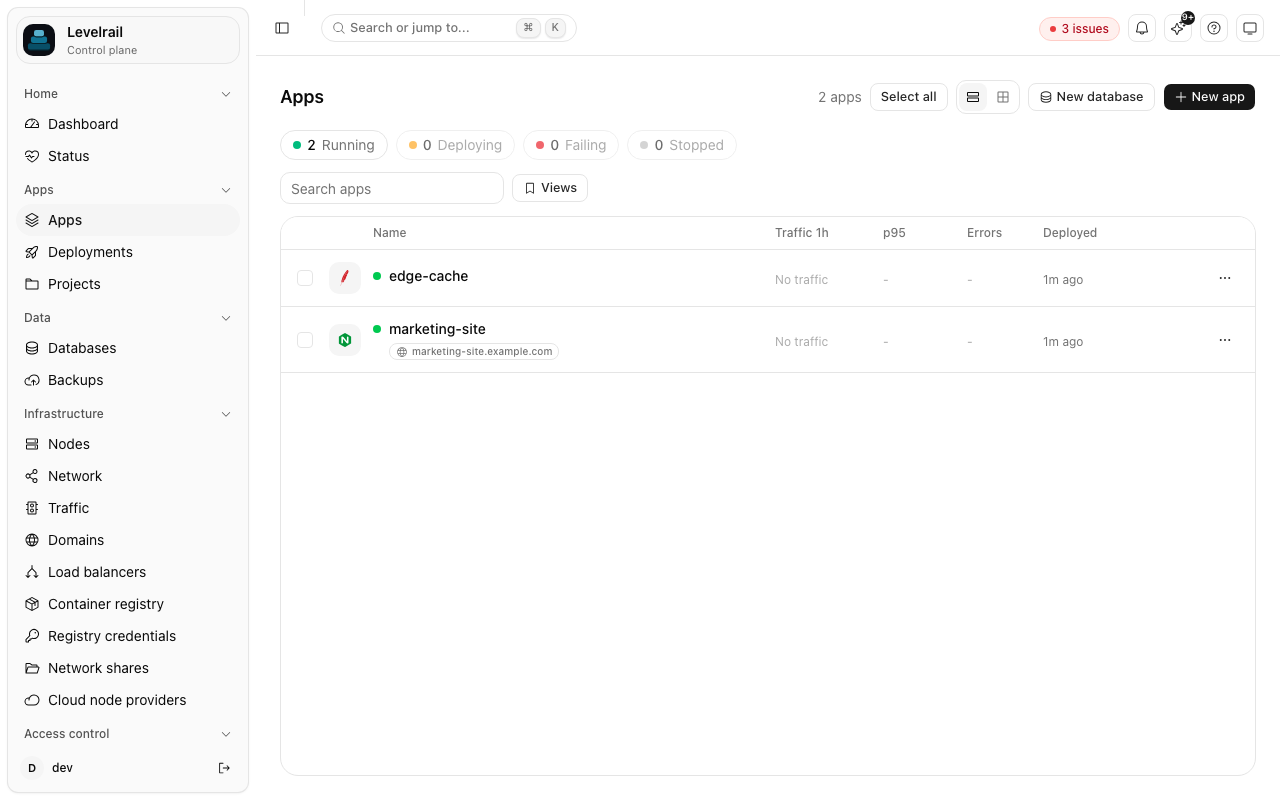
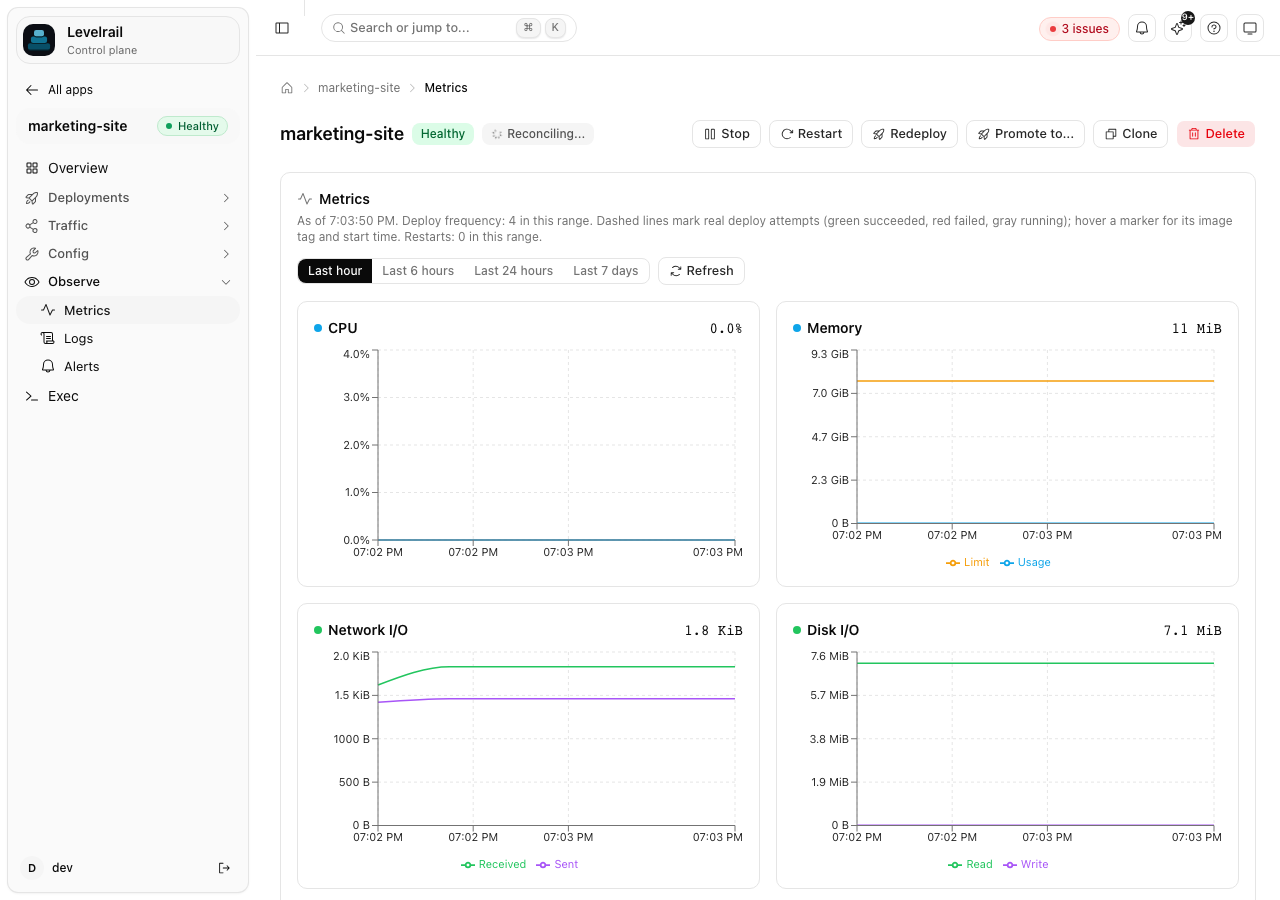
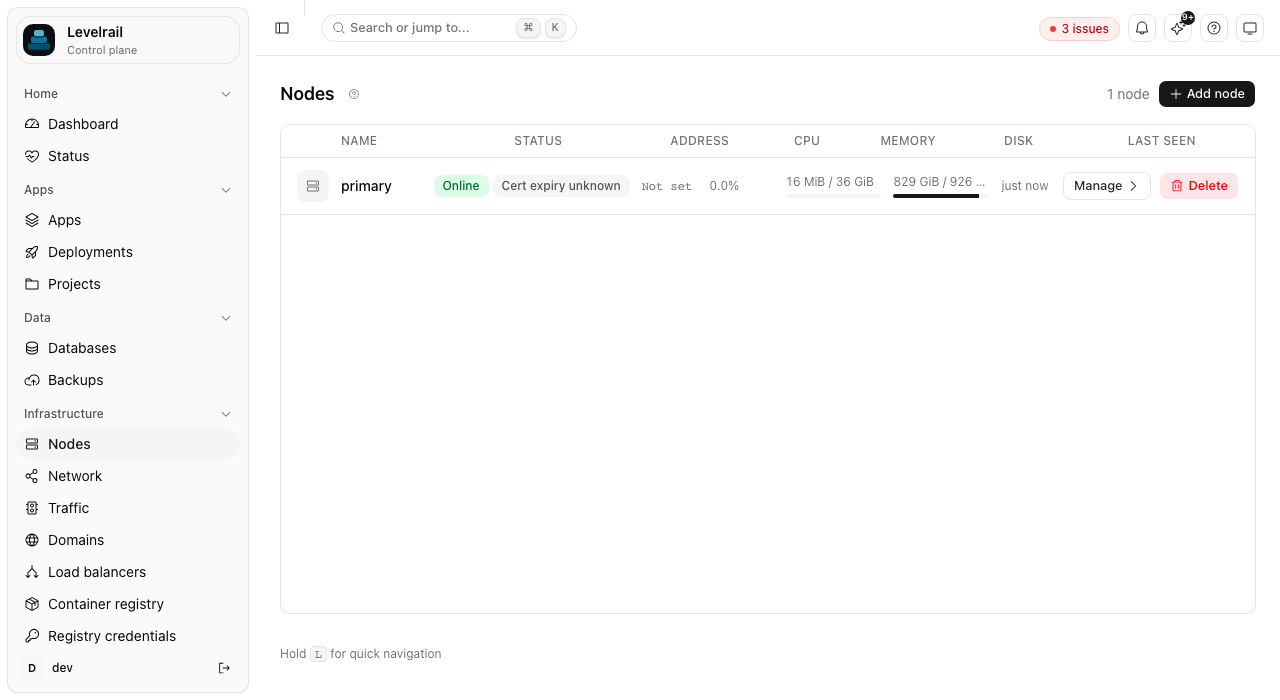
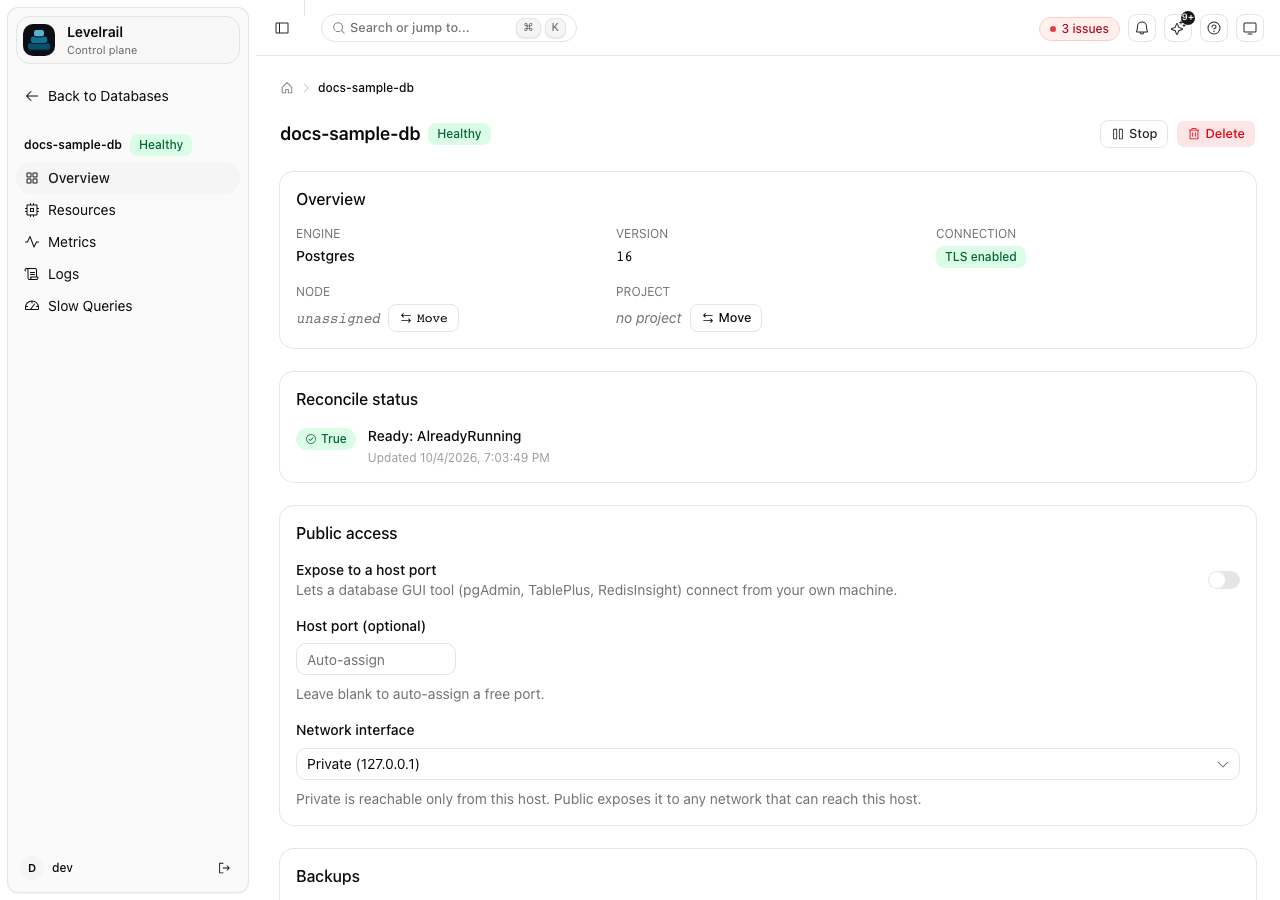
A tour of the dashboard
Frequently asked questions
Is there a hosted demo?
No. Levelrail is self-hosted, so the quickest demo is the install script on any Linux box. The screenshots here are from a real dashboard.
How long does the install take?
The install script handles the host check, Docker and the systemd service in one run. Most of the time is Docker pulling images on a fresh server.
Can I try it without touching my current setup?
Yes. Install on a spare server. If you use the importer, it is read-only against your existing platform.
Run the demo on your own server
Ten minutes, one small VPS, nothing to sign up for.